
Shopify Flow Out-of-Stock Trigger: Respond to the Transition
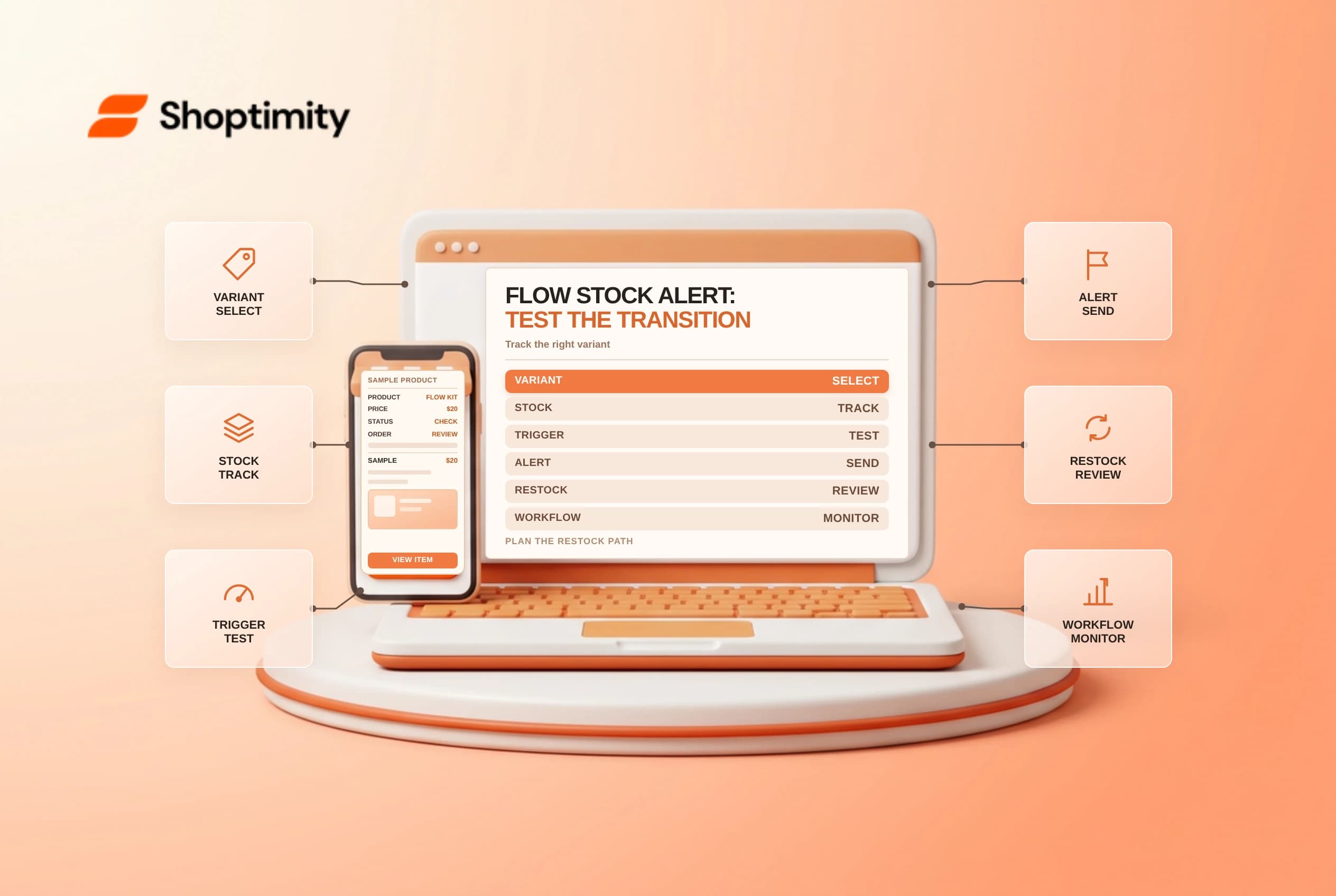
The Shopify Flow out-of-stock trigger responds when a tracked product variant crosses a specific inventory threshold. It is not a continuous report of every sold-out item. Build alerts and actions around the transition, test replenishment and repeated runs, and avoid unpublishing products without an approved recovery plan.
Know what starts the workflow
Shopify's Product variant out of stock reference says the trigger starts when a variant's inventory decreases from one or more to zero or less. An order, manual change or app can be the source. Inventory tracking must be enabled, and the trigger supplies the product variant to the workflow.
| Event | Trigger expectation |
|---|---|
| Tracked variant drops from 1 to 0 | Meets the documented threshold transition |
| Tracked variant drops from 2 to a negative quantity | Crosses the threshold |
| Variant already at 0 remains there | Do not treat as a new threshold crossing |
| Inventory tracking is off | Shopify says tracking must be enabled |
| Variant is replenished | Use a separate replenishment process or trigger as appropriate |
| Scheduled stock report | Different workflow; query and list limits apply |
Check whether the business needs a storewide variant signal, a location-specific alert or a daily list. The trigger and available data may not answer every location-level question without additional workflow logic. Verify the precise data and behavior in the store rather than assuming the alert is a live count for every warehouse.
Design the response
Start with a low-risk internal alert containing the variant name, SKU if available and a link to the appropriate admin record. Assign the recipient and action owner. If the workflow tags, removes from a collection or unpublishes a product, consider the effect on other variants, SEO, customer commitments and any systems that depend on the product's availability.
An out-of-stock variant is not necessarily a reason to unpublish the entire product. Other sizes might remain available, or the store may accept backorders. Agree on the business rule and a separate restock recovery path before enabling a customer-facing change.
Test the transition safely
Use a tracked test variant and an approved inventory adjustment. Shopify documents testing by changing a variant's quantity from above zero to zero. Test a negative quantity, no crossing, replenishment and a second crossing. Restore test inventory and review the workflow run details; do not adjust real merchandise or trigger real customer messages for a test.
| Test | Review |
|---|---|
| Above zero to zero | Workflow starts and identifies the intended variant |
| Positive to negative | Crossing is handled correctly |
| Zero remains zero | No assumption of repeated alert |
| Replenish then sell out | Repeat alert and deduplication are appropriate |
| Multiple variants | Action does not harm in-stock variants |
| Location-specific need | Actual workflow data meets the requirement |
A daily stock summary is a different design. Shopify's Get variant data guide says its Get data list returns up to 100 resources; a capped report may be incomplete. Use a suitable reporting process if the expected population can exceed the limit.
Monitor and maintain
Record the owner, trigger, conditions, recipient, recovery procedure and test results. Review missed or duplicate alerts against inventory history. Verify that the team knows whether a notification reflects a transition or the current state at the time they open it. Check inventory before placing a purchase order or promising stock to a customer.
Related guides: scheduled Flow workflows and inventory history.
Ready to build a faster, higher-converting store?
Every Shoptimity theme ships with conversion widgets built in — so you get speed and features without stacking apps.
7-day free trial · all themes included · cancel anytime
Continue Reading
Shopify Flow Collection Deleted: ID-Only Alerts
Create a safe collection-deleted alert in Shopify Flow, understand its ID-only data and plan a manua...
Shopify Flow Discount Created: Choose the Trigger
Compare discount code and automatic discount creation triggers in Shopify Flow and design internal p...
Shopify Flow Inventory Item Deleted: ID-Only Data
Understand the inventory item deleted trigger, its ID-only limitation and how to alert operations wi...