
Shopify Flow Return Requested vs Return Approved
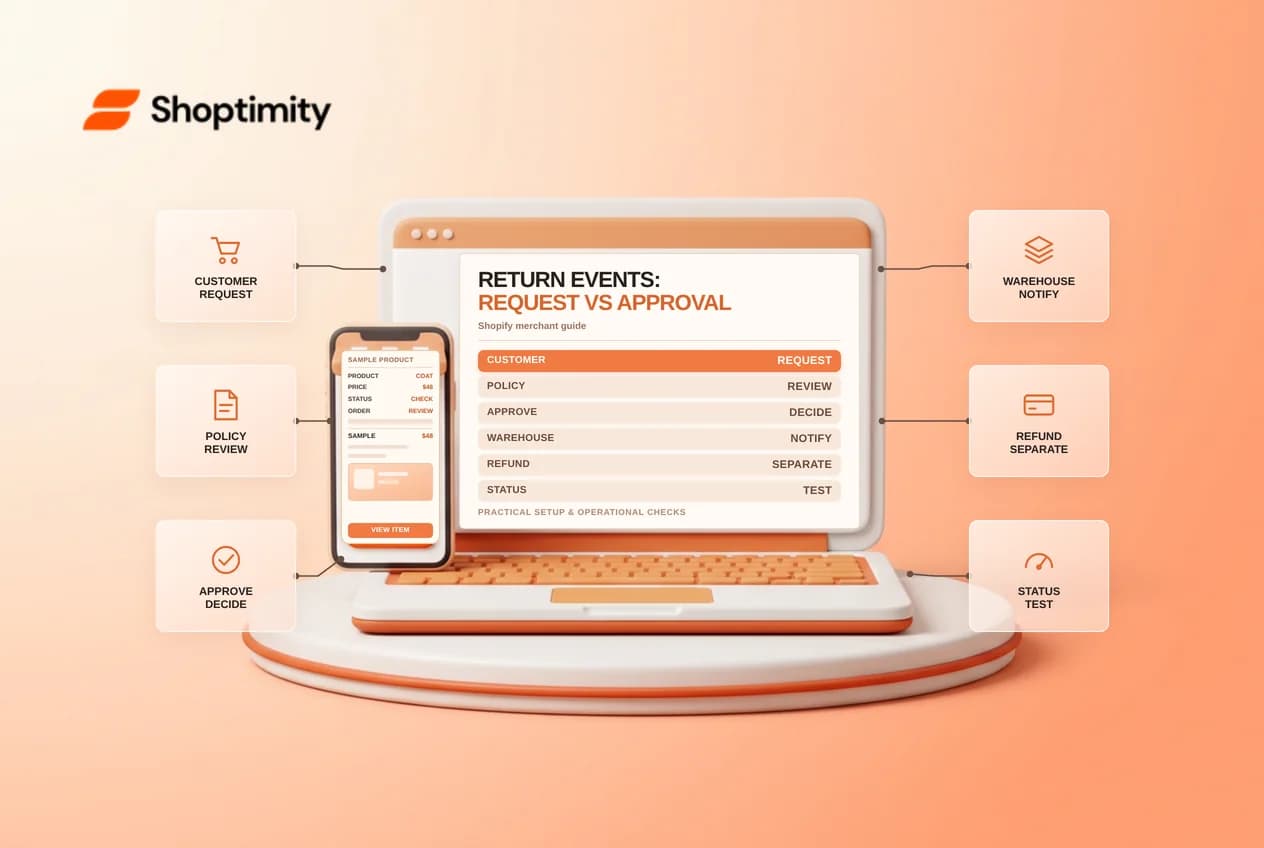
A customer's return request and a merchant's approval are different events. Shopify Flow offers triggers for both, allowing a support team to react at the right stage without confusing a request with permission to ship an item back or a completed refund.
Choose the right starting point
The Return requested trigger runs when a customer requests a return using self-serve returns. The Return approved trigger runs when a previously open return is approved. Shopify also says creating a return in admin for a fulfilled order automatically marks it approved. That means an approval workflow can have a different origin from a self-service request workflow.
Neither trigger alone proves that the goods have been received, inspected, restocked or refunded. Choose what the team needs to do at each stage. For a new request, support may need to review eligibility; after approval, warehouse staff may need to prepare for an incoming parcel. Keep those messages and responsibilities separate.
Build a request notification
Create a Flow workflow with Return requested. Add a non-destructive internal notification for the returns team and use fields exposed by the trigger to identify the request and associated order. Shopify offers a template for a Slack notification when a customer submits a self-serve request. Check access to the destination and keep the message limited to what the team needs.
Before turning it on, confirm that self-serve returns are configured and that your published policy matches your actual approval process. An internal alert is not a return label, a customer approval notice or a commitment to refund. Make sure customers receive the correct message through the appropriate channel.
Build a separate approval workflow
Create another workflow using Return approved. Review the Return resource and linked order fields in the editor, then notify the team responsible for the next step. Shopify lists actions requiring a return or order, but do not automatically cancel or capture payment simply because those actions appear as options. Any customer-facing action should be reviewed against the return policy and existing notifications.
Imagine a customer requesting a return for a coat. The request alert reaches support, which reviews the order and approves it. The approval event then notifies the receiving team. When the parcel arrives, staff inspect it and follow the store's refund and restocking procedure. Approval by itself is not evidence that the coat has arrived.
Test both paths and exceptions
Shopify describes creating a test customer account, placing an order, requesting a return through the account and approving it in admin. Test that path in a controlled environment. Also test an admin-created return for a fulfilled order, since Shopify says that can be automatically approved. Compare each Flow run, recipient and order timeline.
Check a declined request, an approved return that never arrives and a return that is reopened after closure. These are separate states and may require their own process; do not infer that the request and approval workflows handle all later events. Assign a queue owner and a manual fallback for missed notifications. Review legal return rights with an appropriate adviser.
Give the receiving team an expected reference rather than promising that an approved request will arrive. If a parcel arrives without a recognizable return, follow your normal identification procedure and avoid adding it to sellable stock until it has been inspected.
Ready to build a faster, higher-converting store?
Every Shoptimity theme ships with conversion widgets built in — so you get speed and features without stacking apps.
7-day free trial · all themes included · cancel anytime
Continue Reading
Shopify Flow Fulfillment Order Moved: Location Alerts
Build an internal alert for moved fulfillment orders and verify location changes with your third-par...
ShopifyQL Timeseries: Show Missing Months in Sales
Use ShopifyQL TIMESERIES to expose empty reporting periods and compare them with GROUP BY results ca...
Shopify Flow Return Declined: Build a Review Handoff
Set up a cautious Shopify Flow return-declined review and distinguish internal reasons from customer...