
Shopify Return Rules: Review Windows, Fees and Future Orders
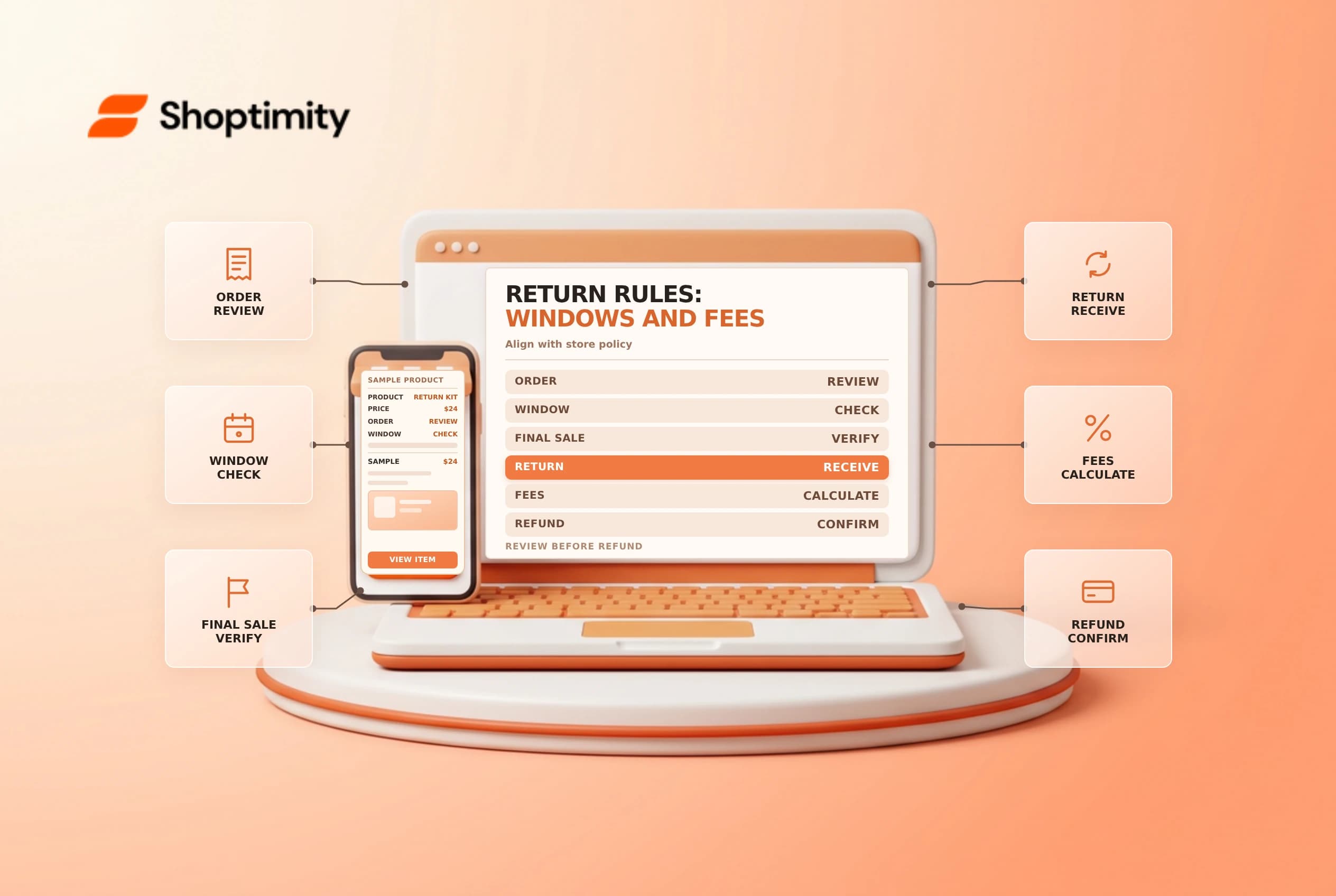
Shopify return rules define operational eligibility and fee settings for fulfilled items. They are not the same as the written return policy, and a return request is not itself a refund. Align the rules with the customer-facing policy and applicable law, then test the request and refund workflows before relying on them.
Separate rules, requests and refunds
Shopify's return and cancellation rules guide says return rules apply to fulfilled items and cancellation rules to unfulfilled items. Return rules can include a return window, return shipping costs, restocking fees and final-sale items. Shopify says changes apply to future orders, not previous orders.
| Component | What it controls |
|---|---|
| Written policy | The customer-facing explanation of the store's terms |
| Return rules | Configured eligibility, window and applicable fee settings |
| Self-serve | Whether eligible customers can submit requests from accounts |
| Return | The process for receiving an item back |
| Refund | The separate movement of money or other approved value |
An estimated refund is not a completed refund. Shopify says return fees are not automatically deducted from refunds; the merchant must account for applicable fees when creating the refund. Confirm the current interface and seek legal and tax advice for the business's circumstances.
Set an approved rule
In Settings > Policies, review the return and cancellation rules available to the store. Confirm the return window, return-shipping approach, any restocking percentage and products or collections marked final sale. Compare the configuration with the written policy, product pages and support scripts. If a market-specific feature appears, check its availability and scope rather than assuming every store has it.
A rule set to take effect today does not rewrite the terms applied to earlier orders. Keep a dated record of the previous configuration and when a change was approved. Shopify describes different request behavior when rules were off at the time of purchase, with particular final-sale exceptions; inspect the order's actual eligibility instead of guessing from today's settings.
Test the customer and staff paths
Self-serve returns and cancellations must be enabled for eligible customers to request them from accounts. Shopify says return rules can still apply when staff process a return manually even if self-serve is off. Test a representative fulfilled item, a final-sale item, a request outside the window and a past order created under earlier rules.
| Scenario | Check |
|---|---|
| Eligible fulfilled item | Window and fee information are understandable |
| Final-sale item | Configuration matches the approved policy and law |
| Unfulfilled item | Cancellation, not return, workflow is reviewed |
| Fee | Amount and tax treatment are checked before refund |
| Prior order | Rules attached at purchase are considered |
When goods return, inspect them and decide whether they can be restocked. Do not restock damaged items as sellable merely because a refund is approved. Record customer communications and any approved exception.
Maintain and reconcile
Give finance, support and fulfillment clear responsibilities. Review the final refund amount, return shipping charge, restocking fee and tax with the relevant owners before confirming it. The legal treatment of fees and final-sale restrictions varies; an automated setting does not establish compliance.
Shopify documents separate POS considerations in its POS return rules guide, including plan and fee differences. Train each team on its actual channel and check changes after a policy or plan update. See self-serve returns and partial refunds.
Ready to build a faster, higher-converting store?
Every Shoptimity theme ships with conversion widgets built in — so you get speed and features without stacking apps.
7-day free trial · all themes included · cancel anytime
Continue Reading

Shopify B2B Company Locations: Give Buyers the Right Access
Configure Shopify B2B company locations, verify buyer permissions and test pricing, addresses and pa...

Shopify Checkout Contact Settings: Separate Email From Shipping Phone
Configure Shopify checkout contact settings and test email, phone and shipping address requirements ...

Shopify POS Recent Carts: Share a Sale Without Reserving Stock
Learn how Shopify POS recent carts work across devices, what they do not reserve, and how to hand of...