
Shopify Flow Wait Action: Review Delayed Runs Before Editing
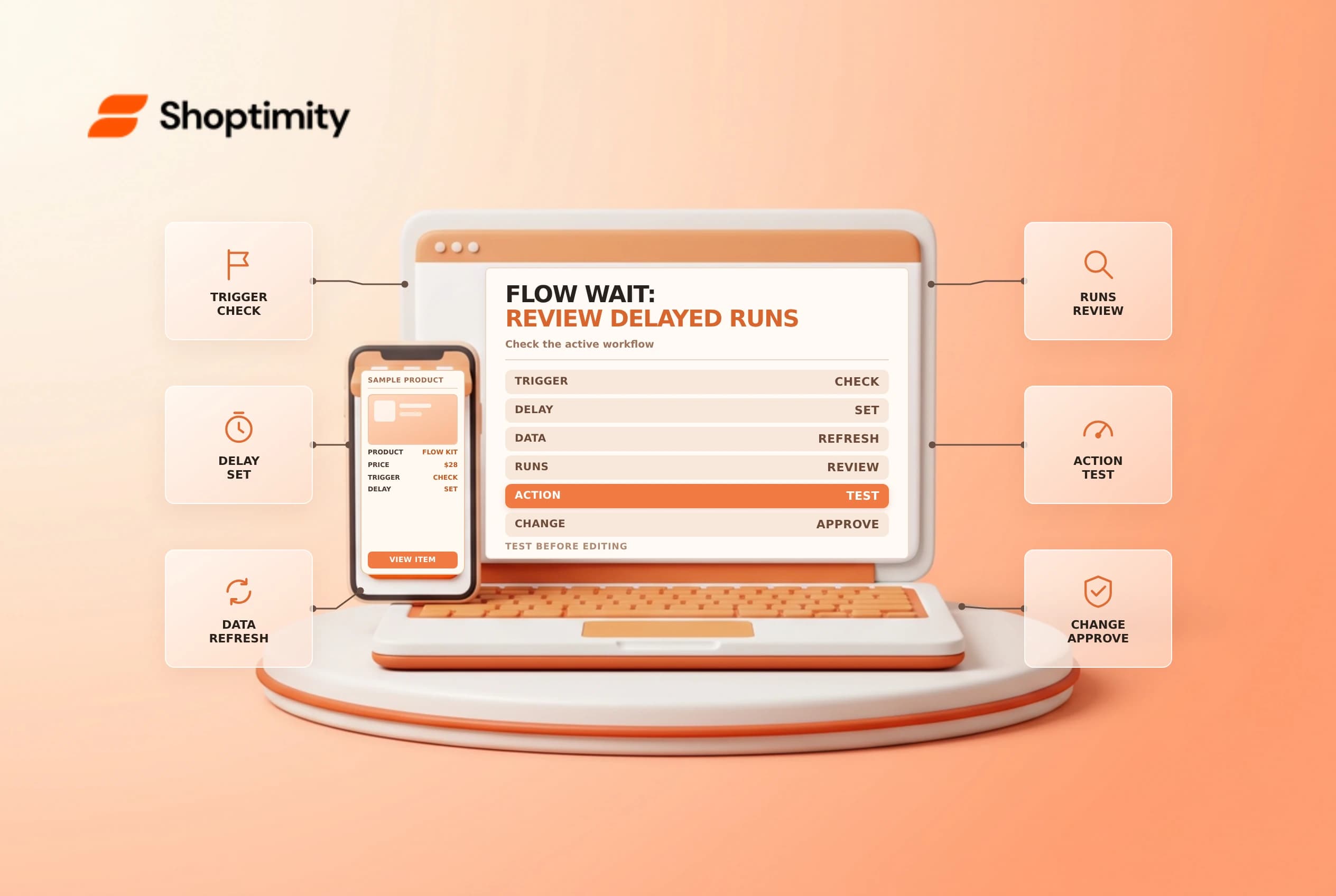
The Shopify Flow Wait action delays a later step, which can be useful when information is not ready at the trigger event. Waiting also creates a handoff risk: the order or customer can change while the run is paused, and edits to an active workflow can affect runs already waiting. Review the activity and test the logic before changing a live automation.
Understand what waits and what can change
Shopify's Wait action guide says the maximum wait is 90 days per workflow; a longer period prevents activation. For a longer interval Shopify suggests considering a scheduled workflow with a Get data action. A wait delays workflow steps, not the underlying order, payment or fulfillment process.
| Question | Why it matters |
|---|---|
| Trigger | Did the event occur at the right point in the process? |
| Delay | Is the duration appropriate and within the documented limit? |
| Current state | Could the order or customer change while waiting? |
| Active runs | Are there already runs waiting when the workflow is edited? |
| Action | Could a resumed run message a customer or change store data? |
A delayed reminder about an unpaid order should check the current payment state before sending. Otherwise a customer who paid during the delay might receive a misleading message. Shopify says store data is refreshed after the wait. It also says Get, Sum or Count results from before the wait are unavailable afterward, so add the relevant step again after the wait when that data is needed. Test the actual fields and timing.
Inspect active runs before an edit
Shopify says that when an active run is waiting, edits to conditions or actions after the wait can be used when that run resumes. Deactivating or deleting the workflow stops waiting runs, which are marked canceled. These are operational consequences: changing a message, recipient or hold action can affect real customers and orders already in the queue.
Before editing, open Flow Activity and identify waiting runs, their expected resumption and the people responsible for any exceptions. Coordinate with support and fulfillment if stopping them could leave work incomplete. Do not assume that turning a workflow off pauses it for later resumption.
Test with realistic event data
Shopify's workflow testing guide describes using recorded or simulated events. Flow test mode uses real store data but does not perform live-changing actions; it stops at the first action that would make a change. Creating a real order to generate a recorded event, however, is itself a real store action. Use an approved test process and avoid exposing customer data in screenshots.
| Test | What to inspect |
|---|---|
| Qualifying event | Correct trigger and branch |
| Nonqualifying event | No unintended action path |
| State changed during delay | Whether the condition checks the needed current data |
| Message or tag | Correct recipient, content and scope |
| Active waiting run | Expected effect of editing or deactivation |
A safe Flow test can validate logic up to its documented stopping point, but it is not proof that a live downstream notification or external integration succeeded. Use separate approved integration checks and review the run history after deployment.
Release and monitor
Record the old and new workflow versions, owner, purpose and rollback plan. Decide how to handle existing waiting runs before activating changes. After release, sample the activity log, compare outcomes with the intended process and investigate errors without blindly replaying actions. Repeated retries can send duplicate messages or create duplicate changes if the action is not designed for them.
See Flow troubleshooting and Flow versus Zapier for related operational decisions.
Ready to build a faster, higher-converting store?
Every Shoptimity theme ships with conversion widgets built in — so you get speed and features without stacking apps.
7-day free trial · all themes included · cancel anytime
Continue Reading

Shopify B2B Company Locations: Give Buyers the Right Access
Configure Shopify B2B company locations, verify buyer permissions and test pricing, addresses and pa...

Shopify Checkout Contact Settings: Separate Email From Shipping Phone
Configure Shopify checkout contact settings and test email, phone and shipping address requirements ...

Shopify POS Recent Carts: Share a Sale Without Reserving Stock
Learn how Shopify POS recent carts work across devices, what they do not reserve, and how to hand of...