
Shopify Gift Card Deactivation: Handle Lost Codes and Refunds
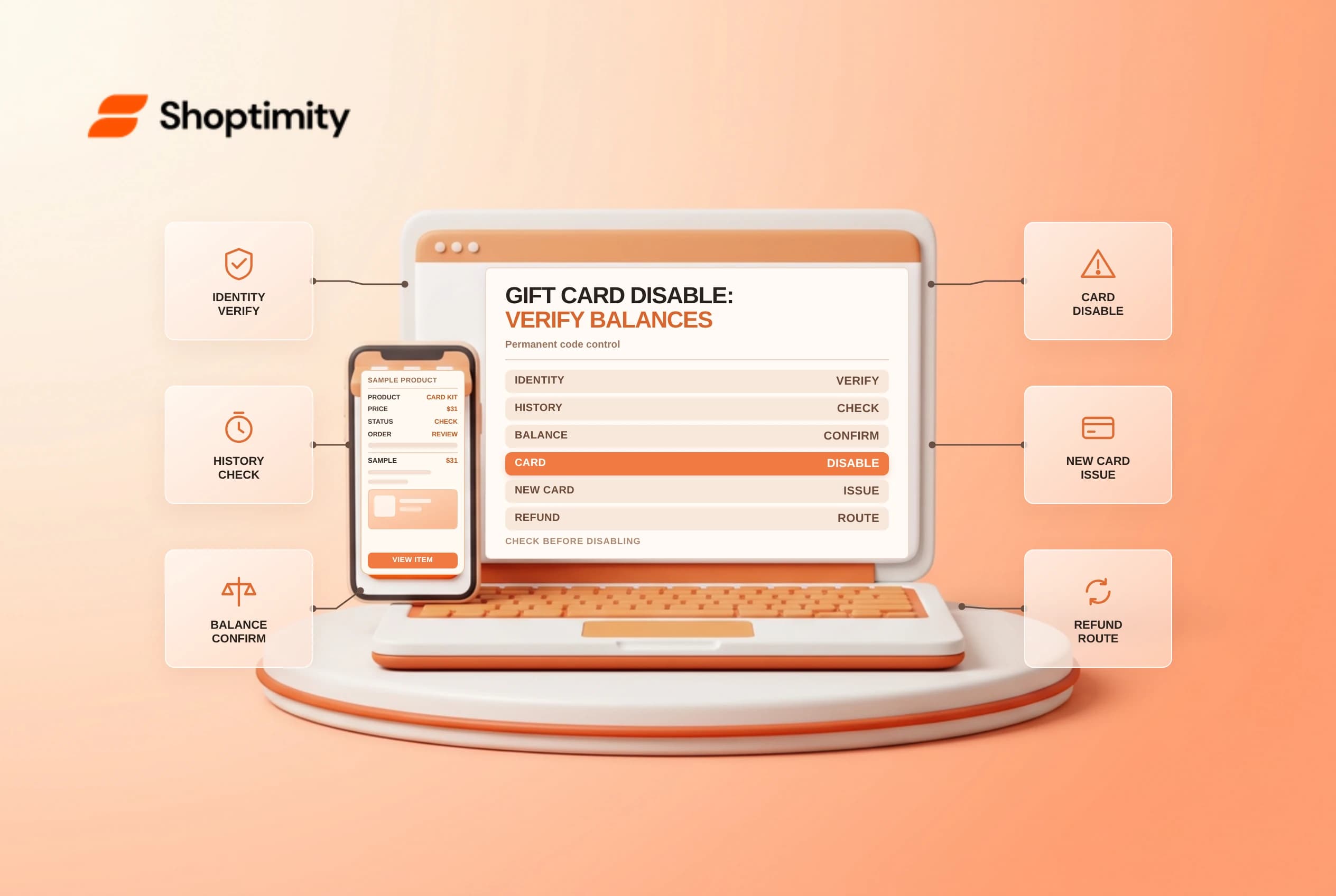
Shopify gift card deactivation permanently disables an issued gift card code so nobody can redeem its remaining balance online or at the register. Because Shopify encrypts full card codes after creation and never allows a disabled card to be turned back on, support teams must verify balances, redemptions and refund paths before clicking Deactivate.
Verify the card before taking permanent action
Shopify's purchased gift card management guide makes two boundaries explicit: created gift cards cannot be deleted from your admin, and deactivating a gift card is permanent. Once deactivated under Products > Gift cards or from the Shopify POS lost gift card screen, that card cannot be reactivated, reloaded or refunded onto.
As Shopify notes in its POS launch checklist, Shopify encrypts gift card numbers so admin staff see only the last four characters, and a deactivated gift card number can never be reused on a future card. Before disabling a card, confirm four facts:
- Verify the requester's identity and original purchase order before discussing or replacing a missing code.
- Check whether the recipient merely misplaced the email; resending the existing gift card notification solves delivery typos without burning the original code when no compromise occurred.
- Inspect the gift card transaction history and exact remaining balance so you know whether part of the card was already spent on another order.
- Match the last four digits carefully when a corporate buyer purchased multiple gift cards on the same order.
| Situation | Safer support workflow | Mistake to avoid |
|---|---|---|
| Recipient cannot find an uncompromised email | Verify recipient address and resend notification | Deactivating when a simple resend works |
| Code exposed or sent to wrong person | Deactivate card and issue a new card for remaining balance | Reissuing the full initial value after partial spend |
| Buyer requests refund of unused gift card purchase | Refund original purchase and deactivate the issued card | Refunding payment while leaving the gift card active |
| Order paid with a now-deactivated card needs a refund | Issue a new gift card or use store credit per policy | Expecting refund funds to return onto a disabled card |
Handle refunds connected to deactivated cards
Two refund scenarios cause accounting headaches when gift cards and deactivations intersect. First, suppose a customer buys a $100 gift card and asks to cancel the purchase. Refunding the payment on the original order does not replace checking the issued gift card itself; confirm that the gift card has not been redeemed and deactivate it so an unpaid balance cannot still be spent at checkout.
Second, suppose a shopper paid for merchandise using a gift card that support later deactivated after a lost-card replacement, and the shopper now returns that merchandise. Shopify states that a deactivated gift card cannot receive a refund. Instead, issue a new gift card for the approved refund amount, or refund to store credit where appropriate and adjust store credit if that balance was already replaced elsewhere.
Record the original order number, masked last four digits, remaining balance deactivated and replacement card reference in internal order timeline notes without pasting full gift card codes into unencrypted support tickets.
Related guides: gift card balance support and store credit vs refunds.
Ready to build a faster, higher-converting store?
Every Shoptimity theme ships with conversion widgets built in — so you get speed and features without stacking apps.
7-day free trial · all themes included · cancel anytime
Continue Reading
Shopify Mondial Relay: Ship France Box Relay Orders
Set up Shopify Mondial Relay for domestic French Point Relais and locker boxes, require French billi...
Shopify Poste Italiane: Ship Domestic Italy Parcels
Configure Shopify Poste Italiane domestic Standard drop-offs and 70 kg Express pickups, avoid banned...
Canadian Sales Tax: Set Up Shopify GST, HST and QST
Configure Canadian sales tax in Shopify across the $30,000 CAD CRA threshold, 5% GST, 13% to 15% HST...