
Shopify Inventory Bin Locations: Label Stock Without Losing Count
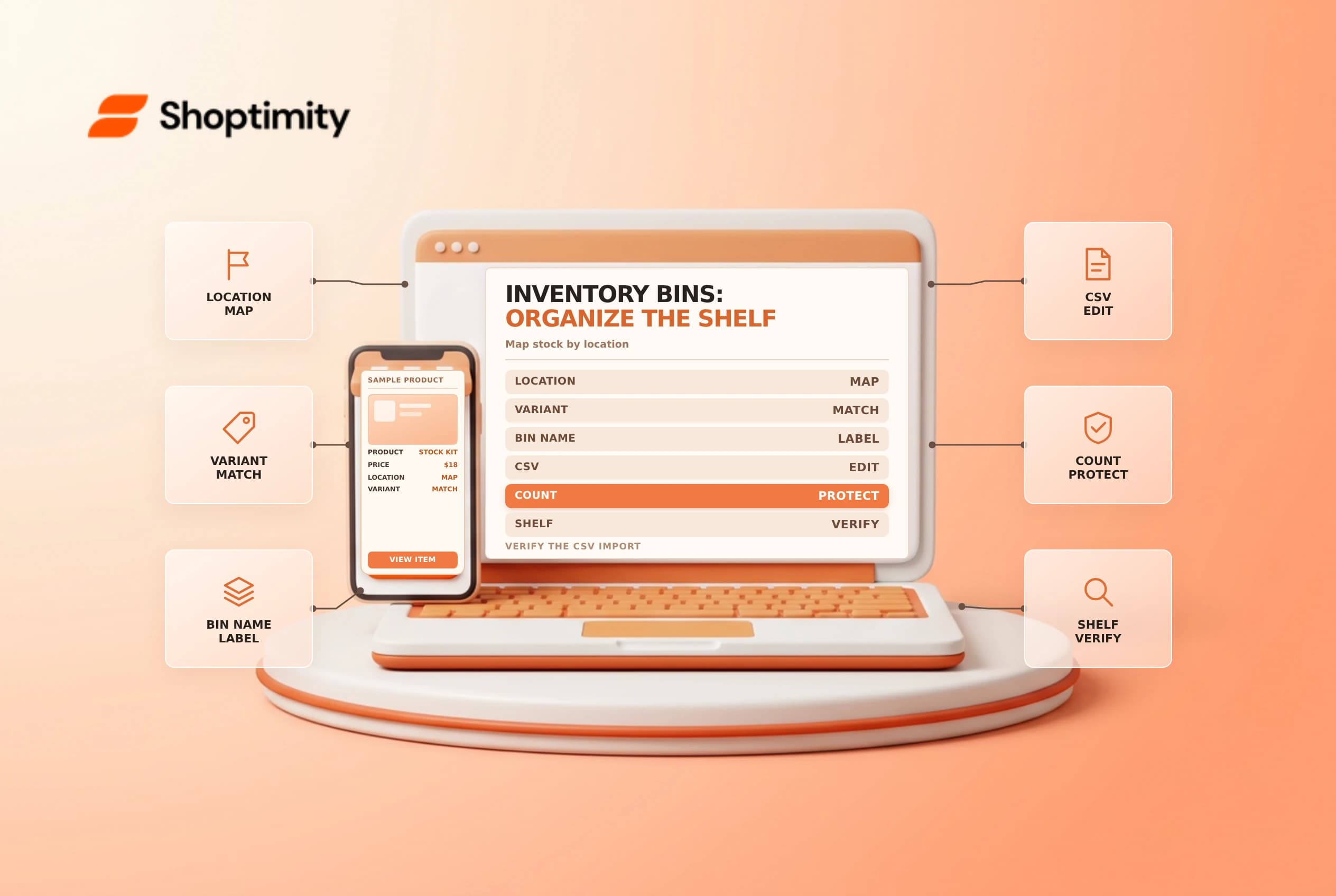
A bin location identifies where stock sits within a store or warehouse. It helps a picker find the item, but a bin label is not the same as a verified physical count or an available-to-sell quantity. Establish naming and reconciliation rules before adding bins to a large catalog.
Map the warehouse first
Shopify's bin location guide describes using names such as aisle, rack and shelf identifiers. Choose a consistent, readable convention and make sure each physical label matches the intended location. Avoid names that look identical on a small label or depend on a staff member's memory.
| Check | Example |
|---|---|
| Store location | The correct warehouse or retail site |
| Bin name | A readable identifier such as A-01 |
| Variant | The actual SKU, option and product |
| Count | Physically counted units, reconciled to Shopify |
| Ownership | Who can create or change bin assignments |
Multiple variants can share a bin, and a variant can be stocked at more than one location. Shopify says each variant can be assigned to only one bin per location. Confirm the real storage and admin records before preparing an import.
Add bins with a controlled CSV
Shopify documents creating bin locations through an inventory CSV: export the selected locations, add the bin names for the appropriate variant rows and import the file. Its guide says existing bins can be changed or removed with the bulk editor, while new bin locations are created through CSV. Check the current admin guidance and test a small sample before a large rollout.
The inventory CSV contains more than bin names. Preserve the location and variant identifiers, and inspect on-hand and packed-dimension columns before import. Shopify says On hand (new) can be left blank when not changing quantities, but all four blank packed-dimension fields can clear existing packed dimensions. Don't assume every blank means “leave unchanged.” Keep the original export and the edited file separately.
Reconcile a sample on the floor
Pick a small set of items at one location. Scan or compare each label, variant and physical bin with the export. After the approved import, open the inventory view and verify the bin name and count for each sample. Ask a picker who did not prepare the file to locate the items using only the new labels. If they cannot distinguish two bins, revise the convention before expanding it.
Do not use a bin import as a substitute for resolving a count discrepancy. An item moved between shelves may still exist at the same store location; a change in on-hand quantity should be supported by a count or other approved inventory event. Record the actual movement and investigate missing units rather than guessing. Shopify transfers track moves between locations, not between bins within a location.
Maintain bin data
Assign responsibility for relabeling, transfers between shelves and periodic spot checks. When inventory is moved, update the relevant record through the supported workflow and make sure old labels do not remain on the shelf. Restrict the CSV and logs to authorized staff because they reveal operational details.
See inventory CSV safety and inventory history when quantities or locations do not match.
During a rollout, use a clear exception list for items that cannot be found in the expected bin. A supervisor should compare the variant and location, inspect the physical shelf and decide whether the label or the inventory count is wrong. Document the correction and the person who checked it. Avoid moving multiple shelves at once if the team cannot verify the resulting assignments.
Ready to build a faster, higher-converting store?
Every Shoptimity theme ships with conversion widgets built in — so you get speed and features without stacking apps.
7-day free trial · all themes included · cancel anytime
Continue Reading

Shopify B2B Company Locations: Give Buyers the Right Access
Configure Shopify B2B company locations, verify buyer permissions and test pricing, addresses and pa...

Shopify Checkout Contact Settings: Separate Email From Shipping Phone
Configure Shopify checkout contact settings and test email, phone and shipping address requirements ...

Shopify POS Recent Carts: Share a Sale Without Reserving Stock
Learn how Shopify POS recent carts work across devices, what they do not reserve, and how to hand of...