
Shopify Metafield Definitions: Validate Existing Values Safely
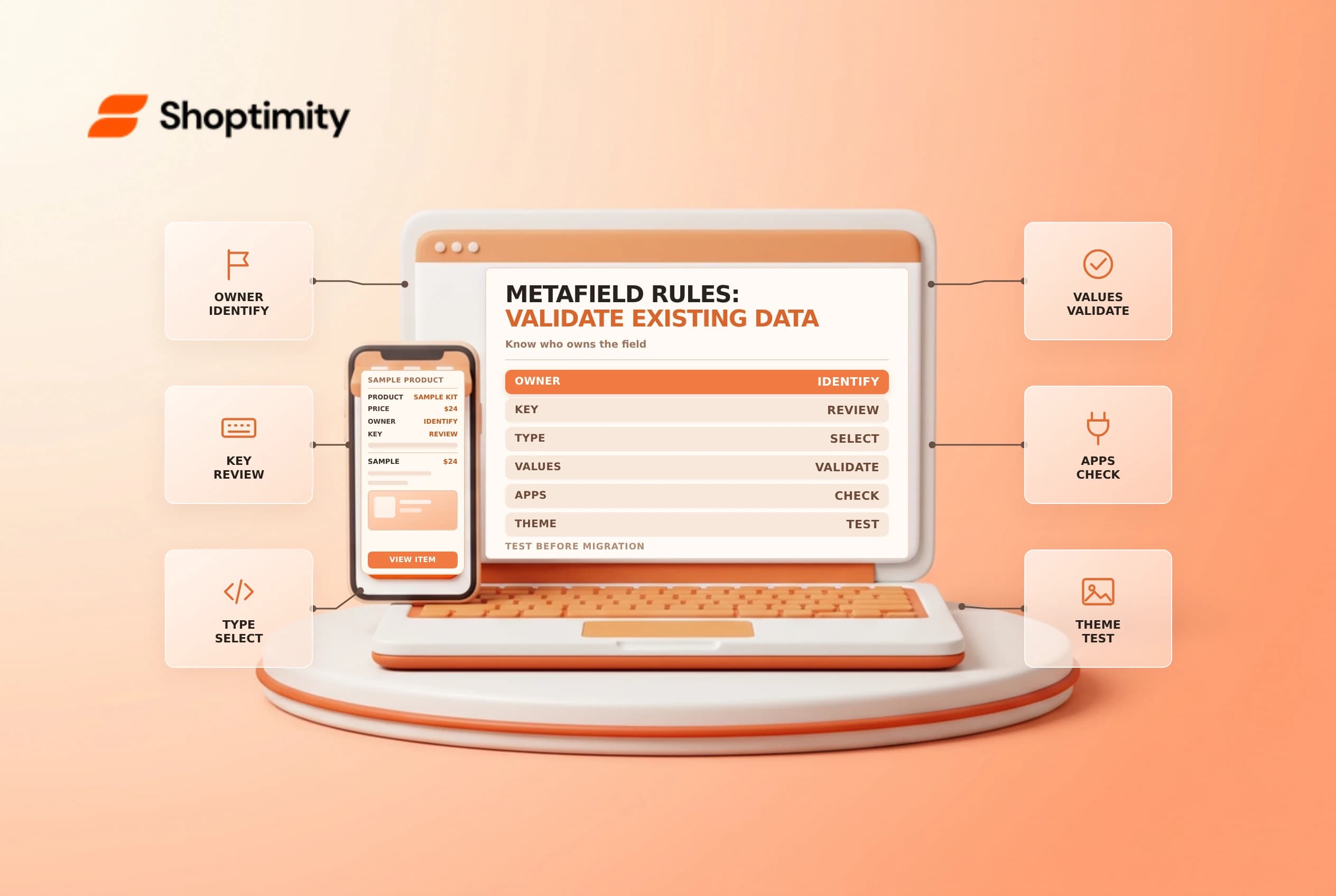
A metafield definition describes what data belongs in a field and what values are accepted. Adding a definition to existing unstructured data can improve consistency, but validation can expose incompatible values or affect an app that depends on the field.
Identify the owner and existing data
Shopify's migration guide recommends creating a definition only for a namespace and key you recognize. First record the resource type, namespace, key, existing values and any theme or app that reads or writes them. Ask the integration owner before changing a field that may be app-controlled.
A definition's type and validation rules are not the content itself. For example, a product care field's definition describes the field, while each product's care instruction is a value. Don't assume a new definition will clean up existing values automatically.
Choose the type and test the rules
In Settings > Metafields and metaobjects, select the resource, find unstructured metafields and choose the intended namespace and key. Select a type that fits the actual data and add only rules the business can enforce. Shopify warns that values not matching the new definition need correction, and a definition for an app-required field can stop the app working as expected.
| Decision | Example question |
|---|---|
| Resource | Is this product data or variant data? |
| Identifier | Does the namespace and key belong to our team? |
| Type | Can every intended value use this format? |
| Validation | Are valid edge cases still allowed? |
| Consumers | Do theme, API and apps still read and write it? |
Review Shopify's validation results before saving the definition. Plan how invalid values will be corrected and by whom. If the field controls storefront content, test representative products, empty values and special cases in an unpublished theme or safe environment.
Roll out with a record
Document the definition, business owner and expected format; train the staff entering values. After migration, check existing records and any connected automation. Pinning a definition changes where it appears in the admin, not whether its contents are correct. Review access and storefront usage separately.
For related work, see product category metafields and theme version control.
Work through a sample migration
Suppose a store has an unstructured product field for care instructions. Export or otherwise record an authorized sample of existing values and identify where the theme uses the field. Compare short instructions, long instructions, empty entries and any values written by an app. If the proposed type or length limit excludes legitimate entries, revise the proposal before saving a definition.
Create a small test plan with the resource, namespace and key, intended type, example values and responsible owner. Review the validation results Shopify displays. Resolve invalid values deliberately; do not delete or overwrite data just to make a status indicator look clean. If a third-party app owns the data, coordinate with its provider before changing the definition.
After the change, inspect both the admin editing experience and a representative storefront preview. Verify that theme sections handle missing values gracefully and that integrations can still perform the actions they require. Keep a record of the old configuration and the agreed recovery steps. If the new validation prevents normal operations, stop further edits and consult the field owner before making additional changes.
Ready to build a faster, higher-converting store?
Every Shoptimity theme ships with conversion widgets built in — so you get speed and features without stacking apps.
7-day free trial · all themes included · cancel anytime
Continue Reading

Shopify B2B Company Locations: Give Buyers the Right Access
Configure Shopify B2B company locations, verify buyer permissions and test pricing, addresses and pa...

Shopify Checkout Contact Settings: Separate Email From Shipping Phone
Configure Shopify checkout contact settings and test email, phone and shipping address requirements ...

Shopify POS Recent Carts: Share a Sale Without Reserving Stock
Learn how Shopify POS recent carts work across devices, what they do not reserve, and how to hand of...