
Shopify Month-End Inventory Value: Read the Snapshot Carefully
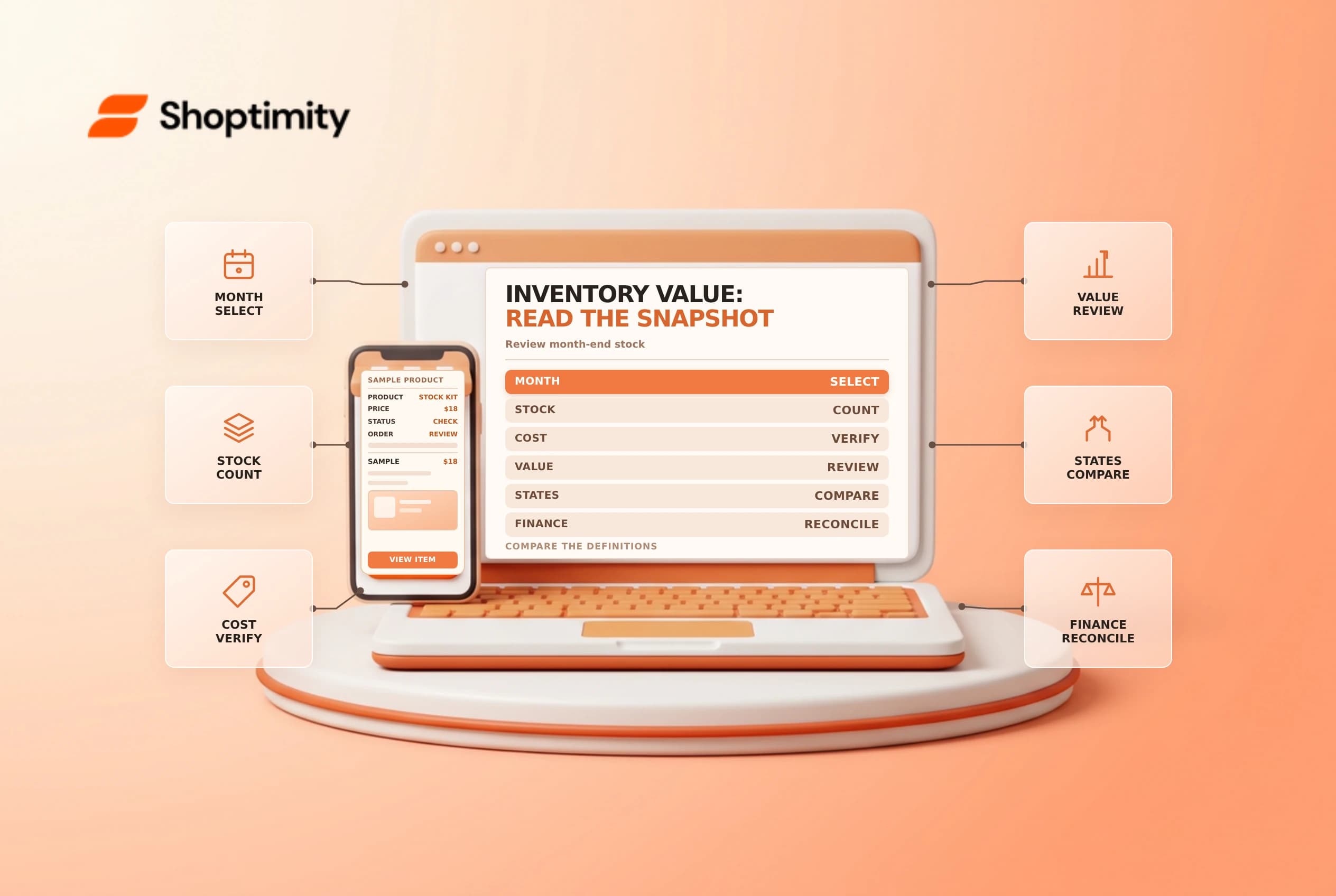
Shopify month-end inventory value can help a merchant review stock quantities and recorded costs at a reporting date. It is not automatically the accounting value of every item the business owns. Check the report's inventory definition, cost coverage, time period and location before comparing it with finance records.
Understand what the report measures
Shopify's inventory reports guide describes a month-end inventory value report with variant, SKU, cost, ending quantity and total value. The report's total value is the cost per item multiplied by ending quantity for each variant. Shopify says it includes variants adjusted or ordered in the last three years and products with a cost per item value assigned at the time of sale.
| Item | Review |
|---|---|
| Ending quantity | Inventory at the end of the selected period |
| Cost per item | The report's recorded variant cost |
| Total value | Cost multiplied by the reported ending quantity |
| Missing variants | Check tracking, activity and cost coverage |
| Accounting value | Reconcile with finance's inventory policy and records |
For an illustrative variant with 10 units and a $12 recorded cost, the multiplication gives $120. That is not proof of the accounting value of the business's entire stock. Damaged goods, landed costs, ownership and valuation rules can require a separate review.
Account for the 2026 definition change
Shopify says inventory reports use On hand instead of Available starting October 1, 2026. On hand includes available, committed and unavailable units, while incoming units are excluded. Shopify says data before that date remains based on available quantity. A comparison spanning the change can therefore show an apparent increase even if the physical stock did not change.
Label the definition alongside each period in a management report. For example, compare the available, committed and unavailable breakdown where possible, rather than treating the pre- and post-change totals as identical measures. Check the current report's settings and Shopify documentation before making a historical comparison.
Reconcile a sample
Choose a few variants at known locations, including one with a reservation or quality-control hold. Compare the report period, SKU, ending quantity and cost with inventory history, count records and the finance ledger. Check whether a negative quantity reflects overselling, a timing difference or another error before adjusting it. A historical snapshot is not the same as today's live inventory count.
| Question | Investigation |
|---|---|
| A variant is missing | Check report inclusion, activity, tracking and cost |
| Quantity differs | Compare state definition, period and location |
| Cost differs | Review the cost source and effective-date policy |
| Value is negative | Investigate negative stock and report treatment |
| Goods are in transit | Check whether incoming inventory is included |
Shopify says the report's ending quantity can be negative. Do not apply the ABC report's different treatment to this report without checking its own definition. A change to cost today should not be assumed to rewrite all historical sales or accounting records.
Establish a finance handoff
Assign an owner to export or record the report, document filters and reconcile exceptions each month. Finance should decide how to treat freight, taxes, damaged stock, consignment and other costs under the applicable accounting policy. Keep the original report and the reconciliation separately; do not overwrite inventory solely to make the report agree with a target.
Review cost per item and inventory history for adjacent checks. The report is an operational input, not a substitute for professional accounting advice.
Ready to build a faster, higher-converting store?
Every Shoptimity theme ships with conversion widgets built in — so you get speed and features without stacking apps.
7-day free trial · all themes included · cancel anytime
Continue Reading

Shopify B2B Company Locations: Give Buyers the Right Access
Configure Shopify B2B company locations, verify buyer permissions and test pricing, addresses and pa...

Shopify Checkout Contact Settings: Separate Email From Shipping Phone
Configure Shopify checkout contact settings and test email, phone and shipping address requirements ...

Shopify POS Recent Carts: Share a Sale Without Reserving Stock
Learn how Shopify POS recent carts work across devices, what they do not reserve, and how to hand of...