
Shopify Online Checkout Tips: Configure and Reconcile Optional Tipping
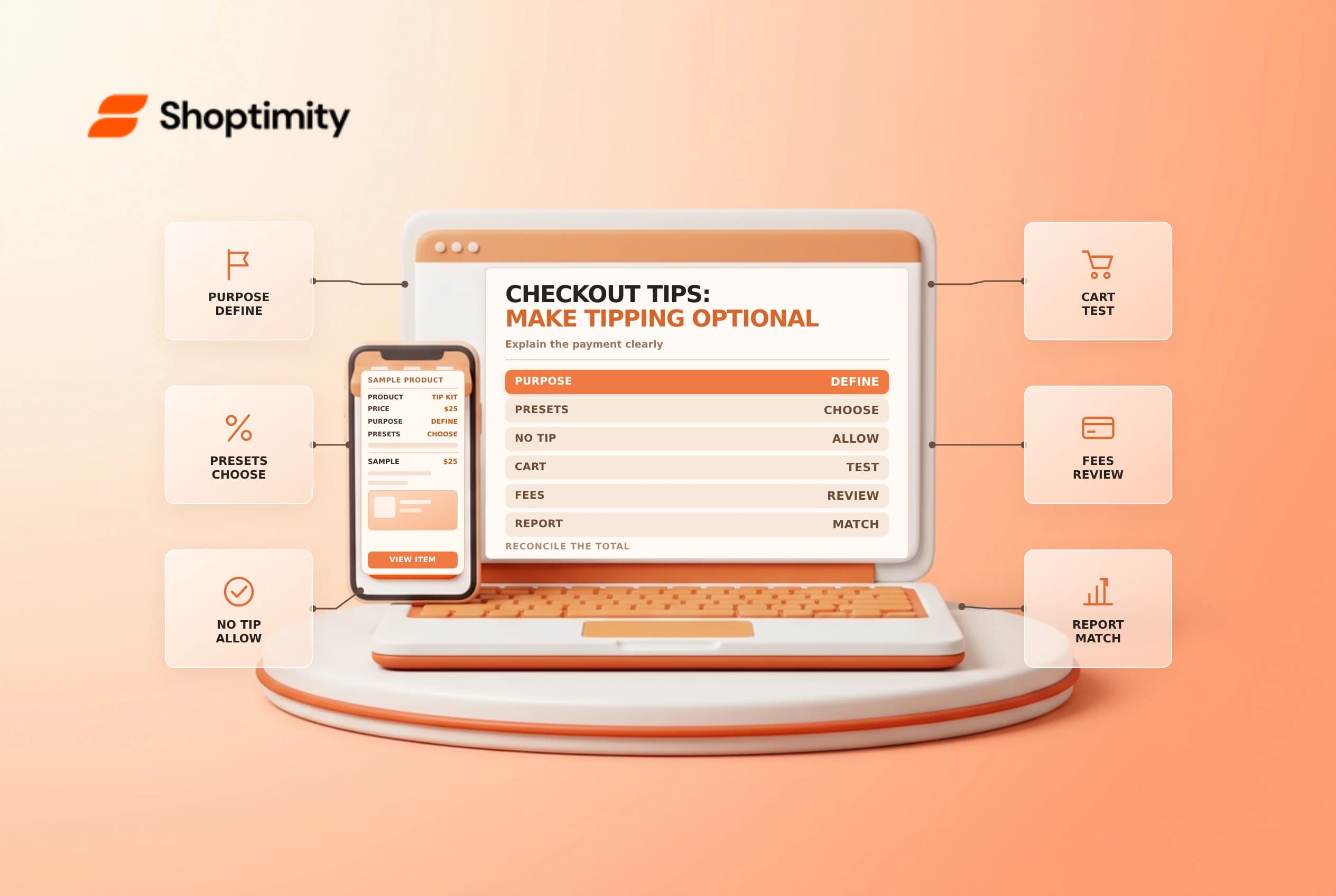
Shopify online checkout tips let a customer voluntarily add a percentage or custom amount at the payment stage. Before enabling them, decide how the money will be described, recorded and distributed. The checkout label, transaction fee and accounting treatment all matter as much as the setting itself.
Know what the option does
Shopify's online tipping guide says percentage tips are calculated on the cart subtotal before taxes and shipping. Tips are part of the order total and can be subject to credit-card or third-party transaction fees. Shopify says a customer cannot tip more than 100% of the order total. Online tipping is configured separately from Shopify POS tipping.
| Decision | Review before launch |
|---|---|
| Purpose | Who receives the money, and what does the wording promise? |
| Presets | Percentages that are understandable and appropriate |
| Optional choice | A clear way to choose no tip |
| Reporting | A named finance owner and reconciliation cadence |
| Compliance | Tax, payroll, charity and consumer-law advice where needed |
For illustration, a 10% tip on a $50 merchandise subtotal is $5 before any tax and shipping are added. The actual checkout total depends on the rest of the order. A tip report is not automatically a payroll record or proof that a donation has reached a charity.
Configure the customer experience
In Settings > Checkout, Shopify documents a Tipping section where a merchant can select Show tipping at checkout and set up to three percentage presets. Customers can also enter a custom amount. A setting can hide the presets until the customer chooses to add a tip. Review the checkout wording, including the no-tip choice, before saving changes.
Use precise language. If proceeds support staff, explain the arrangement truthfully and confirm it with the business and payroll owners. If the language refers to a charity, agree on recipient, timing, fees and reporting before making that promise. Consult the appropriate adviser; changing a label does not establish the legal or tax treatment of the payment.
Test the totals and labels
With an approved test order, compare no tip, each preset and a custom amount. Check the subtotal, tip and final payment amount. Test on mobile and desktop, and record what happens when the cart has a discount or shipping charge. Verify the result rather than assuming a percentage applies to the grand total.
| Test case | Expected observation |
|---|---|
| No tip | The buyer can complete the order without a tip |
| Preset | The displayed percentage and calculated tip agree |
| Custom amount | The entered amount appears in the total |
| Discounted cart | The amount is checked against the actual subtotal |
| Separate POS sale | POS settings are reviewed independently |
Avoid live test charges or refunds unless the store's test policy permits them. If a screen or option is unavailable, check the current plan, checkout configuration and Shopify documentation before telling the team it should appear.
Reconcile and maintain
Shopify documents a Tips report under Analytics > Reports, with an Online Store channel filter. Compare its period and currency with order and payout records; payment processing fees and refund events may affect the money available for distribution. Ask finance to determine whether further payroll, tax or charitable reporting is required.
Assign an owner to review checkout text when the business arrangement changes. Keep a dated record of the approved language, test scenarios and the person responsible for distribution. A customer-service agent should be able to explain what the tip supports without implying that it is required.
For adjacent controls, see test orders and payout reconciliation.
Ready to build a faster, higher-converting store?
Every Shoptimity theme ships with conversion widgets built in — so you get speed and features without stacking apps.
7-day free trial · all themes included · cancel anytime
Continue Reading

Shopify B2B Company Locations: Give Buyers the Right Access
Configure Shopify B2B company locations, verify buyer permissions and test pricing, addresses and pa...

Shopify Checkout Contact Settings: Separate Email From Shipping Phone
Configure Shopify checkout contact settings and test email, phone and shipping address requirements ...

Shopify POS Recent Carts: Share a Sale Without Reserving Stock
Learn how Shopify POS recent carts work across devices, what they do not reserve, and how to hand of...