
Shopify Order Exports: Read the CSV Before Reconciling
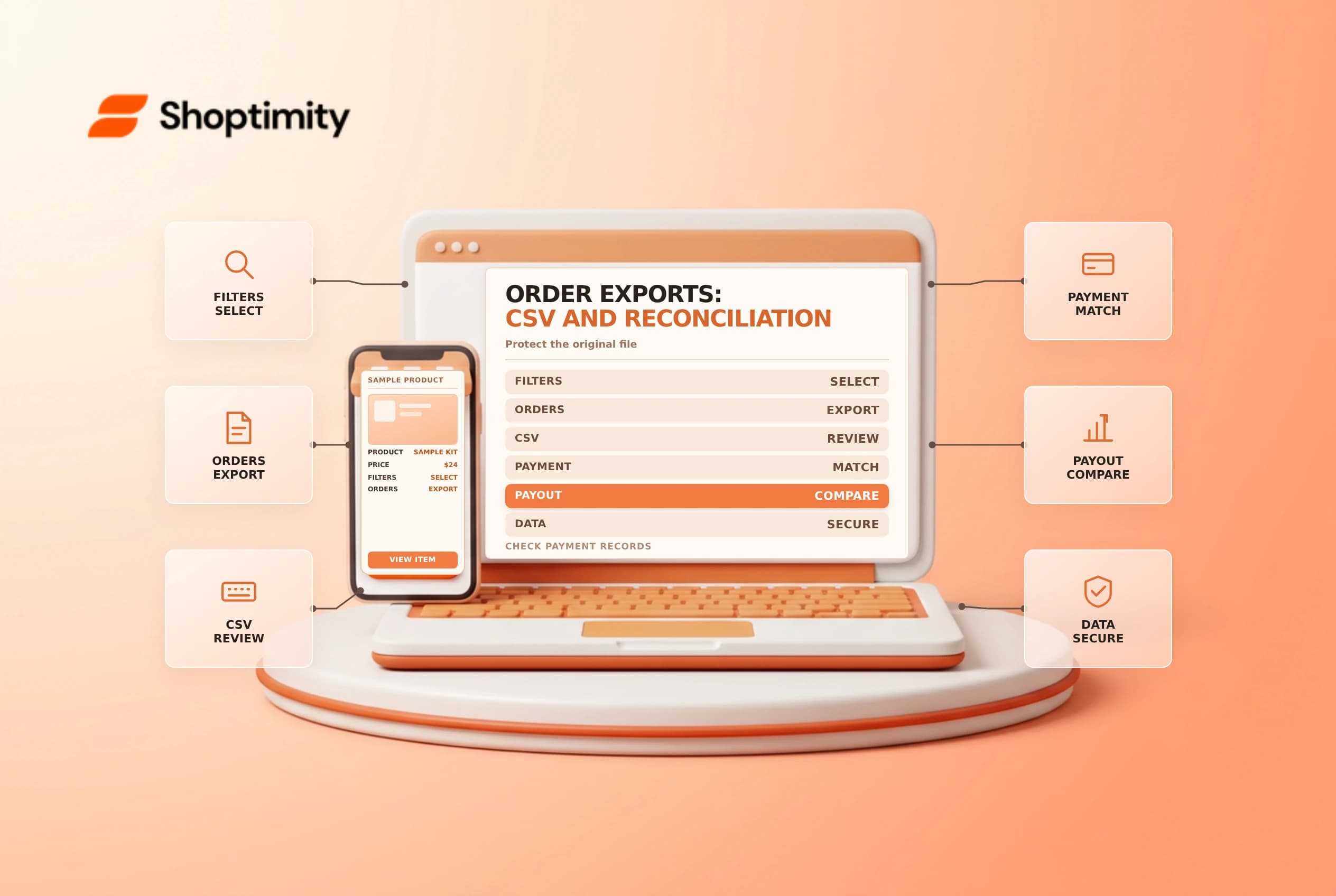
An order CSV is useful for analysis, but it is not a complete substitute for payment, payout or fulfillment records. Choose the right export, keep the time range and filters, and protect the customer information in the file.
Select the export for the question
From Orders, apply the appropriate filters and choose Export. Shopify's order export guide distinguishes an order export from a transaction-history export. The latter is useful when investigating payment activity, but Shopify says the exported transaction history contains captured payment data and does not include authorizations.
Small exports or the current page can download in the browser; larger or date-based exports may be emailed to the requesting user and store owner. Check the current prompt and recipient access before starting. Use UTF-8 CSV and an import method that preserves leading zeros and long identifiers as text.
| Question | Starting record | Follow-up |
|---|---|---|
| What was ordered? | Order export | Check line items and order state |
| What payment was captured? | Transaction history | Compare gateway and currency |
| What reached the bank? | Payout and bank records | Reconcile fees, refunds and timing |
| What shipped? | Fulfillment records | Match items and tracking |
Avoid spreadsheet traps
An order can span multiple rows, so summing repeated order-level values without understanding the CSV structure can overcount. Inspect several real examples and identify the order identifier and line-item columns before building totals. Shopify says order export compare-at prices are historical values from order creation, not necessarily the current catalog values.
Don't assume the export is a live feed: note when it was created and re-export if the source changes. A refund or late fulfillment can occur after your reporting cutoff. Keep the original unchanged, work on a copy and document timezone and currency assumptions.
Reconcile and secure
Match order and transaction records using their relevant identifiers; reconcile payment activity to payouts rather than expecting order totals to equal bank deposits. Fees, refunds and payout timing can create differences. See payout reconciliation and gross versus net sales.
The file can contain personal data. Restrict access, store it in an approved location and delete it according to your retention policy. If a spreadsheet tool changes formatting, keep the source CSV for a controlled re-import or review.
Make the file reproducible
Before exporting, record the selected filters, date range and purpose. For an investigation, keep a note of whether the file represents all orders, a filtered set or a selected page. If the export arrives by email, verify that the intended recipients are authorized to receive its customer data. Store the original in a restricted location and document the time of the export.
In your working copy, inspect a single order with multiple items, a refund and more than one payment event. These examples reveal whether a calculation is repeating order totals across line rows or omitting later activity. Preserve identifiers as text when importing to a spreadsheet; automatic numeric conversion can remove leading zeros or alter long values.
Create separate summaries for order value, transaction activity and payout deposits. Explain differences rather than forcing them to match. A refund may occur after the order date; a payout may include transactions from a different date range and deduct fees. If the numbers remain inconsistent, return to the order and gateway records and ask the finance owner to review the assumptions.
Ready to build a faster, higher-converting store?
Every Shoptimity theme ships with conversion widgets built in — so you get speed and features without stacking apps.
7-day free trial · all themes included · cancel anytime
Continue Reading

Shopify B2B Company Locations: Give Buyers the Right Access
Configure Shopify B2B company locations, verify buyer permissions and test pricing, addresses and pa...

Shopify Checkout Contact Settings: Separate Email From Shipping Phone
Configure Shopify checkout contact settings and test email, phone and shipping address requirements ...

Shopify POS Recent Carts: Share a Sale Without Reserving Stock
Learn how Shopify POS recent carts work across devices, what they do not reserve, and how to hand of...