
Change a Shopify Order Shipping Address: Review Tax and Fulfillment
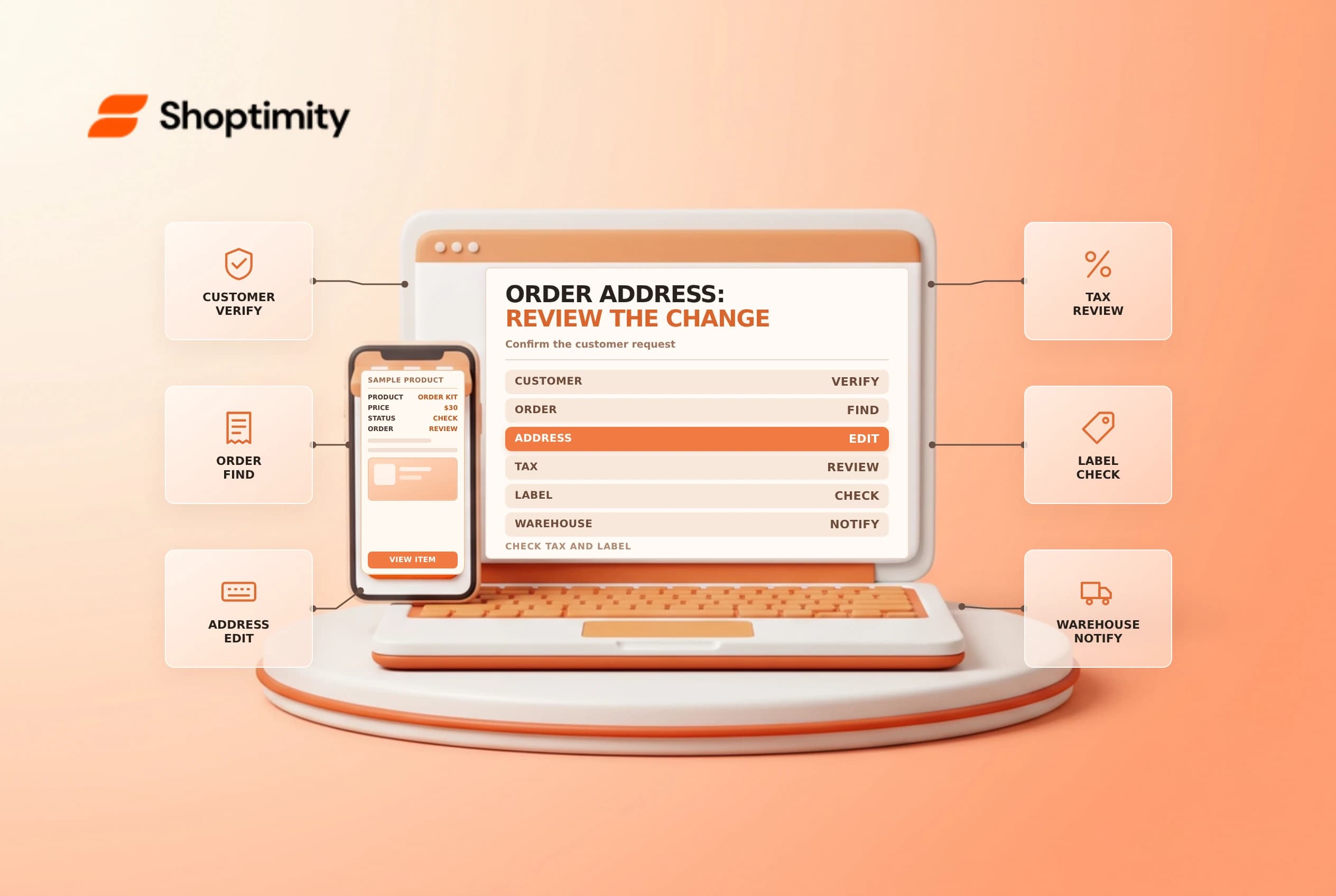
A Shopify order shipping address may need correction after checkout. Editing an address is not simply a text change: it can affect destination tax and the fulfillment team's instructions. Verify the request and the order's status, then review the new totals and any already-created shipping documents before confirming the change.
Establish what can be changed
Shopify's customer details guide documents editing the shipping address of an order that hasn't been fulfilled. Shopify says the billing address cannot be edited. The same guide warns that a new shipping address can change taxes based on location and that the merchant might need to collect or refund a tax difference.
| Item | Review |
|---|---|
| Request identity | Verify the customer using the store's process |
| Fulfillment status | Check whether an edit is supported |
| New address | Confirm the full destination and delivery method |
| Tax difference | Review whether additional payment or refund is needed |
| Label or shipment | An already-created carrier document needs separate attention |
| Billing address | Shopify says it cannot be edited on the order |
Check for fraud or redirection risks, especially when the destination changes substantially after payment. Follow the store's verification and escalation rules; do not publish a customer's address or identity documents in a shared training example.
Review before saving
Open the order in Shopify admin and inspect fulfillment status, delivery method, existing labels and payment status. Confirm the customer's requested address through an approved channel. If the supported edit is available, enter the address carefully and review any tax recalculation. Shopify notes that saved addresses are not verified through this order-edit process, so use the store's address-validation procedure.
If the order is already fulfilled or the edit control is unavailable, do not assume that an admin change will redirect the package. Coordinate with the carrier and fulfillment provider. Some delivery methods or order states have additional restrictions, so check the current guidance before promising a change.
Resolve the financial difference
Compare the pre-change and post-change amounts. Shopify says a changed shipping address can create additional taxes to collect or a tax refund to issue. Use the appropriate order and payment workflow and explain any difference to the customer before taking action. A location change can also affect shipping eligibility or service; review the applicable shipping charge rather than assuming it will be recalculated automatically.
| Outcome | Next step |
|---|---|
| No tax difference | Record the approved address change |
| Additional tax | Review the supported collection process |
| Lower tax | Review the supported refund process |
| Label already purchased | Inspect and use the appropriate carrier/void process |
| Shipment in transit | Contact the carrier; a reroute may not be possible |
A tax adjustment is not a substitute for advice about the merchant's obligations. Consult the appropriate tax professional when the business is uncertain about destination rules.
Close the operational loop
Notify the warehouse through its approved channel and confirm which address will be used on the package. If a label was already purchased, changing the order address does not establish that the carrier label changed; inspect the label and follow carrier rules. Record the customer's authorization, financial resolution and fulfillment handoff without retaining unnecessary personal data.
Related guides: partial refunds and shipping label voids.
A customer-service response should distinguish a saved address from a successful carrier reroute. Confirm the next step and the responsible team rather than promising delivery at the new destination before the carrier agrees.
Ready to build a faster, higher-converting store?
Every Shoptimity theme ships with conversion widgets built in — so you get speed and features without stacking apps.
7-day free trial · all themes included · cancel anytime
Continue Reading

Shopify B2B Company Locations: Give Buyers the Right Access
Configure Shopify B2B company locations, verify buyer permissions and test pricing, addresses and pa...

Shopify Checkout Contact Settings: Separate Email From Shipping Phone
Configure Shopify checkout contact settings and test email, phone and shipping address requirements ...

Shopify POS Recent Carts: Share a Sale Without Reserving Stock
Learn how Shopify POS recent carts work across devices, what they do not reserve, and how to hand of...