
Shopify Order Tags: Build Reliable Work Queues
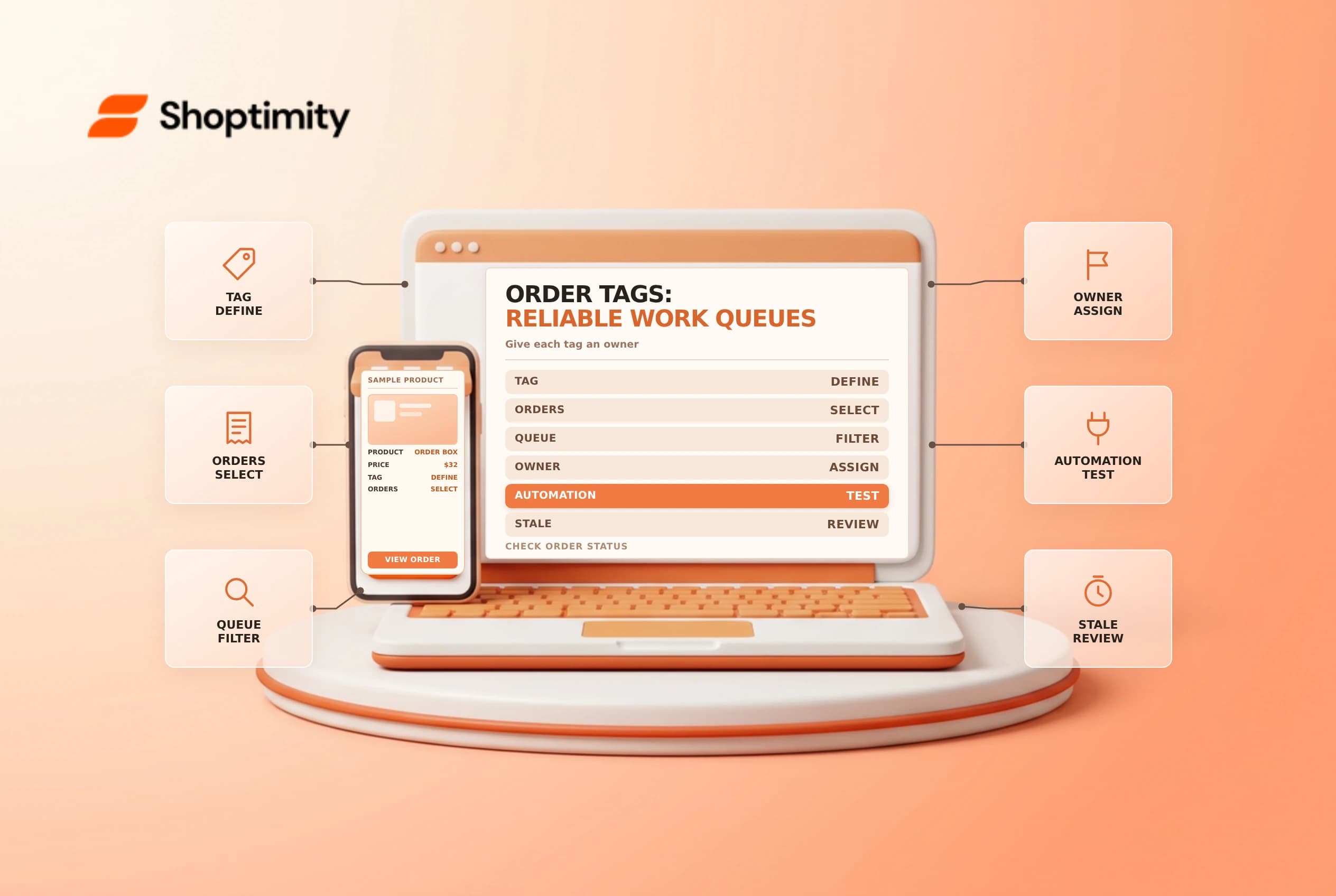
title: Shopify Order Tags: Build Reliable Work Queues slug: shopify-order-tags-reliable-work-queues meta_title: Shopify Order Tags: Reliable Work Queues meta_description: Build reliable Shopify order tags and saved views, document ownership, avoid sensitive data and check automation conflicts before action for store teams. primary_keyword: Shopify order tags secondary_keywords:
- Shopify merchant guide
- ecommerce operations author: The Shoptimity Team date: 2026-11-04 category: Operations schema: BlogPosting, FAQPage
Shopify Order Tags: Build Reliable Work Queues
Shopify order tags help staff categorize and filter orders, but a tag is a label, not proof that payment, fulfillment or a customer request is complete. Build a small vocabulary, assign owners and confirm the underlying order state before acting.
Decide what a tag means
Shopify's tag guide says tags can be used to group and filter orders. Its order-management guide describes filtering orders by tag and saving an order view.
| Example tag | Meaning | Owner action |
|---|---|---|
review-address | Address needs a check | Contact the customer if necessary |
gift-note-check | Gift instructions need review | Confirm packing instructions |
supplier-follow-up | A supplier response is outstanding | Record next action and date |
review-complete | The designated review was completed | Still verify payment and fulfillment separately |
review-addressgift-note-checksupplier-follow-upreview-completeThese names are examples, not built-in Shopify statuses. Avoid sensitive personal information in tags and limit what is visible to connected apps and staff. A tag should not be your only record of a contractual or financial decision.
Create a small naming standard
Agree on spelling, ownership, creation rules and removal conditions. Shopify says order tags are limited to 55 characters per tag. Short, readable names are easier to search and audit. Document whether an active work tag is removed after resolution or paired with a completion tag; mixing both approaches can leave stale queues.
Use the order's Tags section to add or remove a tag, then save. Shopify also supports bulk tag actions on selected orders. Before a bulk action, review the selected set and the consequences of modifying it. A saved view can make a queue convenient, but it will only be as accurate as its tags.
Automate carefully with Flow
Shopify Flow's Add order tags action adds tags to an order supplied by an appropriate trigger. Flow action tags are case sensitive, and the action needs order data from the workflow. Test the trigger and conditions with a representative order before activating a workflow broadly.
Shopify warns that another app or admin user can overwrite tags after Flow adds them. Investigate competing integrations and workflow timing if a tag appears in a run but disappears from the order. A wait step can be a workaround in some cases, but it is not a guarantee against all race conditions. Ask the integration provider how its updates preserve existing tags.
Run a queue without treating labels as truth
- Define the trigger, owner and expected response time for each work tag.
- Add or remove tags on a small test set and confirm the saved view.
- Open each order to check payment, fulfillment, notes and customer context.
- Record the action in the appropriate order timeline or support system.
- Remove or replace the work tag when the task is actually resolved.
- Audit stale tags and app conflicts periodically.
For example, review-address might identify a parcel that needs attention, but it does not hold fulfillment by itself. If a hold is needed, use the appropriate fulfillment workflow and verify all active hold reasons. See fulfillment holds and Flow troubleshooting.
Review the vocabulary with the people using it. If a tag has no owner or no clear removal condition, archive it from the process and update the saved views so old work does not disappear unnoticed.
Ready to build a faster, higher-converting store?
Every Shoptimity theme ships with conversion widgets built in — so you get speed and features without stacking apps.
7-day free trial · all themes included · cancel anytime
Continue Reading

Shopify B2B Company Locations: Give Buyers the Right Access
Configure Shopify B2B company locations, verify buyer permissions and test pricing, addresses and pa...

Shopify Checkout Contact Settings: Separate Email From Shipping Phone
Configure Shopify checkout contact settings and test email, phone and shipping address requirements ...

Shopify POS Recent Carts: Share a Sale Without Reserving Stock
Learn how Shopify POS recent carts work across devices, what they do not reserve, and how to hand of...