
Shopify Order Timeline: Leave an Actionable Internal Handoff
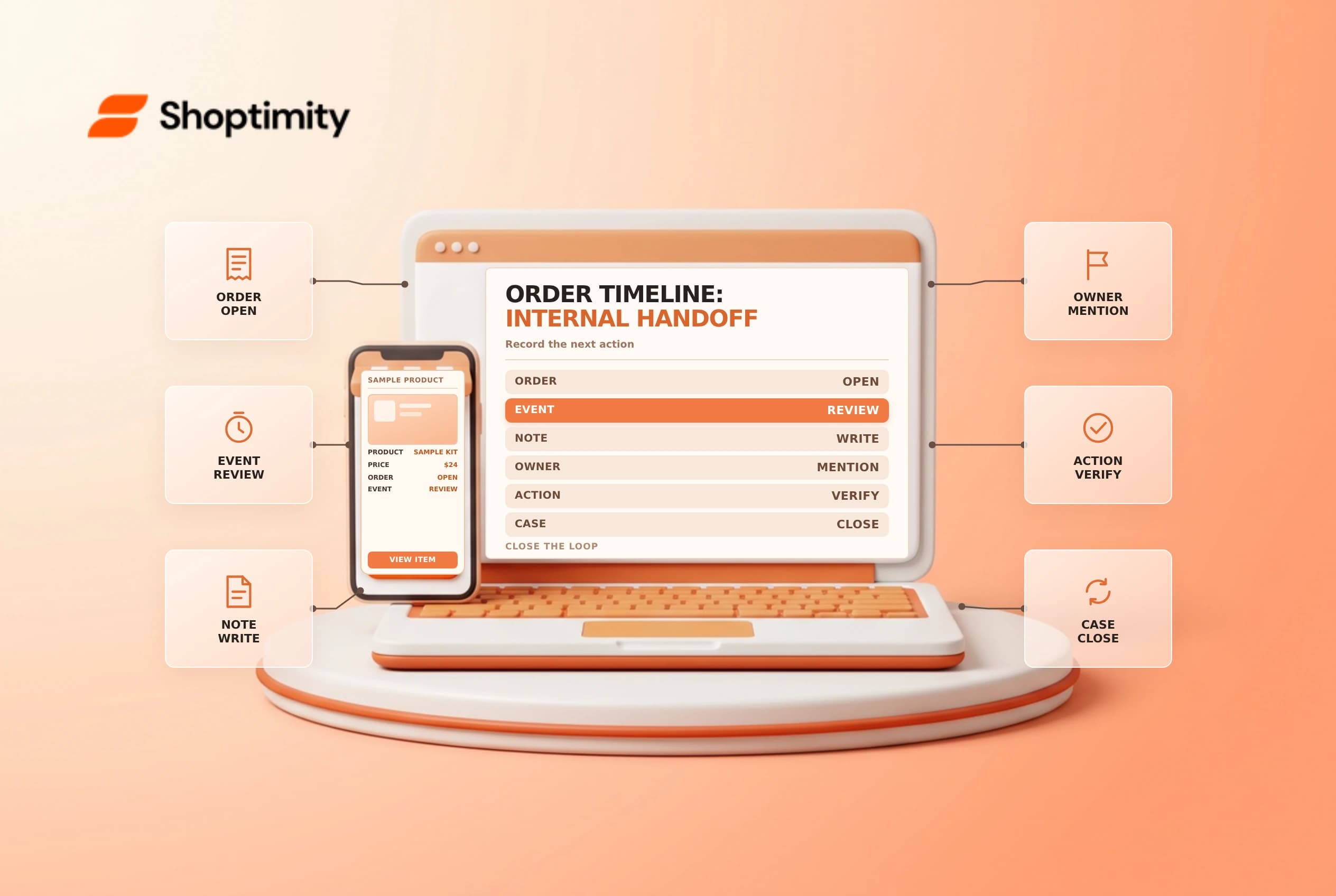
The order Timeline brings order events and staff comments together, helping the next person understand what happened. It is an internal communication tool, not a customer notification and not proof that a separate payment or fulfillment action completed.
Separate events from comments
Open an order and find its Timeline. Shopify's Timeline guide says comments are internal and are attached to the relevant order, draft order, customer or transfer. You can mention staff, link to related records and attach files. For payment events, the order details guide describes opening the event for available gateway information.
An internal comment such as “refund requested” should not be read as “refund completed.” Compare the comment with the order's actual payment and refund status. Likewise, “label created” does not establish that the carrier collected the parcel.
Write a useful handoff
Use a short, factual note that states the issue, evidence, next action and owner. For example: “Customer requested address review; fulfillment is on hold. @Alex: confirm the address with the customer before releasing the hold.” This is an example workflow, not a claim that a comment itself places a hold.
| Include | Avoid |
|---|---|
| What was observed and when | Guessing that an action succeeded |
| Next action and responsible person | Vague instructions such as “handle this” |
| Relevant order reference | Full card numbers, passwords or unnecessary personal data |
| An agreed follow-up time | Promising an outcome before checking it |
Shopify says an @mention can notify the staff member by email and, if configured, mobile push. A person without permission to access the relevant admin area will not receive that mention notification. Without an @mention, Shopify says no one is notified of the comment. Use a separate escalation channel if acknowledgement is time-critical.
Close the loop
After the owner completes the work, add a concise outcome and verify the underlying order status. For sensitive customer contact, use your approved support channel rather than treating internal notes as a message to the customer. Related guides: fulfillment holds and order tags.
Use a handoff, not a substitute for an action
A useful handoff begins with the current state. For example, a support agent might note that an address clarification is pending and name the person responsible for contacting the buyer. If the order also needs a fulfillment hold, place and verify the hold through the actual order workflow; writing “hold” in a comment alone is not the same action.
After the customer replies, the assignee can record the decision and follow the approved process for updating the order. If an address change affects carrier eligibility or taxes, involve the appropriate owner rather than assuming it is harmless. Once the team releases the hold, inspect the order status and add a brief completion note for the next shift.
Mention notifications have limits. Check that the intended person has access to the relevant admin area, and use an escalation channel if a response is urgent. Avoid attaching a full payment document or copying an access credential into the Timeline. Comments are internal, but internal access can still be broader than the people directly working on the issue.
If a case is handed between shifts, agree on a follow-up time and where the acknowledgement will be recorded. Review overdue handoffs separately; a mention is useful context but is not an acknowledgement that a teammate has taken ownership.
Ready to build a faster, higher-converting store?
Every Shoptimity theme ships with conversion widgets built in — so you get speed and features without stacking apps.
7-day free trial · all themes included · cancel anytime
Continue Reading

Shopify B2B Company Locations: Give Buyers the Right Access
Configure Shopify B2B company locations, verify buyer permissions and test pricing, addresses and pa...

Shopify Checkout Contact Settings: Separate Email From Shipping Phone
Configure Shopify checkout contact settings and test email, phone and shipping address requirements ...

Shopify POS Recent Carts: Share a Sale Without Reserving Stock
Learn how Shopify POS recent carts work across devices, what they do not reserve, and how to hand of...