
Shopify Order Views: Save Filters Without Missing Work
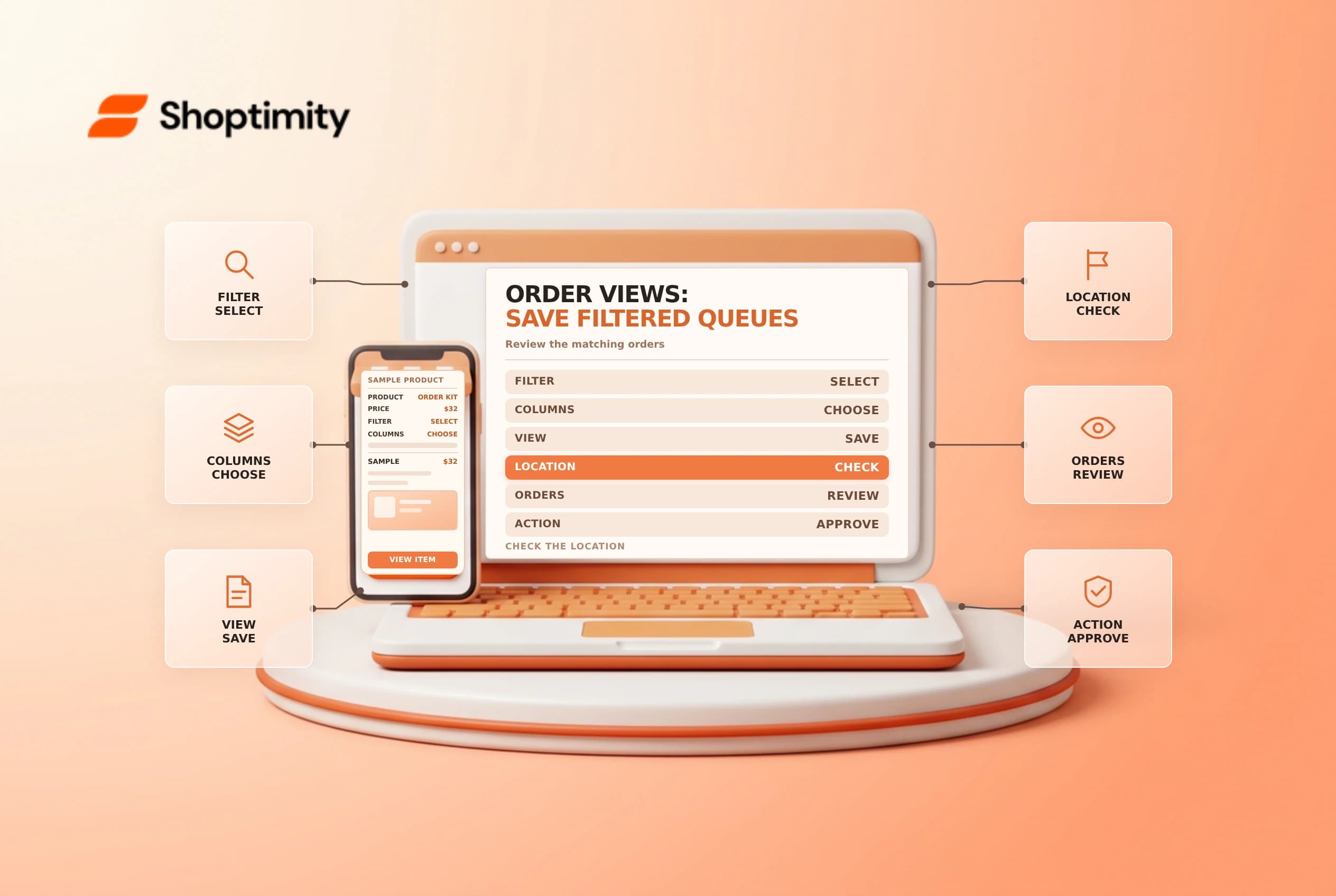
Shopify order views save a useful combination of filters, sorting and columns so a team can revisit a queue. They update as orders change, but a view is not a staff assignment or a guarantee that every exception is included. Define what belongs in the queue and verify its scope before using it for bulk actions.
Start with a job to be done
Shopify's order views guide describes creating custom views from existing order views. A saved view can retain filters, sort order and column choices. Shopify says matching orders update automatically as their status changes; it is not a fixed export of orders from the moment the view was saved.
| Queue purpose | Questions to define |
|---|---|
| Payment review | Which payment statuses require investigation? |
| Fulfillment | Which unfulfilled and partially fulfilled orders belong? |
| Exceptions | Are holds, cancellations or manual-payment orders excluded? |
| Handoff | Who checks the queue, and how often? |
| Escalation | What happens to an order that stays in the queue? |
A “paid and unfulfilled” view may be useful, but it does not prove an order is ready to ship. Check holds, fraud review, delivery method, inventory and internal policy on each order before fulfillment.
Create and name a view
From Orders, choose the relevant filters and sort order, then use Save as and give the view a clear name. Add or arrange columns supported by the admin to make the review easier. Shopify says the All view is unfiltered and cannot be customized like other saved views, apart from column order.
Use names that describe the actual criteria, not an implied outcome. “Paid, unfulfilled: review” is clearer than “Ready to ship” if payment and fulfillment are the only conditions. Record the filter logic and owner in the team's operating procedure, especially if a view drives a repeated daily task.
Check location and edge cases
Shopify's filtering guide says the location filter is set separately from other filters saved in order views, and changing it applies to all views. Confirm the selected location each time a location-specific team starts work. Do not assume the saved view alone locks the location.
Test representative orders: a new matching order, one that becomes paid, a partially fulfilled order, an order on hold and a cancelled order. Compare each result with the intended process. Shopify notes that its default Unfulfilled view excludes orders with no items to fulfill, such as cancelled or fully refunded orders. Make a separate exception process where necessary.
Use bulk actions carefully
A saved view helps find orders; selecting them and applying a bulk action is a separate decision. Before a bulk operation, confirm the filters, selected location, count and individual exceptions. Use the admin's selection review where available and start with a small sample. A filter can change while the team is working because orders continue to update.
Keep a named owner for the queue, a review cadence and a backup. If a colleague changes a saved filter, record the change and validate a sample before resuming the workflow. Review old views periodically so obsolete names and filters do not mislead staff.
See order tags and fulfillment holds for related queue controls.
For each queue, include a plain-language definition of what is deliberately outside its scope. For example, a payment-review view may omit orders using a different payment method or a location filter set by another team. Compare the queue with a second source at shift change, and assign a backup owner for orders that need attention while the primary reviewer is away.
Ready to build a faster, higher-converting store?
Every Shoptimity theme ships with conversion widgets built in — so you get speed and features without stacking apps.
7-day free trial · all themes included · cancel anytime
Continue Reading

Shopify B2B Company Locations: Give Buyers the Right Access
Configure Shopify B2B company locations, verify buyer permissions and test pricing, addresses and pa...

Shopify Checkout Contact Settings: Separate Email From Shipping Phone
Configure Shopify checkout contact settings and test email, phone and shipping address requirements ...

Shopify POS Recent Carts: Share a Sale Without Reserving Stock
Learn how Shopify POS recent carts work across devices, what they do not reserve, and how to hand of...