
Shopify Payment Reminders: Schedule Due and Overdue Notices
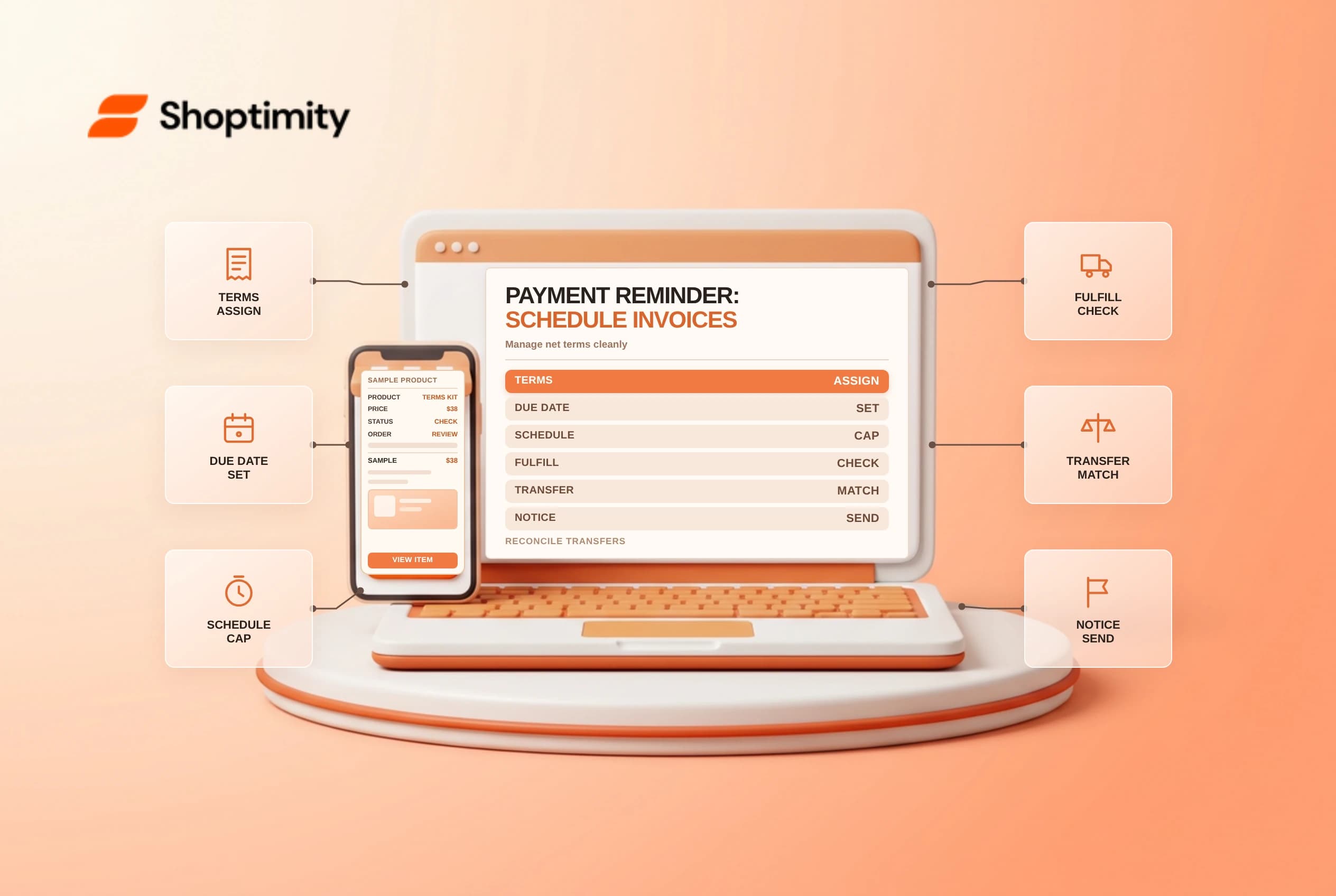
Shopify payment reminders send scheduled follow-up emails when an order carries Payment pending status and an assigned payment term. Used well on wholesale net-term invoices and deferred-payment orders, automated reminders reduce manual accounts-receivable chasing without pestering buyers whose goods have not shipped yet. Check term types, schedule caps and fulfillment dependencies before turning them on.
Confirm which orders qualify for payment reminders
Shopify's deferred payments documentation ties payment reminders directly to payment terms. Eligible orders must sit in Payment pending status with an active term such as Due on receipt, Due on fulfillment, a net window (Net 7, Net 15, Net 30, Net 45, Net 60 or Net 90) or a Fixed term calendar date. Once the due date passes without full settlement, the order status moves to Overdue.
Shopify excludes orders created through purchase options such as subscriptions, pre-orders or try-before-you-buy from standard payment reminders. As Shopify notes in its Flow send payment reminder reference and B2B plan comparison, net terms and payment reminders are supported across core plans when B2B payment terms are used, while advanced split collection features such as deposits, partial payments and per-fulfillment payment requests require Shopify Plus.
| Term or scenario | When the due clock runs | Reminder watchout |
|---|---|---|
| Net 7 through Net 90 | Counts days from the issue date | Confirm invoice delivery matches issue date |
| Due on fulfillment | Due when all items on the order are fulfilled | Reminders cannot fire before fulfillment occurs |
| Fixed term | Due on the selected calendar date | Edit terms promptly if a shipment is delayed |
| Subscriptions and pre-orders | Managed by purchase option billing | Standard payment reminders are not sent |
Configure the five-schedule limit thoughtfully
Under Settings > Notifications > Orders > Payment reminder > Manage payment reminders, Shopify lets you configure up to five automatic reminder schedules. Each reminder can run either on the due date itself or a chosen number of days after the due date, up to 30 days overdue. Teams using Shopify Flow can also build workflows triggered by Payment schedule is due paired with the Send payment reminder action.
Space those five slots deliberately rather than clustering emails every 48 hours. A calm cadence such as due date, 3 days overdue, 7 days overdue, 14 days overdue and 28 days overdue gives corporate accounts-payable teams time to clear approvals without training buyers to ignore daily automated mail.
Coordinate bank transfers and partial shipments
Automated reminders rely on the payment status recorded inside Shopify admin, not what is sitting unposted in your business bank feed:
- Reconcile incoming ACH, wire and check settlements before morning reminder runs so a buyer who paid yesterday does not receive an overdue notice today.
- Review orders using
Due on fulfillmentthat ship in multiple waves. On non-Plus stores, or when individual fulfillment payment requests have not been sent from admin, buyers logging into customer accounts can pay only the full order balance rather than a single shipment. - Edit payment terms promptly when your warehouse delays dispatch on a net-term order so the due date stays fair relative to delivery.
- Review the
Payment remindernotification template so remittance details, invoice links and support contact emails match your current finance inbox.
Related guides: B2B payment terms and deposits and draft order invoice links.
Assign clear ownership between wholesale sales and finance when a buyer disputes an item count or delivery damage on a net-term invoice. Removing or extending payment terms on an actively disputed order prevents automated overdue emails from escalating a resolved warehouse issue.
Ready to build a faster, higher-converting store?
Every Shoptimity theme ships with conversion widgets built in — so you get speed and features without stacking apps.
7-day free trial · all themes included · cancel anytime
Continue Reading
Shopify Flow Collection Deleted: ID-Only Alerts
Create a safe collection-deleted alert in Shopify Flow, understand its ID-only data and plan a manua...
Shopify Flow Discount Created: Choose the Trigger
Compare discount code and automatic discount creation triggers in Shopify Flow and design internal p...
Shopify Flow Inventory Item Deleted: ID-Only Data
Understand the inventory item deleted trigger, its ID-only limitation and how to alert operations wi...