
Shopify POS Email Cart: Hand Off an In-Store Sale to Online Checkout
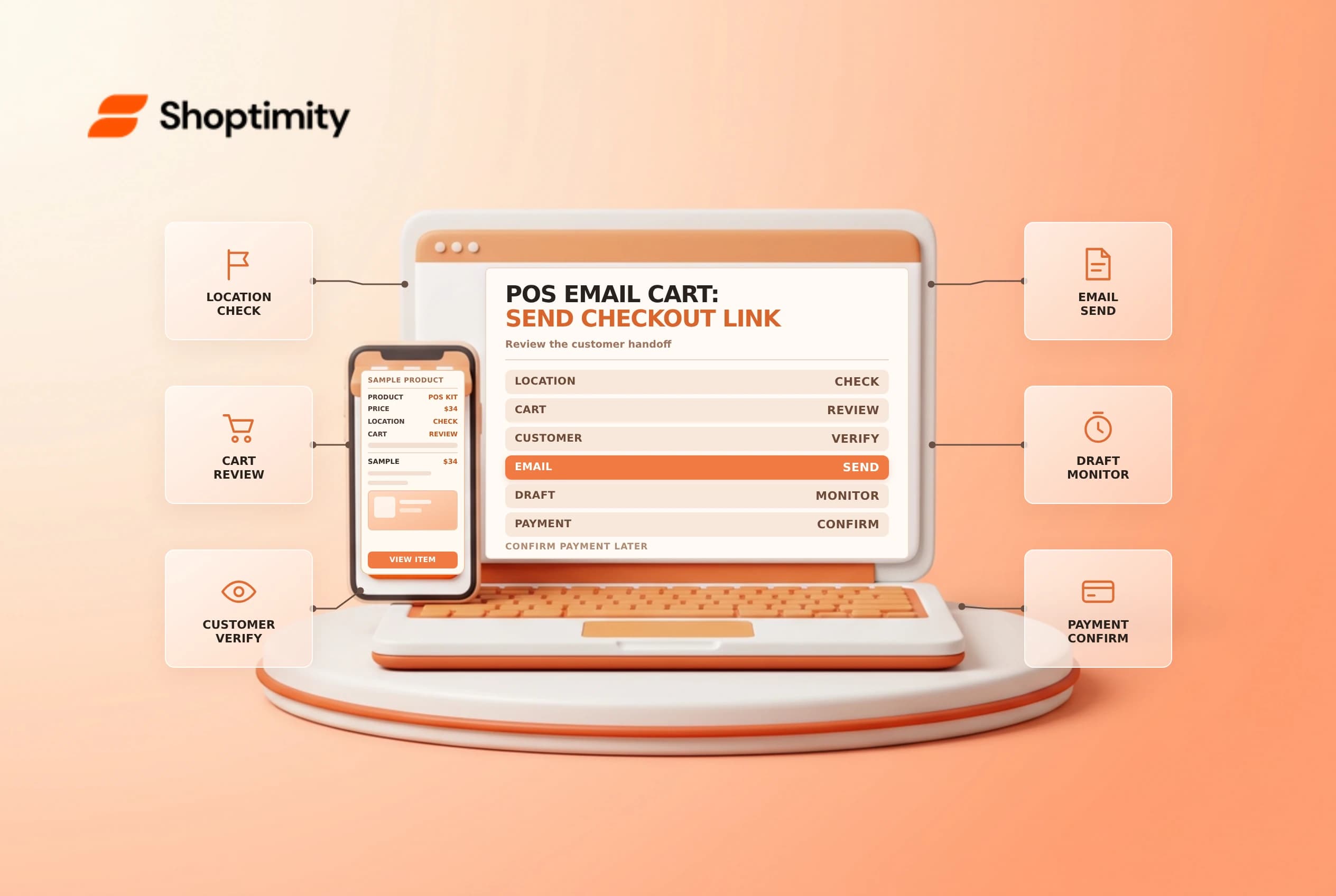
Shopify POS Email cart lets an eligible retail location send a customer a checkout link for the cart. It is a handoff, not proof of payment or stock reservation. Confirm the customer, items and terms, then monitor the draft and payment before promising fulfillment.
Check the location and payment scope
Shopify's Email cart guide says the feature is available at locations on Shopify POS Pro. It sends an email with a cart summary and online checkout link, saves the order as a draft and creates an order when the customer pays. Confirm the current plan and POS version before training staff on the workflow.
| Check | Why it matters |
|---|---|
| POS location | The location needs the supported plan and setup |
| Cart | Correct products, variants, quantities and pricing |
| Customer | Correct profile and authorized email address |
| Payment | The entire order must be paid through the emailed checkout |
| Follow-up | The draft is monitored until payment or expiry |
Shopify says a merchant cannot accept a partial payment in person and use Email cart to collect the balance. If a payment method has already been added at checkout, the email option is deactivated until that payment is removed. Use a different supported process for partial payments rather than improvising.
Prepare and send the cart
Add the customer's chosen products in POS and review any permitted adjustments. Use More actions > Send cart, enter the correct email and follow the prompts. Explain that the recipient will complete online checkout and that the final shipping, tax and available payment methods should be reviewed there.
If a customer is attached to the cart, Shopify says the email can be prefilled; entering another email does not change the attached customer. Confirm both the customer profile and delivery address before sending. Avoid sharing checkout links in public channels or forwarding them to an unrelated person. Follow the store's identity and privacy procedures.
Track the draft and stock
An emailed cart is saved as a draft, and the customer may decide not to complete it. Set an owner and review time for outstanding drafts. If the item is scarce, inspect whether the draft has an active inventory reservation and its expiry; do not assume the emailed link itself holds stock. Communicate any deadline accurately and confirm what happens when the reservation ends.
| Stage | Evidence to verify |
|---|---|
| Email sent | Correct recipient and intended cart summary |
| Draft saved | Correct customer, items and current terms |
| Inventory | Availability and any reservation status |
| Checkout | Customer sees accurate shipping, tax and total |
| Payment | Order and payment state verified before fulfillment |
If the customer reports an incorrect price or address, follow the supported draft-edit and invoice process and review the new total. A message sent, an opened email and a paid order are different events. Do not mark the draft paid simply because the customer intends to purchase.
Close the loop with the retail team
Shopify notes that iOS Email cart sales attribution depends on the staff member logged in through email when the message is sent; PIN-only staff sign-in is not tracked for that attribution. Check the current documentation and sales report before making commission decisions. Staff attribution is separate from verifying payment or fulfillment.
Train associates using a safe test cart and an authorized email address. Check the sent message, mobile checkout and resulting order state. Give support a way to find an abandoned draft without exposing another customer's details. Related guides: draft order invoices and draft inventory reservations.
Ready to build a faster, higher-converting store?
Every Shoptimity theme ships with conversion widgets built in — so you get speed and features without stacking apps.
7-day free trial · all themes included · cancel anytime
Continue Reading

Shopify B2B Company Locations: Give Buyers the Right Access
Configure Shopify B2B company locations, verify buyer permissions and test pricing, addresses and pa...

Shopify Checkout Contact Settings: Separate Email From Shipping Phone
Configure Shopify checkout contact settings and test email, phone and shipping address requirements ...

Shopify POS Recent Carts: Share a Sale Without Reserving Stock
Learn how Shopify POS recent carts work across devices, what they do not reserve, and how to hand of...