
Shopify POS Gift Receipts: Give Proof of Purchase Without the Price
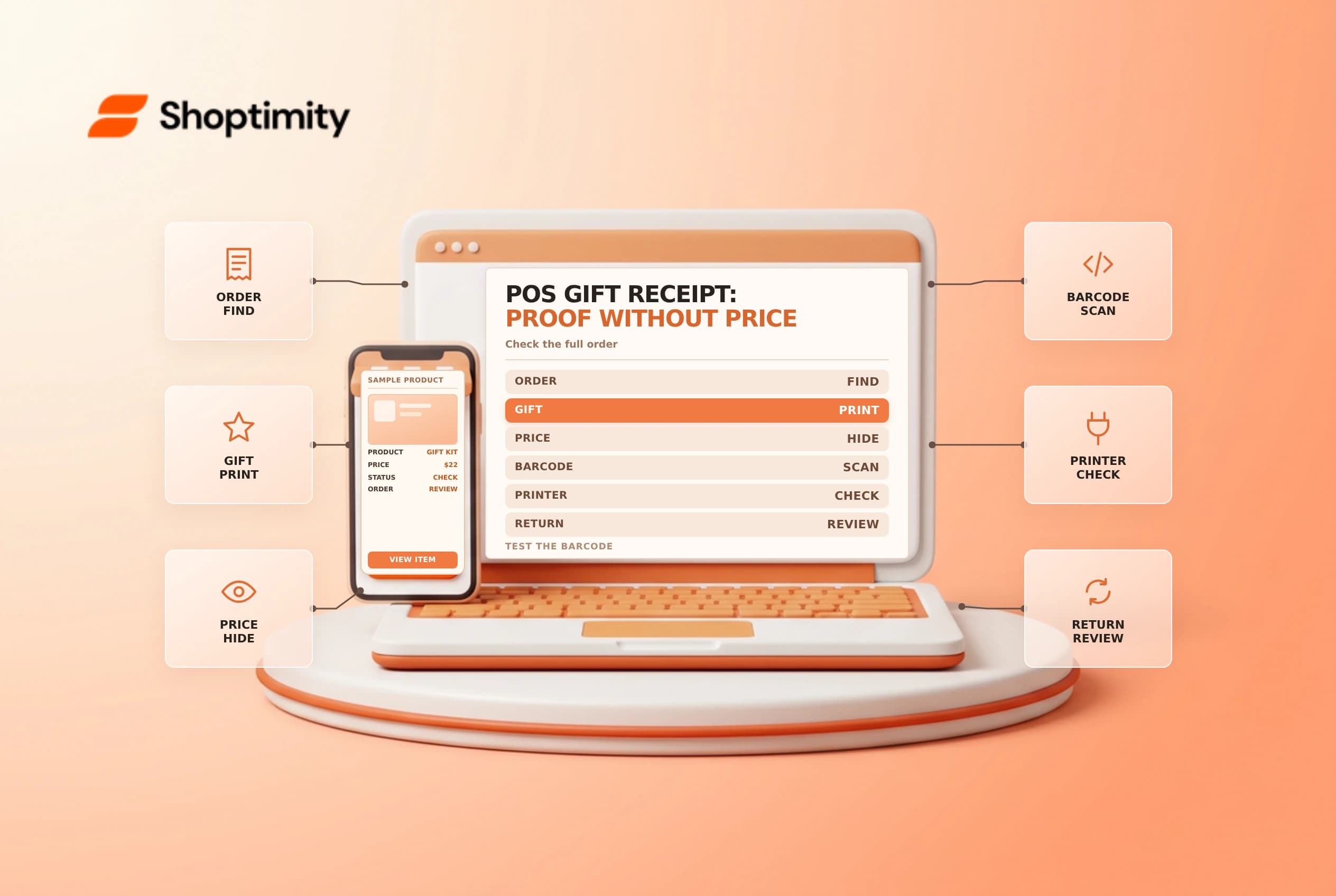
A Shopify POS gift receipt helps a gift recipient return or exchange a purchase without receiving the price paid. It is different from the buyer's sales receipt and from the receipt that contains a gift card's redeemable code. Train staff on the correct document and test the printer before a busy retail period.
Choose the right receipt
Shopify's POS receipt guide says a gift receipt is proof of purchase without the amount spent. Its receipt editor guide describes a scannable barcode linked to the original order and says the gift receipt omits line items, quantities, prices and totals. Header and footer content may still appear.
| Receipt | Purpose |
|---|---|
| Sales receipt | Records the buyer's transaction and amounts |
| Gift receipt | Provides a way to find the order without showing the price |
| Gift card receipt | Contains information needed to redeem a gift card |
| Return or exchange receipt | Records a later return or exchange event |
Shopify says gift receipts cover the full order. If a buyer needs a gift receipt for one item only, the guide says to create a separate order for that item. Explain that limitation before completing the sale, especially when one basket contains several gifts.
Print and inspect
At the payment-success screen, choose Gift receipt where the option and receipt printer are available. For a completed sale, Shopify documents opening the order in POS and choosing Print gift receipt. Verify the order identity and use the approved customer-service process before reprinting a receipt for someone other than the original buyer.
Check that the print is legible and the barcode can be scanned by the intended device. The receipt is linked to an order, so keep it with the gift rather than displaying it publicly. A barcode helps staff locate the transaction; it does not override the store's return policy or verify the recipient's identity in every situation.
Test the return handoff
Use an approved test sale and print both the normal sales receipt and the gift receipt. Compare what each reveals. Scan the gift receipt at POS and confirm that staff can find the intended order and follow the supported return or exchange process. Do not complete an actual refund during a test unless the store's test policy permits it.
| Test | Expected check |
|---|---|
| Gift receipt | No sale amount or line-item details are visible |
| Buyer receipt | Buyer receives the document they requested |
| Barcode | The correct order can be found |
| Multiple gifts | Staff explain the full-order limitation |
| Header and footer | Policy and custom wording are current |
| Gift card | The redeemable code is handled separately and securely |
If the printer fails, follow the store's backup process and do not promise that a digital gift receipt is available without confirming the current POS options. Keep customer contact details out of screenshots used for staff training.
Maintain receipt settings
Shopify says header and footer customizations can apply to multiple receipt types. Review a sample gift receipt whenever the store changes branding, policy wording or a printer template. Check the actual output: a header intended for sales receipts should not accidentally expose information that is inappropriate on a gift receipt.
Give staff a concise script for the buyer: what the document does, the full-order limitation and where the recipient can find the current return policy. Related guides: POS returns and exchanges and gift card balance support.
Ready to build a faster, higher-converting store?
Every Shoptimity theme ships with conversion widgets built in — so you get speed and features without stacking apps.
7-day free trial · all themes included · cancel anytime
Continue Reading

Shopify B2B Company Locations: Give Buyers the Right Access
Configure Shopify B2B company locations, verify buyer permissions and test pricing, addresses and pa...

Shopify Checkout Contact Settings: Separate Email From Shipping Phone
Configure Shopify checkout contact settings and test email, phone and shipping address requirements ...

Shopify POS Recent Carts: Share a Sale Without Reserving Stock
Learn how Shopify POS recent carts work across devices, what they do not reserve, and how to hand of...