
Shopify POS Ship and Carry Out: Split an In-Store Purchase Safely
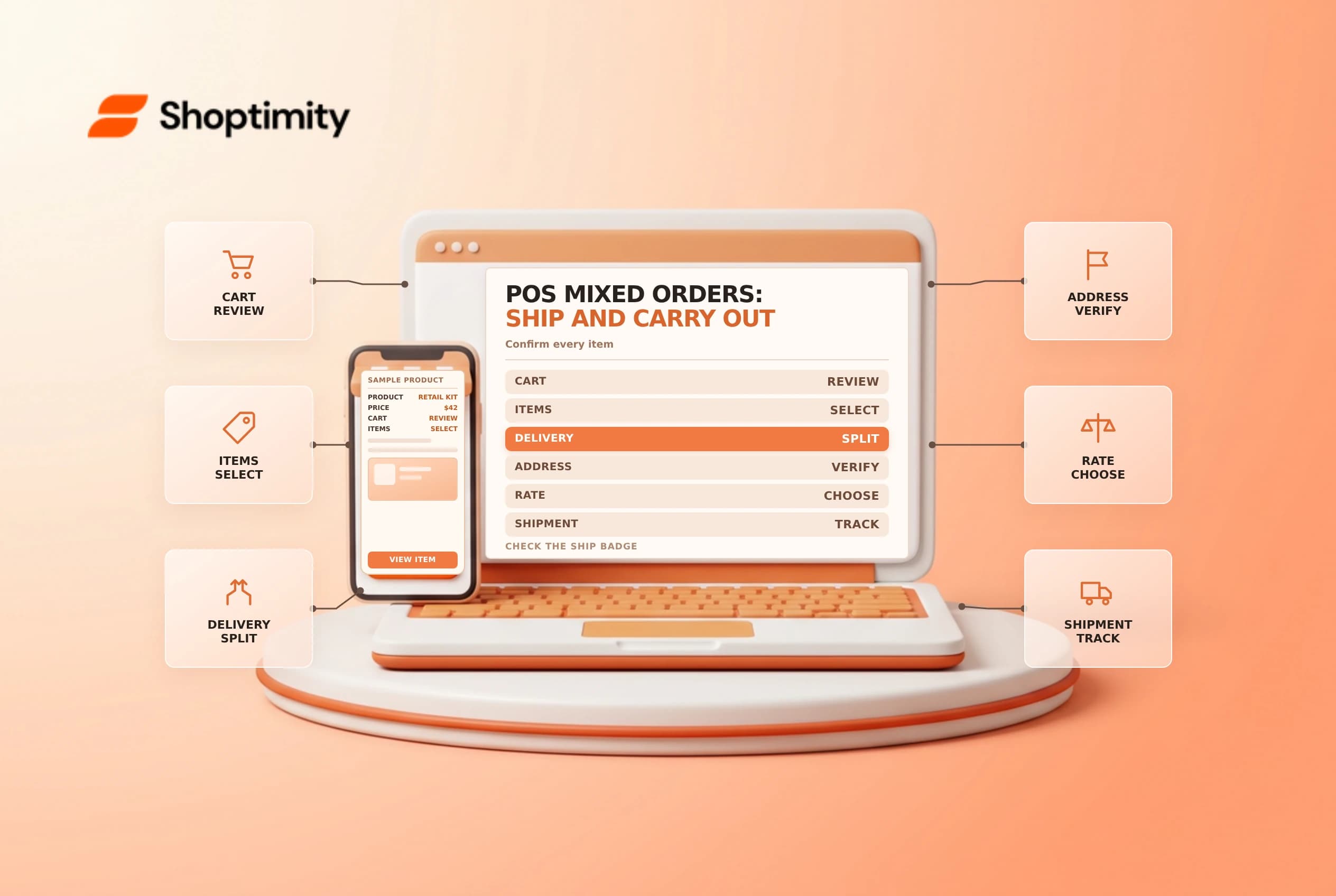
A customer may take some products home and ask the store to ship others. Shopify POS can support a mixed ship-and-carry-out order, but the eligibility, variant and shipping restrictions matter. Review each line before charging so the customer and fulfillment team agree on what happens next.
Check eligibility before starting
Shopify's ship-and-carry-out guide lists POS Pro at the selling location, POS app version 9.31 or later, supported tax configuration, an online connection and completed shipping settings. Staff also need the relevant ship-to-customer and customer-management permissions. Verify current requirements in your own store and location before promising the service.
The feature does not support subscription products or international shipments. Shopify says quantities of the same variant cannot be divided between shipping and carry out within one order; process separate transactions when that exact scenario is required. Different variants may be handled separately, subject to all other restrictions.
| Cart decision | Check |
|---|---|
| Carry out | Which exact items leave with the buyer now? |
| Ship | Which variants and quantities remain for fulfillment? |
| Address | Is the destination domestic and correct? |
| Shipping method | Is the selected rate and service acceptable? |
| Payment | Has the customer agreed to the complete total? |
Build the mixed cart
Products default to carry out in the POS cart. Select the items to ship and change their delivery method; shipped lines display a Ship badge. Add or select the customer, verify the shipping address, and review the available shipping method. Shopify notes that the cart defaults to the least expensive available shipping option unless changed. Ask the customer whether that service meets their needs rather than assuming the cheapest is appropriate.
Review the complete cart with the buyer, including taxes, discounts and shipping. Check the receipt method and explain which products the customer takes today and which products will arrive later. A paid transaction is not a carrier handoff.
Plan the warehouse handoff
After checkout, open the order and confirm that shipped items are correctly represented as needing fulfillment. Give the fulfillment team the order reference, destination and items, and follow your normal pick, packing and shipping checks. Verify tracking and notification settings when the parcel is actually shipped. Don't mark shipped goods fulfilled simply because the customer paid in store.
A useful test uses two different variants: one for carry out and one to ship. Confirm the POS badges before payment and compare the order, receipt and fulfillment record afterward. Then test an unsupported combination in a safe training environment so staff know when to use separate transactions. Avoid using real personal data or charging a live card in an uncontrolled test.
Handle interruptions
Shopify says shipping orders need an online connection; if you cannot reconnect during this mixed workflow, cancel the transaction and try again when back online. Have a staff escalation path for unavailable rates, mismatched address or uncertain stock. Confirm the state of any interrupted transaction before trying again to avoid duplicate charges.
For related workflows, see POS offline recovery and order routing.
For training, give the associate a written example showing one item the customer carries and a different item that ships. Ask them to identify the Ship badge, confirm the destination and explain the next step to the customer. A supervisor can compare the recorded fulfillment with the receipt before permitting the team to use the workflow during a busy sale.
Ready to build a faster, higher-converting store?
Every Shoptimity theme ships with conversion widgets built in — so you get speed and features without stacking apps.
7-day free trial · all themes included · cancel anytime
Continue Reading

Shopify B2B Company Locations: Give Buyers the Right Access
Configure Shopify B2B company locations, verify buyer permissions and test pricing, addresses and pa...

Shopify Checkout Contact Settings: Separate Email From Shipping Phone
Configure Shopify checkout contact settings and test email, phone and shipping address requirements ...

Shopify POS Recent Carts: Share a Sale Without Reserving Stock
Learn how Shopify POS recent carts work across devices, what they do not reserve, and how to hand of...