
Shopify Product Models: 3D and AR Quality Checks
title: Shopify Product Models: 3D and AR Quality Checks slug: shopify-product-models-3d-ar-quality-checklist meta_title: Shopify Product Models: 3D and AR Quality Checks meta_description: Plan Shopify product models in 3D, from GLB and USDZ assets through scale, mobile performance, augmented reality and accessibility checks for store teams. primary_keyword: Shopify product models secondary_keywords:
- Shopify merchant guide
- ecommerce operations author: The Shoptimity Team date: 2026-11-03 category: Marketing schema: BlogPosting, FAQPage
Shopify Product Models: 3D and AR Quality Checks
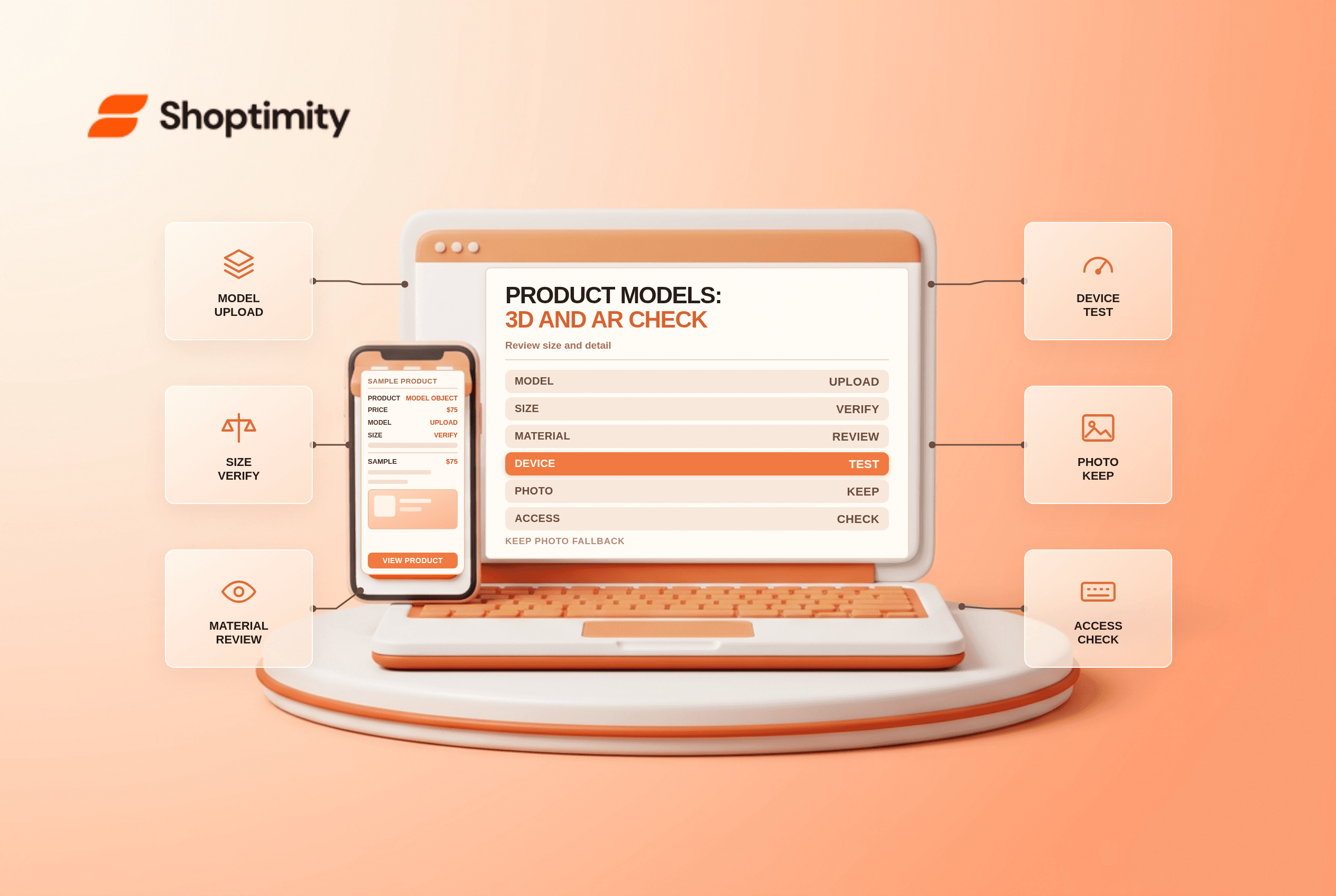
Shopify product models in 3D let shoppers examine an item from different angles and, on supported devices, view it in their own environment with augmented reality. A model is useful only if its scale and appearance are trustworthy and the product page remains usable for people who cannot or do not want to use AR.
Decide which products merit a model
Start with a product where shape, dimensions or placement affects the buying decision: furniture, decor or an appliance, for example. Model production, quality review and maintenance have costs. An inaccurate rendering can create unrealistic expectations, so prioritize products with stable designs and reliable measurements.
| Asset or check | Purpose | Risk if missed |
|---|---|---|
| Reference photographs | Capture shape, finish and details | Wrong color or omitted features |
| Physical measurements | Establish dimensions and scale | AR object appears too large or small |
| GLB or USDZ file | Supply the model to Shopify | Unsupported or oversized upload |
| Device and theme test | Confirm the viewer works | Customers cannot open or control it |
| Photos and text | Provide an accessible alternative | Essential information is available only in 3D |
Shopify's product-media requirements list GLB and USDZ uploads up to 500 MB and say files larger than 15 MB are automatically optimized. Its separate partner modelling guide recommends a much smaller approximately 4 MB GLB and cites a 15 MB maximum for that workflow. Treat the latter as a conservative production target; check the current upload limit and quality requirements in your store.
Prepare a reliable source package
Provide a model creator with multiple well-lit views, accurate dimensions, material details and photographs of hard-to-see parts. Identify which variant, finish and configuration the model represents. A model of one color should not imply that every variant has the same appearance.
Agree on file ownership, allowed uses, revision rounds and source-file delivery. Ask for a lightweight model that preserves important details, not simply the largest possible file. Shopify may convert or optimize uploaded files; inspect the final storefront result rather than only the creator's original.
Upload and test the experience
Add the supported model to the relevant product media and check that your theme supports 3D and AR presentation. Test the published theme or an appropriate preview on representative supported devices and browsers. Confirm that shoppers can identify the model, open and rotate it, exit it and still access the standard image gallery.
In an AR-capable environment, place the item beside a real object of known size. Compare dimensions, proportions, materials, shadows and orientation with the physical product. Test loading on a realistic mobile connection and look for broken textures or long delays. Results vary by device, browser, theme and connection.
Keep an accessible fallback
A model should supplement, not replace, accurate product images, dimensions, written specifications and care information. Give interactive controls clear labels and check keyboard and screen-reader behavior where supported. Shopify's accessibility guidance describes a broader audit; legal obligations depend on the market and business.
Measure and maintain
Document model version, represented variant, source measurements and owner. Recheck the model after a product redesign or theme change. Compare engagement, support questions and returns for the product before and after launch, while accounting for changes in price, traffic and season. An observational difference is not proof that AR alone caused it.
Pair the model with the product image gallery checklist and product specification layout guide.
Ready to build a faster, higher-converting store?
Every Shoptimity theme ships with conversion widgets built in — so you get speed and features without stacking apps.
7-day free trial · all themes included · cancel anytime
Continue Reading
Shopify Flow Collection Deleted: ID-Only Alerts
Create a safe collection-deleted alert in Shopify Flow, understand its ID-only data and plan a manua...
Shopify Flow Discount Created: Choose the Trigger
Compare discount code and automatic discount creation triggers in Shopify Flow and design internal p...
Shopify Flow Inventory Item Deleted: ID-Only Data
Understand the inventory item deleted trigger, its ID-only limitation and how to alert operations wi...