
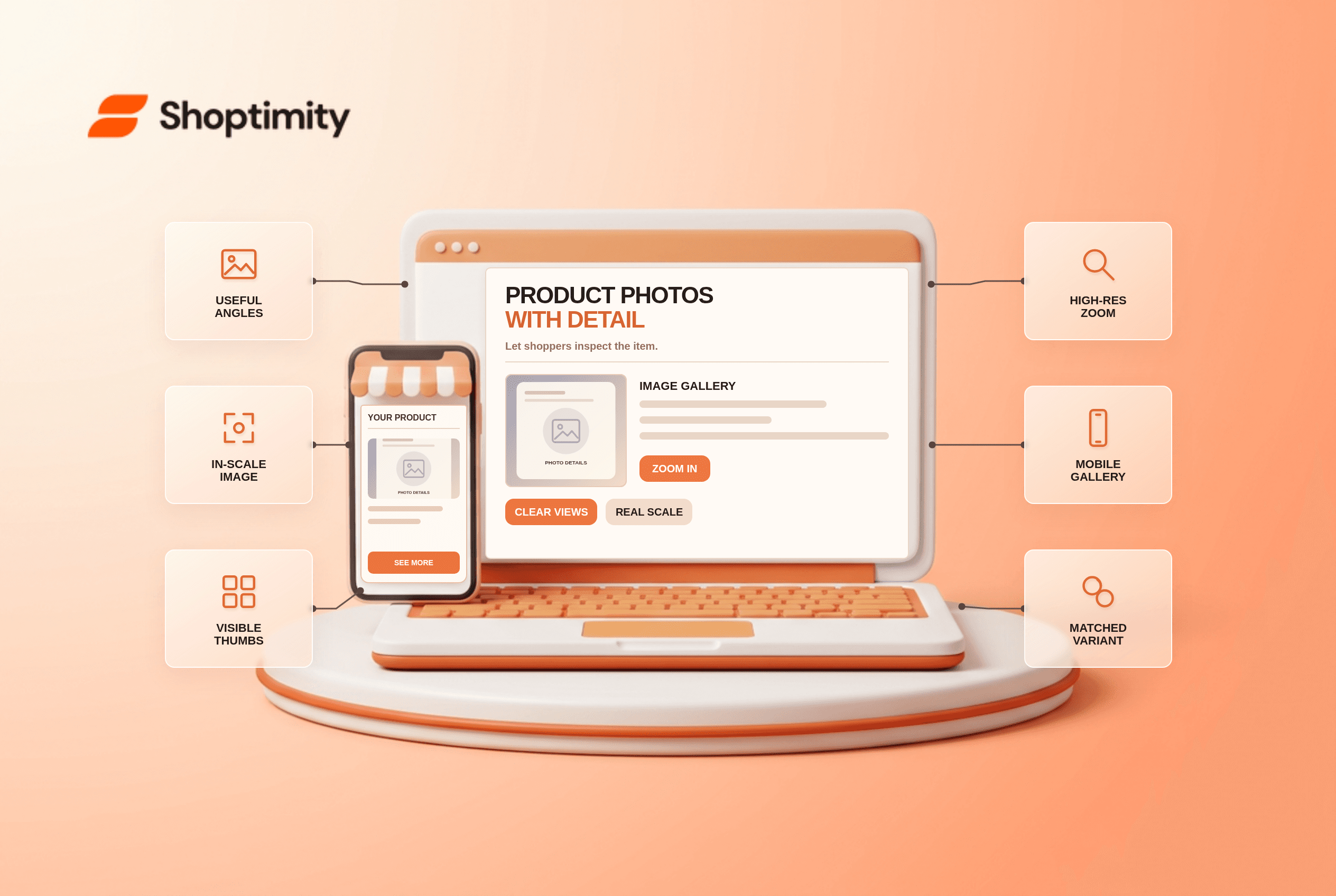
An ecommerce product image gallery should show what the item looks like from useful angles, how large it is and which features matter. Make the additional views discoverable, provide a clear way to zoom on mobile and load enough resolution for inspection. Keep images aligned with the selected variant and repeat essential dimensions in text. More photos are not automatically better if the useful one is hidden.
What should an ecommerce product image gallery include?
Build a coverage list before uploading assets. Include a clear overall view, the item in scale, important details and what comes in the package. Apparel may need a worn view; a lamp may need dimensions and a photo in a room. Avoid using a lifestyle photo to imply accessories are included when they are not.
According to Baymard's 2026 product-page benchmark, 42% of test users tried to gauge product size from images, while 37% of benchmarked sites lacked an in-scale image. Those are study-specific findings, not a conversion prediction for a merchant. Pair accurate images with written measurements rather than asking a buyer to guess from a white-background photo.
How can shoppers find the other views?
Give each view a discoverable control. Baymard's gallery-thumbnail research warns that hiding later thumbnails without a visible cue makes people assume there are no more images. A partial last thumbnail, arrow or a clearly labeled extra-images control can reveal that there are additional views. Check the actual layout with a small phone screen and a full image set.
The hardest case is a product with eight photos where only four thumbnails show by default and the close-up of the care label is number seven. A customer looking for fabric details may leave despite the answer already existing. Promote essential visual evidence early; a tiny dot indicator does not tell anyone what the hidden image contains.
- List the visual questions people ask about the product: size, texture, included parts, finish and fit.
- Match each important question to a real product photo, not a stock illustration that implies the wrong variant.
- Order the gallery so overall, in-scale and decisive close-up views are easy to discover.
- Reveal extra thumbnails with an obvious control; test the total-image count on mobile.
- Open the zoomed image on a phone and verify text, texture and details remain legible.
- Change product variants and confirm the selected image, label and cart SKU all agree.
- Check keyboard navigation, image descriptions, load performance and essential information in adjacent text.
Is zoom just a visual enhancement?
No. Zoom needs a sufficiently detailed source image. Baymard's image-resolution research notes that enlarging a low-resolution file can disappoint people trying to inspect an item. Fetch a higher-resolution image when a user zooms, but avoid forcing the full file on every initial page load. The trade-off is bandwidth, not a reason to leave the detail unreadable.
We checked public Baymard research, not a merchant's image library. Our advice is to prioritize accurate imagery and visible controls before adding motion effects. Shoptimity themes can provide gallery layouts, while product photography remains the merchant's responsibility. Our variant-selector checklist covers selection-to-image consistency; product video guidance covers media that shows movement.
How do you audit a live gallery?
Choose a product with many images and a variant change. Ask whether an unfamiliar shopper can find scale, texture and what's included without relying on an unseen slideshow. Repeat on a slow mobile connection. If image count goes up but detail remains hidden, the solution is better ordering and controls, not another image upload.
Ready to build a faster, higher-converting store?
Every Shoptimity theme ships with conversion widgets built in — so you get speed and features without stacking apps.
7-day free trial · all themes included · cancel anytime
Continue Reading
Shopify Apple Pay: Check Wallets, Subscriptions and B2B
Activate Shopify Apple Pay with network tokenization, verify Visa or Mastercard subscription rules, ...
Shopify Order Notes: Capture Cart Instructions Cleanly
Enable Shopify order notes on Online Store 2.0 carts, separate notes from cart attributes and checko...
Shopify Planet: Add Carbon-Neutral Shipping Badges
Set up Shopify Planet carbon-neutral shipping, match Marketing vs $0.50 Engagement badge modes to yo...