
Shopify Product Status: Active, Draft, Archived and Unlisted
title: Shopify Product Status: Active, Draft, Archived and Unlisted slug: shopify-product-status-channel-availability meta_title: Shopify Product Status and Channel Availability meta_description: Compare Shopify product status options and sales channel availability, with launch checks for draft, active, archived and unlisted products. primary_keyword: Shopify product status secondary_keywords:
- Shopify merchant guide
- ecommerce operations author: The Shoptimity Team date: 2026-11-04 category: Operations schema: BlogPosting, FAQPage
Shopify Product Status: Active, Draft, Archived and Unlisted
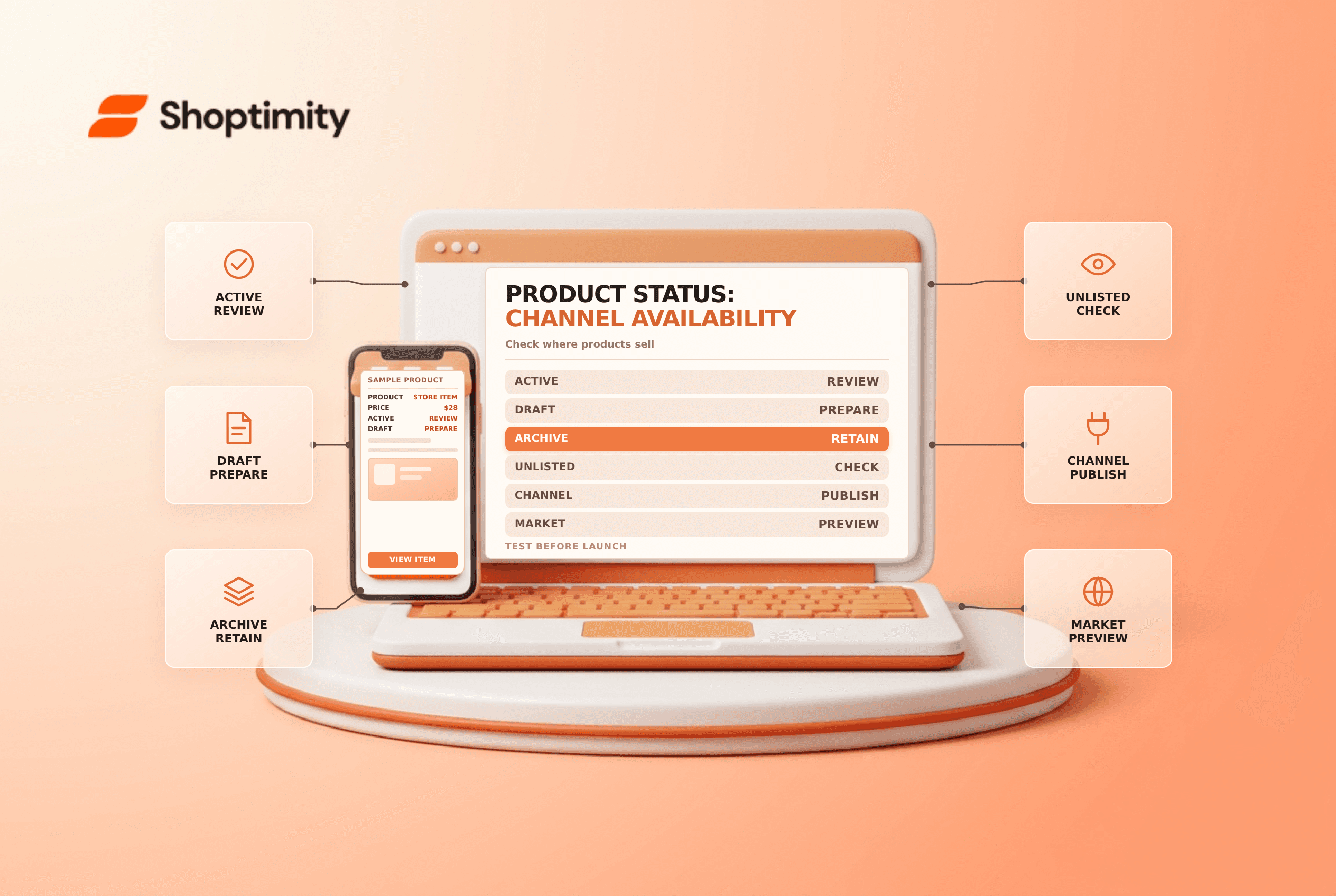
Shopify product status determines whether a product is ready to sell, while publishing controls where it is available. An active product is not automatically available on every channel, and an unlisted product is not a private or secure page. Review status, channel, market and inventory together when a product is unexpectedly visible or missing.
Compare the statuses
| Status | What it means | Operational caution |
|---|---|---|
| Active | Product is ready to sell | Check the channels and markets selected |
| Draft | Product is not ready to sell | A scheduled publication will not work if it remains draft |
| Archived | Product is no longer for sale and hidden from the main list | It remains in existing collections in admin |
| Unlisted | Product can be sold but is not discoverable through normal paths | Anyone with its link may still reach it; check channel support |
Shopify's product-status guide says products must be Active or Unlisted and published to an eligible channel for customers to buy there. Availability of unlisted status and its behavior can depend on channel and app support; verify the current rules for your store.
Status is not the same as availability
A product can be active but excluded from the online store or a specific market. Conversely, selecting a sales channel does not make a draft product ready to sell. Check the Publishing section as well as market catalogs, product inventory and the customer's actual destination.
Shopify notes that a product excluded from the Shop channel might still appear in Shop with customers redirected to the online store. Do not assume that one publishing toggle always removes every external mention immediately. Check each channel's current behavior and refresh times.
Use draft and archive carefully
A draft is useful while a team prepares descriptions, media, pricing and shipping. Shopify says a newly created product is Active by default, whereas a duplicated or unarchived product starts as Draft. Review the status before saving or launching, particularly when cloning an existing listing.
Archiving stops the product from being sold and removes it from the main product list, but Shopify says it remains in collections in the admin. Review links, campaigns, recommendations and alternatives before retiring a product. Do not delete the product merely to hide it; deletion has separate consequences.
Treat unlisted as limited discovery
Unlisted can support a product that should not appear in normal discovery surfaces, but it is not a password-protected access control. Shopify's product-details guidance notes that unlisted products cannot be published to third-party sales channels and some apps may display them as active. Do not use unlisted status to protect confidential offers or sensitive information.
Test before a launch or retirement
- Verify product title, variants, price, media and inventory.
- Review status and every intended sales channel or market.
- Check scheduled publication and store time zone.
- Open the product in the target market and test the cart path.
- Review collection, search, recommendation and external channel behavior.
- Document the owner and rollback plan for any bulk change.
Shopify's scheduled-publishing guidance says a product must be Active when scheduled publishing runs. For related work see duplicate-product checks and out-of-stock product SEO.
Ready to build a faster, higher-converting store?
Every Shoptimity theme ships with conversion widgets built in — so you get speed and features without stacking apps.
7-day free trial · all themes included · cancel anytime
Continue Reading

Shopify B2B Company Locations: Give Buyers the Right Access
Configure Shopify B2B company locations, verify buyer permissions and test pricing, addresses and pa...

Shopify Checkout Contact Settings: Separate Email From Shipping Phone
Configure Shopify checkout contact settings and test email, phone and shipping address requirements ...

Shopify POS Recent Carts: Share a Sale Without Reserving Stock
Learn how Shopify POS recent carts work across devices, what they do not reserve, and how to hand of...