
Shopify Purchase Order Receiving: Transfers and Discrepancies
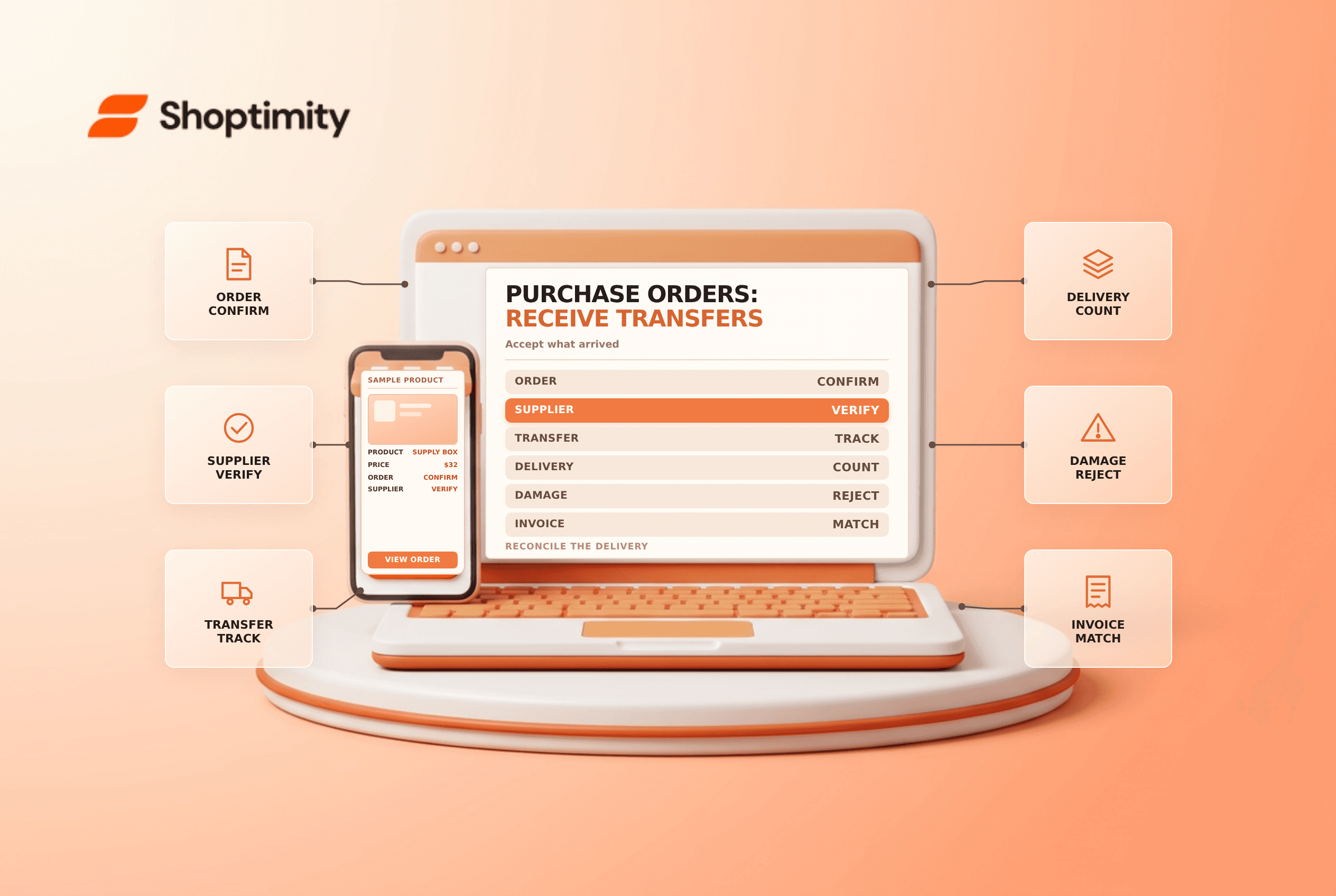
title: Shopify Purchase Order Receiving: Transfers and Discrepancies slug: shopify-purchase-order-receiving-linked-transfers meta_title: Shopify Purchase Order Receiving: Transfers meta_description: Understand Shopify purchase order receiving using linked supplier transfers, including accepted, rejected and outstanding quantities and controls. primary_keyword: Shopify purchase order receiving secondary_keywords:
- Shopify merchant guide
- ecommerce operations author: The Shoptimity Team date: 2026-11-04 category: Operations schema: BlogPosting, FAQPage
Shopify Purchase Order Receiving: Transfers and Discrepancies
Shopify purchase order receiving separates the commercial agreement from the physical movement of goods. In the current linked-transfer workflow, the purchase order records what was ordered and the inventory transfer records shipments and receiving. Treat an expected delivery as incoming, not saleable stock, until the appropriate quantity is accepted.
Purchase order versus transfer
| Record | Main job | Key control |
|---|---|---|
| Purchase order | Records supplier, products, costs and terms | Confirm the commercial agreement |
| Linked inventory transfer | Tracks goods moving from supplier to destination | Verify destination and quantities |
| Shipment | Tracks an individual delivery within a transfer | Match physical cartons to the shipment |
| Receiving action | Accepts, rejects or cancels specified quantities | Inspect goods before increasing availability |
Shopify's purchase-order guide says marking a purchase order Ordered cannot be reversed. The linked-transfer guide says receiving happens on the linked transfer, not on the purchase order itself.
Create the records deliberately
Set up the supplier, destination and tracked products. Draft the purchase order with variant quantities, costs and payment terms; review it against the supplier's confirmation. Shopify says you can export the purchase order as a PDF, but its Stocky transition guidance says it cannot be emailed to a supplier directly from the admin. Send it through your approved procurement process.
Once the supplier confirms, mark the order as ordered and create a linked transfer. Check the destination and line items before processing it. Shopify says the transfer and purchase order operate independently after linking: edits to one do not automatically update the other.
Receive what actually arrived
Count each variant and compare the delivery with the transfer, supplier packing list and purchase order. Inspect packaging and product condition. In the linked transfer, Shopify documents Accept, Reject and Cancel actions. Accepted units become available at the destination; rejected units are recorded but do not add available inventory. Canceled supplier-origin inventory is removed rather than returned to another store location.
For example, if ten units are expected and seven arrive, inspect those seven. If six are accepted and one is rejected as damaged, document the damage and leave the remaining three outstanding unless the supplier confirms they will not be shipped and your team chooses the appropriate cancellation action. Do not mark missing units as accepted merely to close the transfer.
Handle exceptions and costs
Photograph damaged goods, retain packaging when required and notify the supplier under the agreed terms. Agree whether the supplier will issue credit, replace goods or send a later shipment. Record actual shipments and financial adjustments separately from the original commercial order.
Shopify's transfer guide describes adding shipment cost adjustments such as freight or duties. Confirm how your accounting system treats those costs; a shipment adjustment is not automatically a full landed-cost accounting policy. If a count was entered incorrectly, use the current transfer correction workflow and check resulting inventory before making an additional manual adjustment.
Close the loop
- Match supplier, destination, variant and quantity on arrival.
- Accept only inspected, saleable goods.
- Record rejected, outstanding or canceled quantities accurately.
- Keep supplier correspondence and evidence for discrepancies.
- Reconcile the transfer, purchase order, invoice and inventory history.
- Review recurring short shipments or quality issues with the supplier.
For reorder timing see inventory forecasting; for identifiers see SKU versus barcode.
Ready to build a faster, higher-converting store?
Every Shoptimity theme ships with conversion widgets built in — so you get speed and features without stacking apps.
7-day free trial · all themes included · cancel anytime
Continue Reading

Shopify B2B Company Locations: Give Buyers the Right Access
Configure Shopify B2B company locations, verify buyer permissions and test pricing, addresses and pa...

Shopify Checkout Contact Settings: Separate Email From Shipping Phone
Configure Shopify checkout contact settings and test email, phone and shipping address requirements ...

Shopify POS Recent Carts: Share a Sale Without Reserving Stock
Learn how Shopify POS recent carts work across devices, what they do not reserve, and how to hand of...