
Shopify Refund Pending: Check the Payments Balance First
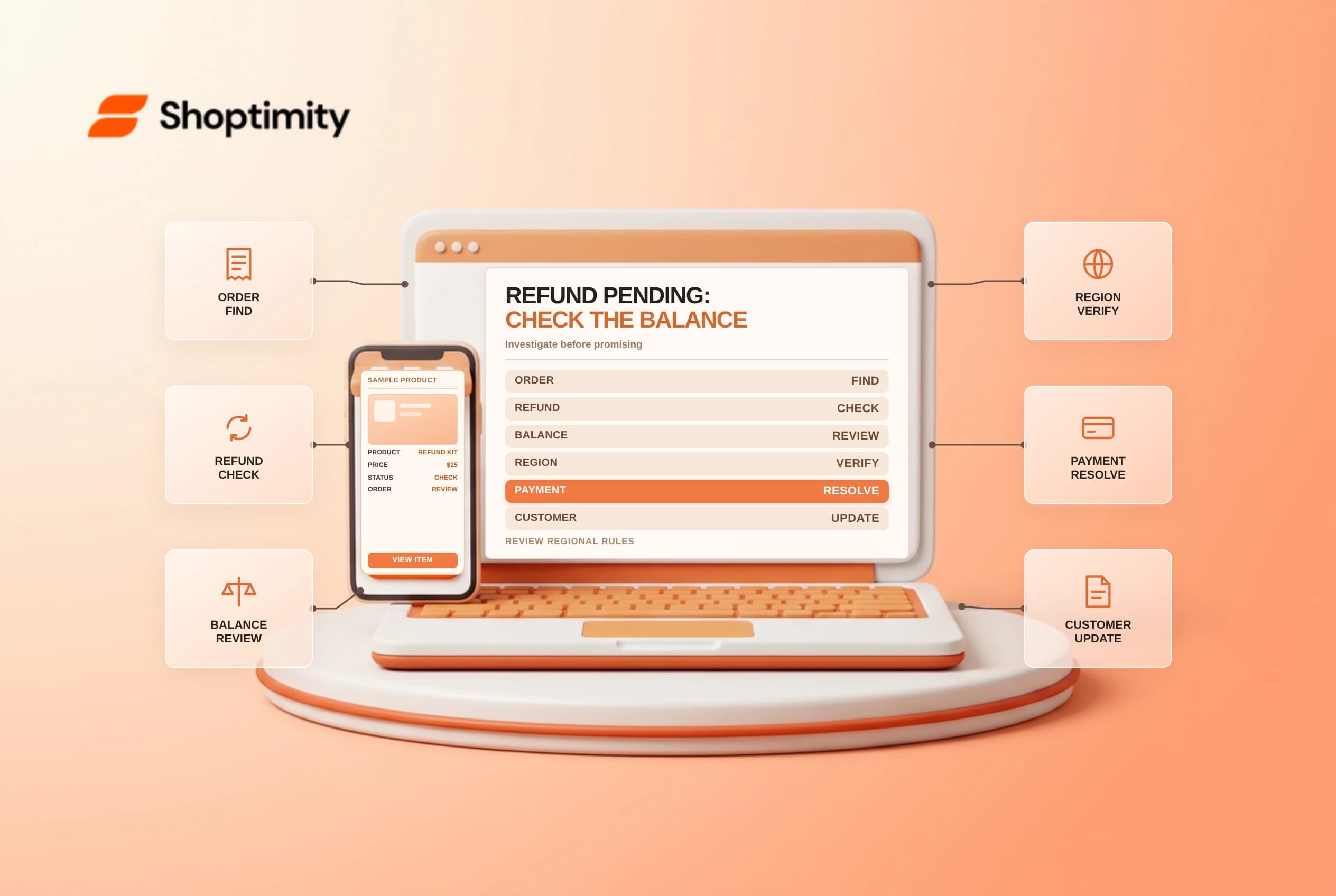
A Shopify refund pending status means support staff should investigate before telling a customer that funds have arrived. One possible cause is a Shopify Payments negative balance that has reached the store's threshold. The reason and resolution depend on the payment account, region and specific transaction; do not assume every pending refund has the same cause.
Distinguish refund states
Shopify's Shopify Payments refunds guide says that when a negative balance reaches the applicable limit, merchants can continue issuing refunds but funds are not returned to customers until the balance clears. Those refunds display as Refund pending. This is different from a refund that has processed but is still moving through a customer's bank.
| State or evidence | What to check |
|---|---|
| Refund pending | Order timeline and any balance warning |
| Negative balance | Payouts page, threshold notices and next steps |
| Refund processed | Transaction details and expected bank processing |
| Failed payout or debit | Admin message and bank account requirements |
| Customer inquiry | Accurate status, without promising a settlement date |
| Multiple payment methods | Which transaction each refund applies to |
A status is not proof of a specific failure. Verify the order and transaction in the authorized admin view, and never request a full card number or customer password during support.
Investigate the account balance
Review the order, payout balance and any notifications to the owner. Shopify says refunds, disputes and fees can contribute to a negative balance, and each merchant has a dynamic negative balance limit. When that threshold is reached, an Orders banner and owner notification provide details about the balance and pending refunds.
Shopify describes different clearing methods by location and currency. In some regions future sales offset the balance; elsewhere Shopify may debit the bank account where supported. Check the current account-specific instructions and payout troubleshooting guide rather than applying one country's rules to another.
Choose and document the next step
An authorized finance owner should review current balance and upcoming payouts before making a manual payment. Shopify says a negative balance can be covered through sales, an applicable bank debit or a manual payment, depending on the account. Follow the in-admin instructions and confirm that the request is genuine. Do not change bank details based solely on an unsolicited message.
| Scenario | Response |
|---|---|
| Threshold warning is present | Review the balance and available clearing options |
| Bank debit is pending | Check the account and applicable regional process |
| Balance has already cleared | Avoid duplicating a manual payment; verify status |
| Refund remains pending | Investigate the transaction and contact Support as needed |
| Customer needs an update | Explain the known status and next check-in |
| Several refunds are pending | Track each order and communicate consistently |
Shopify says pending refunds are processed in creation order after the negative balance clears. It also says a customer is notified only when a refund issued after the limit is exceeded has processed. Confirm the actual transaction status before telling the customer the refund is complete.
Keep support and finance aligned
Record the refund amount, method, status, owner and promised follow-up date. Use only the minimum customer information needed. Reconcile the payout and order after resolution; a customer may still need to wait for their bank after processing. If the case involves a chargeback, follow the separate dispute process and deadlines rather than issuing a duplicate payment without review.
Related guides: partial refunds and payout holds and reserves.
Ready to build a faster, higher-converting store?
Every Shoptimity theme ships with conversion widgets built in — so you get speed and features without stacking apps.
7-day free trial · all themes included · cancel anytime
Continue Reading
Shopify Flow Collection Deleted: ID-Only Alerts
Create a safe collection-deleted alert in Shopify Flow, understand its ID-only data and plan a manua...
Shopify Flow Discount Created: Choose the Trigger
Compare discount code and automatic discount creation triggers in Shopify Flow and design internal p...
Shopify Flow Inventory Item Deleted: ID-Only Data
Understand the inventory item deleted trigger, its ID-only limitation and how to alert operations wi...