
Shopify Scheduled Product Publishing: Test the Launch by Channel
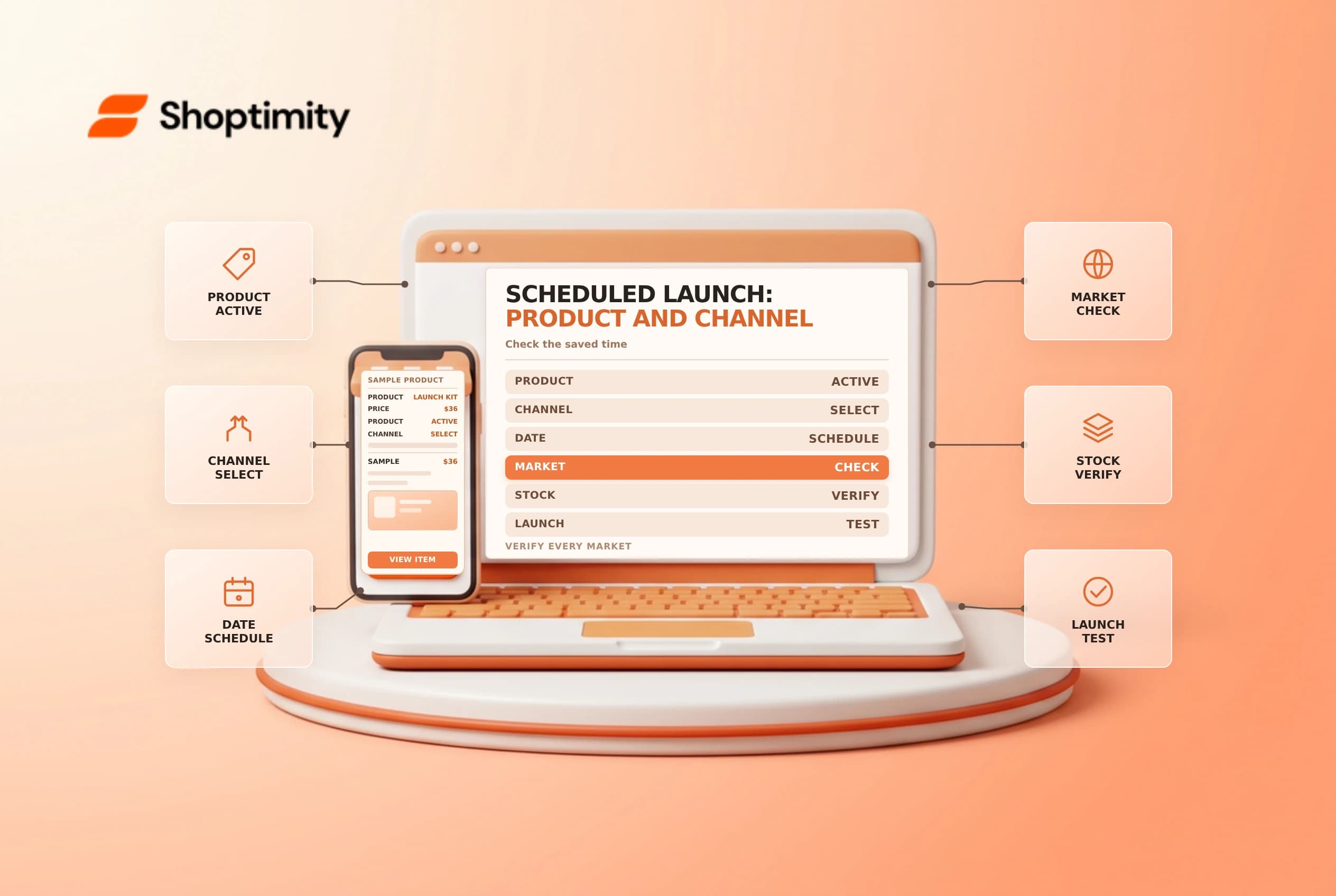
Scheduling a product's future publication can coordinate a launch, but the product's status, sales channel, market and inventory still affect what a shopper sees. Treat a schedule as one part of a launch plan, not proof that the product will be purchasable everywhere at the chosen time.
Confirm what can be scheduled
Shopify's future publishing guide describes scheduling products for the online store and some sales channels. It says the product must be Active for the schedule to work; if it is Draft when the scheduled time arrives, it won't publish to the online store or sales channels. Future publishing is not available for the Shop app, and individual variants cannot have their own future publishing date through this feature.
| Launch check | Question |
|---|---|
| Status | Is the product Active when the schedule is due? |
| Channel | Is the intended channel supported and scheduled? |
| Timezone | Does the store timezone match the launch plan? |
| Market | Is the product included in the relevant market catalog? |
| Inventory | Is a sellable quantity available at a suitable location? |
An Active product can still be unavailable to a particular audience or channel. Review visibility and market settings before making any status change. Do not activate a product early without checking where it is already published.
Build a launch record
From the product's Publishing section, select the schedule control for Online Store or an available supported channel, enter the intended date and time, and save according to the current admin workflow. Check the saved schedule rather than relying on an unsaved picker. Confirm the store's timezone in General settings and translate the launch time for the team if they work across regions.
Record the product, channels, launch time, market, inventory and owner. Note who will check the storefront and who can pause or correct the rollout. Agree on a rollback before launch; changing visibility can affect ads, links and customers already using a direct URL.
Test market and channel eligibility
Shopify's market catalog guide says products must be included in a catalog assigned to the market for customers there to view and purchase them. A product excluded from a market can return a 404 on its product page. A draft order may still accept products regardless of market publishing, so an internal draft order alone is not a valid customer-visibility test.
Before launch, review content, variant information, price, images and stock using an approved preview or test setup. After the scheduled time, test the intended market and channel as a customer: find the product, select an available variant and verify the cart and checkout path. Check a different market only if it is supposed to have access. Avoid placing an unintended live order.
Respond to a missed launch
Check status, saved time and timezone first, then inspect the channel and market catalog. Verify inventory and shipping eligibility separately. Record the observed result and make the smallest approved correction; repeatedly toggling status can obscure the cause. Related reading: product status and market pricing.
On launch day, have a second person independently check the saved time and intended storefront. If the product is visible but a variant cannot be purchased, investigate inventory and market availability before changing the publication schedule. Record the test time, device and market so the team can distinguish a configuration problem from a stale browser session or unsupported audience.
Ready to build a faster, higher-converting store?
Every Shoptimity theme ships with conversion widgets built in — so you get speed and features without stacking apps.
7-day free trial · all themes included · cancel anytime
Continue Reading

Shopify B2B Company Locations: Give Buyers the Right Access
Configure Shopify B2B company locations, verify buyer permissions and test pricing, addresses and pa...

Shopify Checkout Contact Settings: Separate Email From Shipping Phone
Configure Shopify checkout contact settings and test email, phone and shipping address requirements ...

Shopify POS Recent Carts: Share a Sale Without Reserving Stock
Learn how Shopify POS recent carts work across devices, what they do not reserve, and how to hand of...