
Shopify Shareable Discount Links: Test the Code and Landing Page
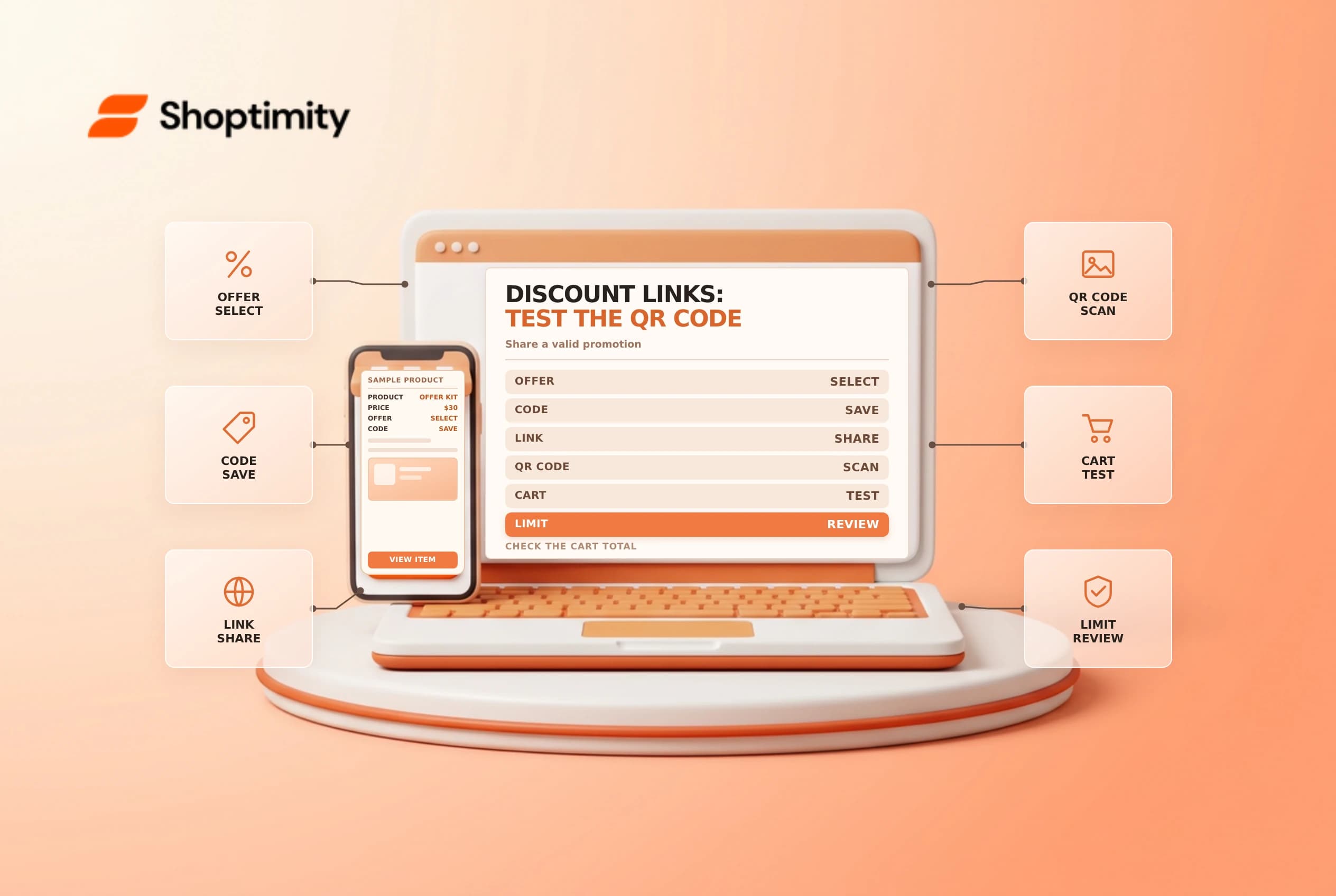
A shareable discount link can apply a code and take a shopper to a selected page. It makes a promotion easier to distribute, but it does not override the discount's eligibility, dates, combinations or usage limits. Test both the link and the resulting checkout before sending it to an audience.
Start with the discount, not the link
Shopify's discount management guide describes creating a shareable link or QR code from an existing saved discount code. Links and QR codes work only for active discounts, and Shopify does not create them for codes made by a third-party app. First confirm the code's type, eligible products, customer requirements, dates, minimums and usage restrictions. Shopify's discount-code guide explains that these conditions determine whether a shopper receives the offer.
| Check | Why it matters |
|---|---|
| Code dates | A link does not make an inactive code valid |
| Eligible items | The landing page should lead to products that qualify |
| Minimums | The cart must meet the applicable conditions |
| Combinations | Other discounts can change the checkout result |
| Usage limits | Campaign and per-customer caps are separate controls |
A QR code is another way to open the link; printing it does not freeze the discount's settings. If a promotion ends, make sure physical materials and support scripts do not continue promising it.
Choose the destination and test
Use the shareable discount action for the intended code, select the appropriate destination where supported and copy the resulting link or QR code. Test from a clean session that has not already used the offer. Check the landing page, eligible product, cart and final checkout total. A code displayed in a URL or banner is not proof that the discount was applied.
Run at least one negative test: use an ineligible product, a cart below the minimum or a date outside the promotion in an approved test environment. Confirm that the message is understandable and that no unintended discount appears. Also test an eligible cart with another active discount to verify the combination rules. Shopify says shareable links follow those rules and the discount-code limits applicable to the order.
Protect the campaign
Decide whether the code is intended to be broadly shared or limited to a defined audience. A link can be forwarded, photographed or indexed after distribution; do not put a sensitive customer-specific offer into a public channel without considering that risk. Coordinate with the marketing owner on the exact launch and end time, supported markets and customer service response.
Track the source of the campaign using your approved analytics naming convention, but check that tracking parameters do not break the destination or create misleading attribution. Test mobile scanning, email and a browser without an existing session. If a page redirects, verify that the discount still behaves as expected at checkout rather than assuming the redirect preserves it.
Monitor and close the promotion
After launch, inspect redemption activity and support complaints for rejected codes, missing products or unexpected combinations. If the offer must stop, follow the approved discount deactivation process and check all scheduled channels and printed materials. Deleting and recreating a discount can have different usage history; Shopify notes that a duplicated restriction is not the same as preserving usage on the original.
Related guides: discount usage limits and discount combinations.
Give the support team a short campaign brief with the intended audience, eligible products, date range and a safe way to escalate a rejected offer. Ask an independent reviewer to compare the message with the actual discount settings before launch. For a printed QR code, scan a production-quality proof from a typical viewing distance and confirm the landing page loads on a phone.
Ready to build a faster, higher-converting store?
Every Shoptimity theme ships with conversion widgets built in — so you get speed and features without stacking apps.
7-day free trial · all themes included · cancel anytime
Continue Reading

Shopify B2B Company Locations: Give Buyers the Right Access
Configure Shopify B2B company locations, verify buyer permissions and test pricing, addresses and pa...

Shopify Checkout Contact Settings: Separate Email From Shipping Phone
Configure Shopify checkout contact settings and test email, phone and shipping address requirements ...

Shopify POS Recent Carts: Share a Sale Without Reserving Stock
Learn how Shopify POS recent carts work across devices, what they do not reserve, and how to hand of...