
Shopify Shipping Address Validation: Test Suggestions and Errors
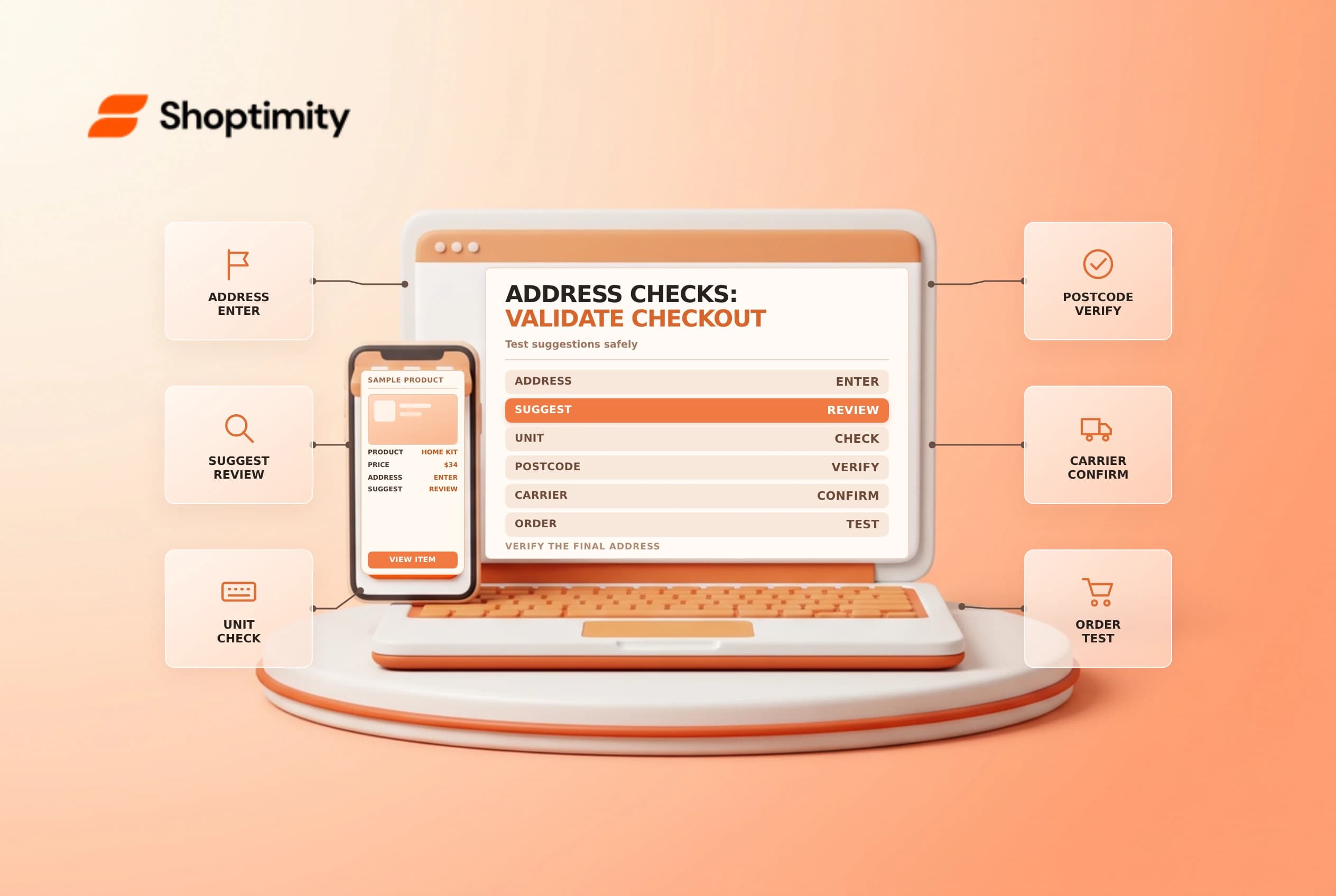
Shopify shipping address validation can flag potential problems, while an address suggestion can help a shopper enter a deliverable address, but autocomplete and validation are different controls. Neither replaces a merchant's responsibility to check shipping eligibility and handle customer exceptions. Test the experience with representative addresses before treating a setting as a cure for every failed delivery.
Separate autocomplete from validation
Shopify's address collection guide describes autocomplete suggestions as a way to enter shipping or billing information. Suggestions can come from services such as Google Autocomplete. Where autocomplete is inactive or unsupported, customers can still enter their address manually.
Shipping address validation, by contrast, can display issues and suggested corrections when Shopify has high confidence in the intended address. Shopify also says an order's shipping address is automatically validated after the order is placed. A suggestion is not a guarantee that a carrier will deliver to the address or that the customer selected the correct apartment.
| Control | What to test |
|---|---|
| Autocomplete | Suggestions, manual entry and selected address details |
| Shipping validation | Whether an issue or correction appears for the test address |
| Field rules | Required fields, length and postal or region format |
| Carrier eligibility | Whether the destination and service can actually be served |
Shopify says individual field validations remain active across countries and regions. Its documentation also says certain checkout address validations cannot be deactivated unless the store is on Plus. Confirm the current options for your checkout configuration and plan before promising a specific behavior.
Review settings and access
Address collection preferences are managed in checkout settings, while autocomplete can be configured in the checkout and accounts editor. Shopify notes that some address collection features require an upgraded checkout; third-party autocomplete availability can depend on plan or app support. Note the current setting and owner before making an approved change.
Do not require billing and shipping addresses to match simply to solve one validation issue without assessing legitimate gift orders, office deliveries and fraud controls. A different billing address can be valid. Confirm with the appropriate payments and risk teams before changing that preference.
Build a realistic test matrix
Use approved test addresses and avoid real customer information in screenshots. Test a supported address with a unit number, an address entered manually without selecting a suggestion, a postal code and region mismatch, and an address in a country where suggestions may not be offered. Verify what the checkout displays and whether the buyer can correct a genuine mistake.
For each test, record the market, device, address scenario, expected result and actual message. Confirm the final address on the order and whether the selected shipping method is available. Do not place an unintended live order or temporarily weaken a live checkout just to simulate an error.
Handle a reported problem
Ask support to collect only the minimum information needed and use an approved private channel. Reproduce the issue with a safe equivalent address, inspect the exact field message and check local delivery or carrier restrictions. A valid address can still fall outside a delivery zone, and a selected suggestion can omit a customer-entered detail. Escalate provider or app issues with a timestamp and sanitized reproduction.
See checkout billing addresses and local delivery zones for related checks.
Include an apartment or suite field in the review even when a street suggestion looks correct. Ask a second tester to compare the final order address with the input and expected result. For an issue confined to one browser, record the device and browser version, but do not share customer data in an unprotected support ticket. Repeat tests after a checkout upgrade or a relevant app change.
Ready to build a faster, higher-converting store?
Every Shoptimity theme ships with conversion widgets built in — so you get speed and features without stacking apps.
7-day free trial · all themes included · cancel anytime
Continue Reading

Shopify B2B Company Locations: Give Buyers the Right Access
Configure Shopify B2B company locations, verify buyer permissions and test pricing, addresses and pa...

Shopify Checkout Contact Settings: Separate Email From Shipping Phone
Configure Shopify checkout contact settings and test email, phone and shipping address requirements ...

Shopify POS Recent Carts: Share a Sale Without Reserving Stock
Learn how Shopify POS recent carts work across devices, what they do not reserve, and how to hand of...