
Shopify Shipping Label Adjustments: Investigate the Carrier Charge
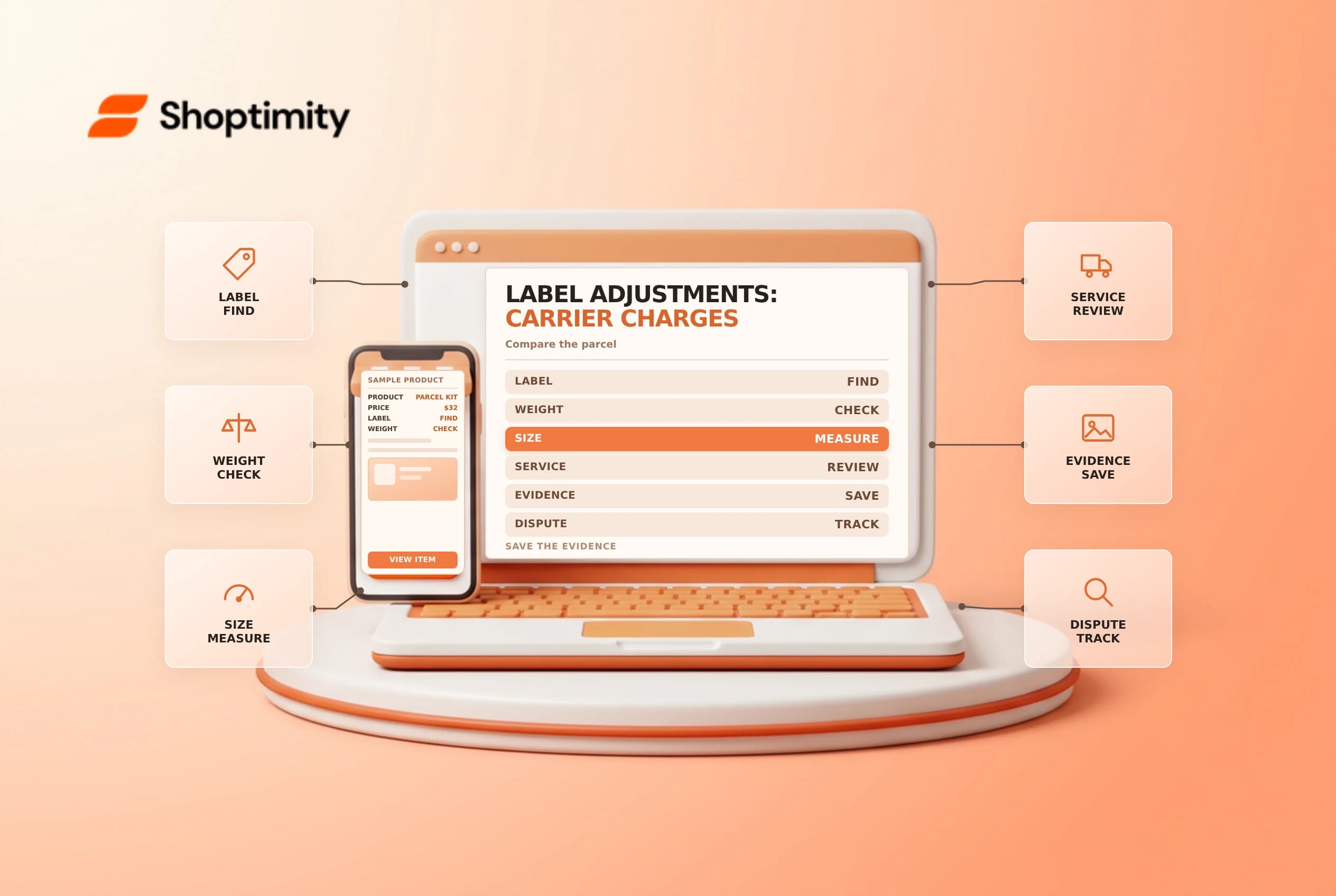
A label price can change after a carrier measures or processes a parcel. An adjustment is not automatically an error, and the amount charged to the customer at checkout is not necessarily the final carrier cost. Match the adjustment to the actual package and the carrier's reason before deciding whether to dispute it.
Find the reason and the shipment
Shopify's shipping label billing guide lists common adjustment causes: incorrect weight or dimensions, an unsuitable package or mail class, and address correction. Open the affected order and review the carrier's adjustment reason in the Timeline, then identify the label, tracking number and shipment date.
| Item | What to compare |
|---|---|
| Weight | Label entry versus sealed parcel on a reliable scale |
| Dimensions | Label entry versus outside dimensions of the packed parcel |
| Service | Chosen mail class, package type and carrier limits |
| Address | Destination entered and any carrier correction |
| Invoice | Original label cost, adjustment, taxes and billing timing |
Some carriers use dimensional weight. A bulky light package may be priced on its size rather than its actual weight. Carrier rules, rounding and thresholds differ, so consult the current terms for the service instead of applying a generic divisor to every shipment.
Gather evidence before disputing
Keep clear photos of the actual sealed parcel on a scale and next to a measuring tape, showing the outside dimensions and label where required. Preserve the original label details, package type, order reference and carrier adjustment message. If the package is no longer available, check the carrier's current rules on whether recreated evidence is accepted; do not imply that a reconstruction is the original parcel.
If the reason is supported by the evidence, correct the package or workflow for future orders. If the evidence suggests an error, use the dispute process available for that carrier and follow the stated deadline. An adjustment is not guaranteed to be reversed. Do not discard the supporting records while a dispute is open.
Separate checkout, label and billing
The customer-facing shipping rate is a pricing decision or estimate; the purchased label is the carrier service selected for the shipment. They can differ because of markups, discounts, a different package or a different provider. Taxes and currency conversion may also affect the eventual bill. Managed Markets may have a different adjustment and payout treatment, so inspect the order's actual program and billing record.
Suppose the checkout charged $8, the label initially cost $9 and the carrier later added $3. The shipping revenue is $8 and the label plus adjustment is $12 before any other charges; the $4 difference is an operational cost to investigate, not proof that the customer owes another payment. Review your policy and applicable law before contacting the customer about a charge.
Prevent repeat adjustments
Measure outside dimensions and weigh the sealed parcel before buying a label. Maintain accurate product weights and saved packages, check service limits and train staff to choose the correct packaging. Review adjustment trends by carrier and reason. See default package settings and dimensional weight.
Use an adjustment log with the order number, service, stated reason, amount, evidence and outcome. Review whether the same packing station, package type or service is repeatedly involved. For a disputed charge, note the filing date and decision without promising a reversal. Correct recurring measurement issues at the source rather than treating each charge as an isolated exception.
Ready to build a faster, higher-converting store?
Every Shoptimity theme ships with conversion widgets built in — so you get speed and features without stacking apps.
7-day free trial · all themes included · cancel anytime
Continue Reading

Shopify B2B Company Locations: Give Buyers the Right Access
Configure Shopify B2B company locations, verify buyer permissions and test pricing, addresses and pa...

Shopify Checkout Contact Settings: Separate Email From Shipping Phone
Configure Shopify checkout contact settings and test email, phone and shipping address requirements ...

Shopify POS Recent Carts: Share a Sale Without Reserving Stock
Learn how Shopify POS recent carts work across devices, what they do not reserve, and how to hand of...