
Shopify Shipping Label Origins: Change the Location Before Buying
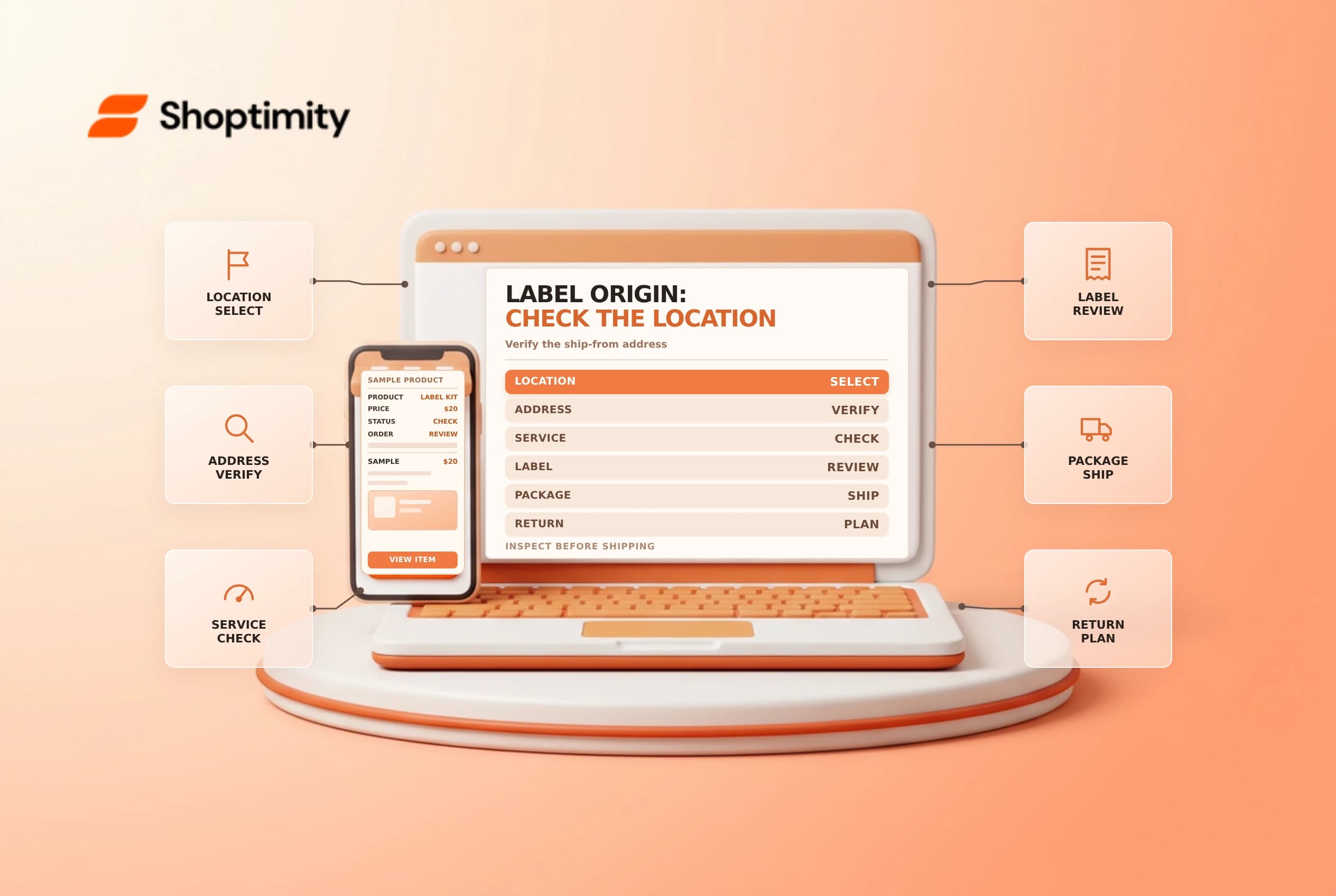
A shipping label's origin and return address can determine where a package is routed or returned. In Shopify, the fulfillment location is an important source of this information. Correct the location or its address before buying a label, then inspect the label itself; changing a location later does not rewrite a label already purchased.
Trace the address source
Shopify's shipping-label document guide says the origin and return address is the address assigned to the fulfillment location. To change the address used on labels, update the location under Settings > Locations. Shopify notes that changes apply to labels purchased after the change, not previously purchased labels.
| Check | Why it matters |
|---|---|
| Assigned fulfillment location | Determines the location used for the shipment |
| Location address | Supplies the documented origin and return address |
| Carrier and service | May have its own address and service requirements |
| Label purchase time | Existing labels do not update when the location changes |
| Printed label | Confirms the actual address on the purchased document |
An address in the store's general settings, a packing slip, and a shipping label are different things. Do not assume updating one automatically corrects the others.
Correct the source before purchase
Open the unfulfilled order and verify which location will ship the items. If the location assignment is wrong, follow the supported change-location process and check inventory and delivery-method restrictions. If the assigned location is correct but its address is wrong, an authorized admin should review and update the location's address.
Confirm the change with the warehouse owner. Updating a location can affect future operations beyond one order, so do not make a broad location edit merely to disguise a one-off exception. Check carrier rules for the real ship-from and return address; an inaccurate origin can cause pricing, routing or compliance issues.
Inspect a label and handle mistakes
Before applying a label to a package, compare its origin, return address, destination, service and tracking information with the approved shipment. Use a test or a low-risk real fulfillment only with the store's authorization. Do not buy duplicate labels as a test without permission.
| Situation | Safer next step |
|---|---|
| Label not yet purchased | Correct the assigned location or address first |
| Label already purchased | It will not update just because the location changes |
| Label incorrect and unused | Review eligibility and the carrier's void/refund process |
| Package already handed over | Contact the carrier promptly and document the issue |
| Several orders affected | Pause the queue and identify all labels and locations involved |
A void or refund is not necessarily immediate or available for every label. Shopify's voiding-label guide describes eligibility and timing; confirm the current carrier terms before promising a refund. Never discard the only tracking record during an investigation.
Prevent repeat errors
Give location address changes an owner and a second review. Maintain a checklist for warehouse moves, third-party fulfillment handoffs and holiday shipping locations. After a change, inspect the next purchased label and reconcile any labels created before the change. Limit access to address and label-purchasing controls to staff who need them.
Related guides: inventory transfers and shipping label voids.
If multiple warehouses share similar names, include a location identifier in the internal checklist. A second staff member can confirm the address against the warehouse record before the next batch of labels is purchased.
Ready to build a faster, higher-converting store?
Every Shoptimity theme ships with conversion widgets built in — so you get speed and features without stacking apps.
7-day free trial · all themes included · cancel anytime
Continue Reading

Shopify B2B Company Locations: Give Buyers the Right Access
Configure Shopify B2B company locations, verify buyer permissions and test pricing, addresses and pa...

Shopify Checkout Contact Settings: Separate Email From Shipping Phone
Configure Shopify checkout contact settings and test email, phone and shipping address requirements ...

Shopify POS Recent Carts: Share a Sale Without Reserving Stock
Learn how Shopify POS recent carts work across devices, what they do not reserve, and how to hand of...