
Shopify Shipping Label Pickup: Prepare and Confirm the Handoff
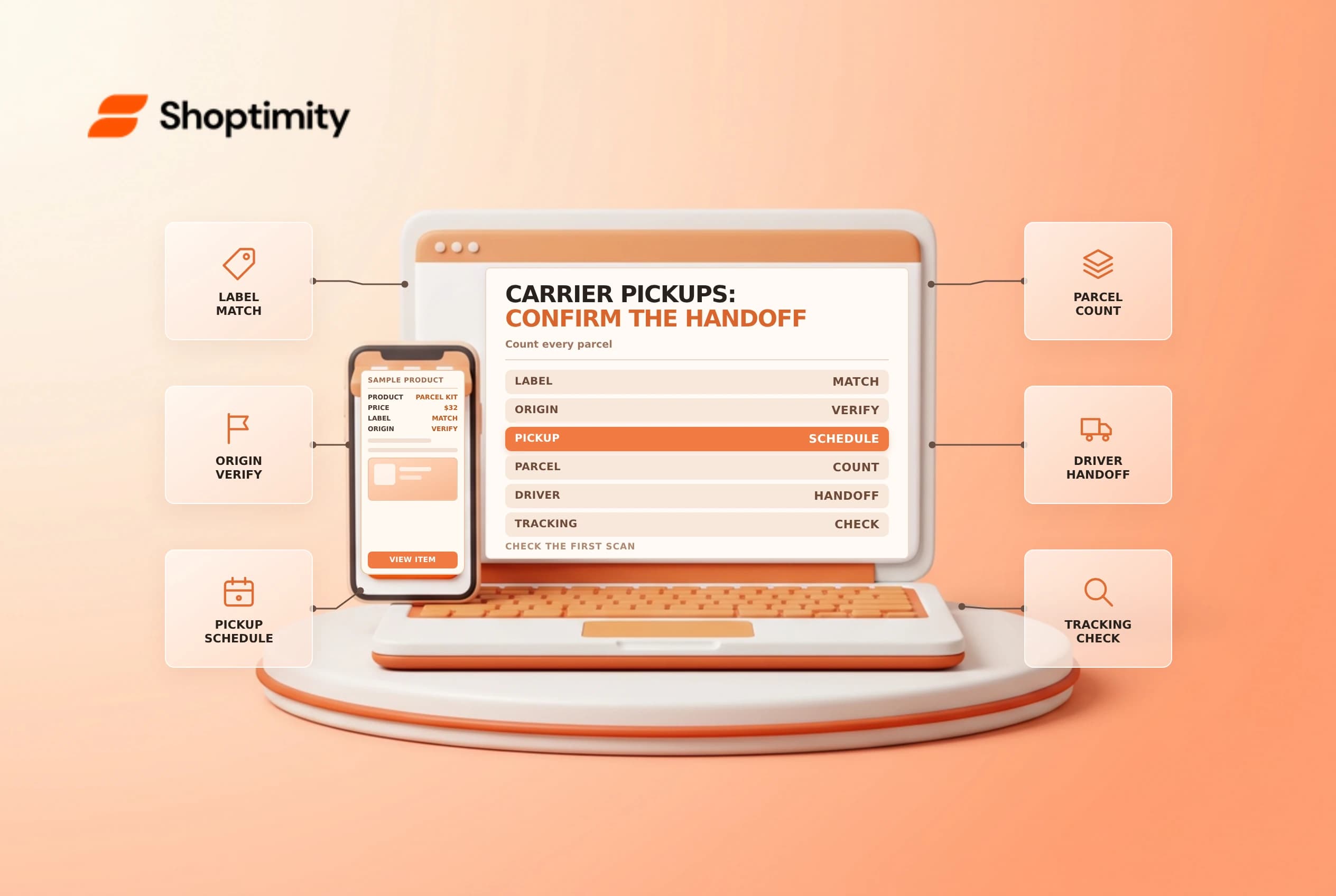
A Shopify shipping label pickup can save a trip to a drop-off point, but a booking is not proof that every parcel was collected. Confirm eligible labels, pickup details and the physical handoff, then reconcile the first tracking scans with the packages you expected to ship.
Check the carrier and shipment eligibility
Shopify's shipping labels guide describes scheduling pickup for eligible labels from Orders > Shipping labels. The available flow depends on the carrier and shipment. Its examples include UPS, USPS and DHL Express; availability, fees, geographic coverage and service conditions vary. Confirm the actual options and terms presented for your origin and labels.
A carrier pickup is different from customer pickup in store or local delivery. Make sure the fulfillment team knows which carrier is expected, which parcels belong to that booking and where the driver should collect them. Don't promise a free or same-day pickup without checking the carrier's terms.
| Before booking | Confirm |
|---|---|
| Origin | Correct fulfillment address and contact |
| Labels | Correct carrier, service, dates and eligible parcels |
| Booking | Pickup window, instructions and confirmation |
| Parcels | Count, package condition and legible labels |
| Handoff | Driver collection and tracking or receipt evidence |
Schedule and prepare
On the Shipping labels page, choose Schedule or view pickups and follow the carrier's prompts where supported. Verify the origin, package details and pickup window before confirming. Save the confirmation or reference in an approved location and share the essential details with the person preparing the parcels.
Pack each order accurately, attach the correct label and place the parcels in the agreed handoff area. Count the parcels against an internal list. Keep separate carrier groups apart so the wrong driver doesn't take a package. For USPS, a manifest may help with eligible labels, but it has specific requirements; see the USPS manifest checklist.
Reconcile after collection
Record how many parcels were handed over and compare the tracking references with the order list. A scheduled pickup, a printed label and a carrier acceptance scan are three different events. If a package was missed, keep it in a controlled location and arrange the next approved handoff. If scans do not appear as expected, check the carrier's tracking and support procedures before telling the customer the parcel is lost.
Do not mark a shipment delivered based on a pickup confirmation. Customer notifications should reflect the actual fulfillment and tracking state. If the pickup is missed or cancelled, communicate the revised expectation through the store's support process and confirm whether the label or booking needs any change.
Review recurring issues
Track missed pickups, incorrect parcel counts and label adjustments by origin and carrier. If the same problem recurs, review cutoffs, staff coverage and the handoff location. A simple checklist with an owner and date helps distinguish a carrier delay from a parcel that never left the building.
See shipping label adjustments for a related billing investigation. Pickup eligibility, fees and cutoff times can change, so check the carrier's current terms for each booking.
Prepare a simple exception log for missed parcels: record the order reference, label, expected pickup, person responsible and next action. If the carrier collects fewer parcels than expected, compare the physical staging area with the booking rather than buying a second label immediately. The warehouse owner should reconcile the outstanding parcel and update support once the next handoff is confirmed.
Ready to build a faster, higher-converting store?
Every Shoptimity theme ships with conversion widgets built in — so you get speed and features without stacking apps.
7-day free trial · all themes included · cancel anytime
Continue Reading

Shopify B2B Company Locations: Give Buyers the Right Access
Configure Shopify B2B company locations, verify buyer permissions and test pricing, addresses and pa...

Shopify Checkout Contact Settings: Separate Email From Shipping Phone
Configure Shopify checkout contact settings and test email, phone and shipping address requirements ...

Shopify POS Recent Carts: Share a Sale Without Reserving Stock
Learn how Shopify POS recent carts work across devices, what they do not reserve, and how to hand of...