
Shopify Sitemap vs Robots.txt vs Canonical Tags
title: Shopify Sitemap vs Robots.txt vs Canonical Tags slug: shopify-sitemap-vs-robots-txt-canonical meta_title: Shopify Sitemap vs Robots.txt vs Canonical Tags meta_description: Understand the Shopify sitemap, robots.txt and canonical tags, plus a practical workflow for diagnosing crawl and indexing issues with a practical merchant. primary_keyword: Shopify sitemap secondary_keywords:
- Shopify merchant guide
- ecommerce operations author: The Shoptimity Team date: 2026-11-03 category: Marketing schema: BlogPosting, FAQPage
Shopify Sitemap vs Robots.txt vs Canonical Tags
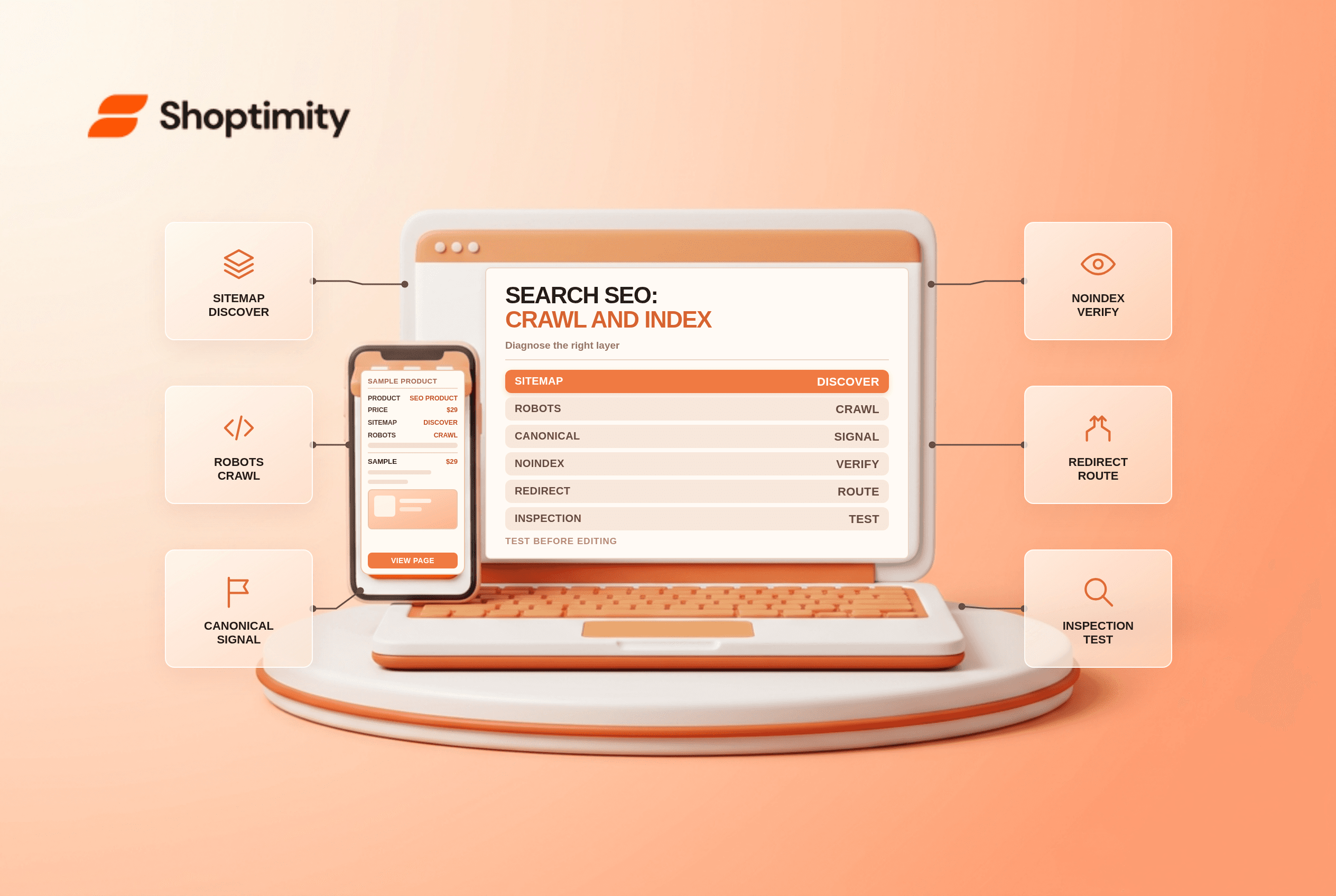
Shopify sitemap, robots.txt and canonical tags address different search problems. A sitemap helps search engines discover URLs, robots.txt gives crawlers instructions about access, and a canonical tag signals a preferred URL among similar pages. None guarantees indexing or ranking, and blocking crawling is not the same as removing a page from search results.
Three tools, three jobs
| Mechanism | Main purpose | What it does not do |
|---|---|---|
| Sitemap | Suggest discoverable URLs | Guarantee indexing |
| Robots.txt | Guide compliant crawlers on access | Reliably hide a URL from search results |
| Canonical tag | Signal a preferred version | Guarantee search engines choose it |
| Noindex directive | Request exclusion from indexing | Work if a crawler cannot see it |
| Redirect | Send visitors and crawlers to another URL | Replace a review of destination relevance |
Shopify says its SEO setup generates a sitemap, robots.txt and canonical tags automatically. Start with those defaults and diagnose the actual issue before editing a theme template.
Inspect the sitemap
Open your primary domain's /sitemap.xml and submit the appropriate sitemap in Google Search Console. Confirm that important active products and collections are available to the relevant market. Shopify's international SEO guide explains that market-specific sitemaps reflect product availability and localized URLs.
A URL in the sitemap can still be excluded for many reasons. Use Search Console's URL inspection to see what Google reports, then examine page availability, canonical choice and crawl access. Sitemap submission is discovery assistance, not a promise to index.
Treat robots.txt as a crawl control
Shopify's robots.txt guide says the default file works for most stores. A customized robots.txt.liquid can change crawler rules, but an old customization can preserve rules that differ from Shopify's current default. Review the live file and test a proposed change before deploying it.
If a page should be excluded from search results, blocking it in robots.txt alone may leave the URL indexed because search engines can discover it elsewhere. A crawler generally needs access to see a noindex directive. Shopify's page-hiding guide describes supported approaches; test carefully and consult current search-engine documentation.
Canonical is not a redirect
A canonical tag is a signal about the preferred version, not a forced redirect. Shopify generates canonical tags, and its international SEO documentation describes self-referencing canonicals on localized market pages linked with hreflang. Inspect the rendered HTML and Search Console's chosen canonical rather than assuming every variant or collection URL behaves identically.
For moved pages, configure relevant redirects and check for loops. See Shopify URL redirects and broken links and product variant URL SEO for the separate migration and variant problems.
A cautious diagnostic order
- Confirm the page is live and intended for the target market.
- Inspect its status code, canonical, index directives and internal links.
- Check robots.txt access and sitemap inclusion.
- Compare Shopify output with Search Console's reported crawl and canonical details.
- Make one measured change, document it and allow time for recrawling.
Make changes reversible
Before editing crawl rules, copy the current theme and record the exact URLs and user agents affected. Have a second person review the change, then test representative product, collection and policy pages. Monitor Search Console over subsequent crawl cycles and retain the prior configuration for rollback if unintended pages disappear.
Ready to build a faster, higher-converting store?
Every Shoptimity theme ships with conversion widgets built in — so you get speed and features without stacking apps.
7-day free trial · all themes included · cancel anytime
Continue Reading

Shopify B2B Company Locations: Give Buyers the Right Access
Configure Shopify B2B company locations, verify buyer permissions and test pricing, addresses and pa...

Shopify Checkout Contact Settings: Separate Email From Shipping Phone
Configure Shopify checkout contact settings and test email, phone and shipping address requirements ...

Shopify POS Recent Carts: Share a Sale Without Reserving Stock
Learn how Shopify POS recent carts work across devices, what they do not reserve, and how to hand of...