
Shopify Store Credit Expiry: Set Dates and Explain the Balance
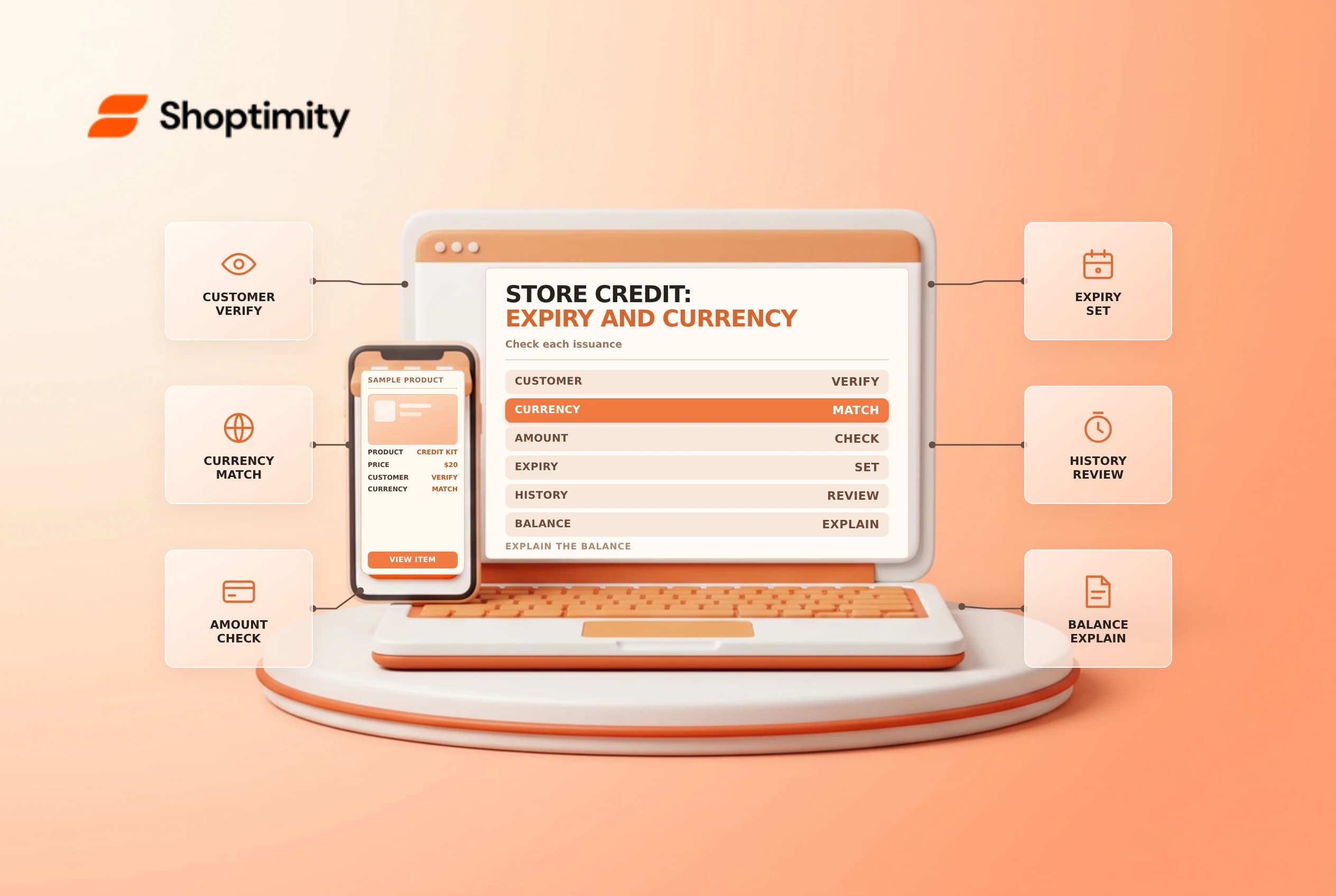
Store credit belongs to a customer account and may have an expiration date. Before issuing or adjusting it, confirm the currency, amount, expiry policy and legal requirements. A clear support process helps a customer understand which balance can be used without confusing store credit with a gift card.
Set the expiry for each issuance
Shopify's store credit guide says expiry is selected per issuance or refund to store credit: choose a date or no expiry. There is no built-in store-wide default expiry for all store credit. Confirm local law and your approved policy before setting a date; an expiration that the admin permits is not automatically lawful everywhere.
Shopify says credit expires at the end of the selected day in the store's timezone, regardless of the customer's location. If a customer has multiple credits with different expiry dates, the credit expiring first is used first. Make the date, timezone and remaining balance clear in the support response rather than assuming the customer's local midnight.
| Check | Why it matters |
|---|---|
| Customer account | Credit must be issued to the correct person |
| Currency | The checkout currency must match the credit balance displayed |
| Amount | A refund, goodwill credit and adjustment may have different approvals |
| Expiry | Date or no expiry is chosen for each issuance |
| Policy and law | Restrictions vary by jurisdiction and reason for credit |
Issue and verify
In the customer profile's Store credit section, use the appropriate credit adjustment, select the currency if applicable, enter the amount and choose the expiry option. Review the customer and values before saving. Afterward, inspect the balance and transaction history. The relevant staff member needs the appropriate permissions; limit adjustments to authorized roles.
A customer with credits in multiple currencies sees the balance matching the checkout currency, according to Shopify. If a balance is missing, verify the signed-in customer, currency, expiry and whether store credit is enabled as a payment method before concluding it was lost. Avoid issuing duplicate credit as the first troubleshooting step.
Example: two credits with different dates
Suppose an account has $10 expiring on March 10 and another $10 expiring on March 15. If the customer uses $10 before either expires, Shopify says the earlier-expiring credit is debited first. The remaining balance is the later credit, subject to the actual account history. This example illustrates the order of use; it is not a recommendation to impose an expiry.
For a refund to store credit, review the available refund options, original payment and customer agreement. Keep the financial record and support message consistent. Shopify notes that store credit can be used for the initial subscription purchase but not recurring subscription bills. Verify the specific checkout before promising that credit will cover a later renewal.
Review and reconcile
Review expirable amounts and transactions in the customer account when investigating a discrepancy. Store-wide reporting and account-level history answer different questions; involve finance for liability treatment. See store credit versus refunds and gift card balance.
Support agents should avoid promising that a manually issued credit is valid in every currency or for every recurring order. Provide the customer with the amount, currency, applicable expiry and the next step for using it. If the account does not match the customer’s expectation, preserve the existing transaction record and escalate rather than issuing another credit without approval.
Ready to build a faster, higher-converting store?
Every Shoptimity theme ships with conversion widgets built in — so you get speed and features without stacking apps.
7-day free trial · all themes included · cancel anytime
Continue Reading

Shopify B2B Company Locations: Give Buyers the Right Access
Configure Shopify B2B company locations, verify buyer permissions and test pricing, addresses and pa...

Shopify Checkout Contact Settings: Separate Email From Shipping Phone
Configure Shopify checkout contact settings and test email, phone and shipping address requirements ...

Shopify POS Recent Carts: Share a Sale Without Reserving Stock
Learn how Shopify POS recent carts work across devices, what they do not reserve, and how to hand of...