
Shopify Structured Data: What Your Theme Emits and What It Misses
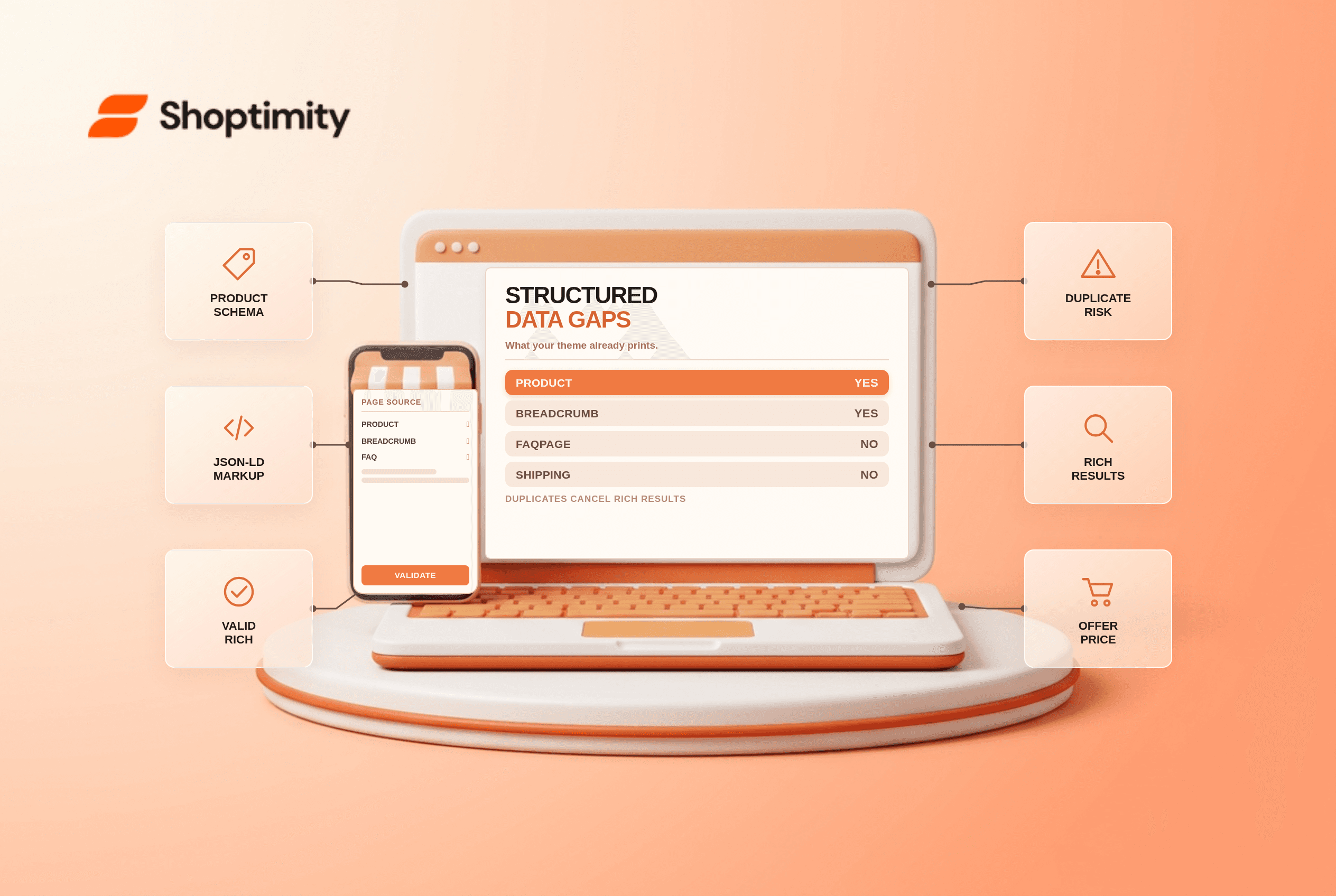
Shopify structured data is already in your product pages: Product, Organization and BreadcrumbList schema print on most modern themes. It does not output FAQPage, VideoObject, ItemList or the shipping and returns details Google wants for a complete product listing. The gap costs you rich results and makes your store harder for AI answer engines to read.
What Shopify themes emit by default
Dawn and every theme built on it print a Product block on each product page, an Organization block site-wide, and a BreadcrumbList on collection and product pages. Some themes add WebSite, which is what makes a sitelinks search box possible.
That product block covers name, description, image, price, currency, availability and SKU. It does not include brand, GTIN, shipping details, return policy or a review array. According to Google's structured data documentation, several of those are recommended for merchant listings, and missing them narrows the eligibility you get.
The three mistakes that cost the most
Adding a second Product block is the first. If your theme already prints one and you paste in an app's block, you get two Product objects on the same URL. Google's parser treats that as conflicting data and drops both.
Setting availability to plain words is the second. The property expects a schema.org value such as https://schema.org/InStock, not "in stock". Themes get this right. Hand-written Liquid often does not.
Marking up content that is not visible is the third. A rating or a price in the JSON-LD that a shopper cannot see on the page is a mismatch, and mismatches read as spam.
The schema types most stores are missing
| Type | What it does | Emitted by themes? |
|---|---|---|
| Product | Price, stock, ratings in results | Yes, usually partial |
| Organization | Brand identity, knowledge panel | Yes, most themes |
| BreadcrumbList | Path in place of the raw URL | Yes, most themes |
| WebSite | Sitelinks search box eligibility | Some themes |
| FAQPage | Question structure for machines | No |
| VideoObject | Video thumbnails | No |
| ItemList | Carousel and list eligibility | No |
| shippingDetails | Shipping cost and speed in listings | No |
FAQPage deserves a word. Google restricted FAQ rich results in 2026 to a small set of authoritative sites, so most stores will not see the visual result. It still helps answer engines parse your Q and A, which is why it is worth keeping even though the snippet is not coming back.
How to check what you already have
Open a product page, view the source, and search for application/ld+json. Read every block you find and note the @type values. Then run the same URL through Google's Rich Results Test to see which properties pass and which warn.
Do this before you install a schema app. In our experience, more than half of schema problems are duplicates created by an app bolted on top of a theme that was already doing the work.
Check a collection page and the homepage too, because each template emits a different set. A homepage error will not show up when you test a product URL.
Where to add the missing pieces safely
Put additional schema in a Liquid snippet rendered from theme.liquid, guarded by a template check so it only fires where it belongs. Use Liquid variables for prices and stock so the values stay in step with the catalog.
Extend the existing Product block rather than adding a new one. Brand, GTIN and sku can usually be appended inside the theme's own JSON-LD with a few lines, and that avoids the duplicate problem entirely.
For shipping and returns, set the policies store-wide in Shopify where the platform supports it and add per-product exceptions only where they exist. The product variant URL guide explains why variant-level markup needs care, and the category page checklist covers the collection side.
Ready to build a faster, higher-converting store?
Every Shoptimity theme ships with conversion widgets built in — so you get speed and features without stacking apps.
7-day free trial · all themes included · cancel anytime
Continue Reading

Shopify B2B Company Locations: Give Buyers the Right Access
Configure Shopify B2B company locations, verify buyer permissions and test pricing, addresses and pa...

Shopify Checkout Contact Settings: Separate Email From Shipping Phone
Configure Shopify checkout contact settings and test email, phone and shipping address requirements ...

Shopify POS Recent Carts: Share a Sale Without Reserving Stock
Learn how Shopify POS recent carts work across devices, what they do not reserve, and how to hand of...