
Shopify Subscription Discount Expiry: Check the Contract Snapshot
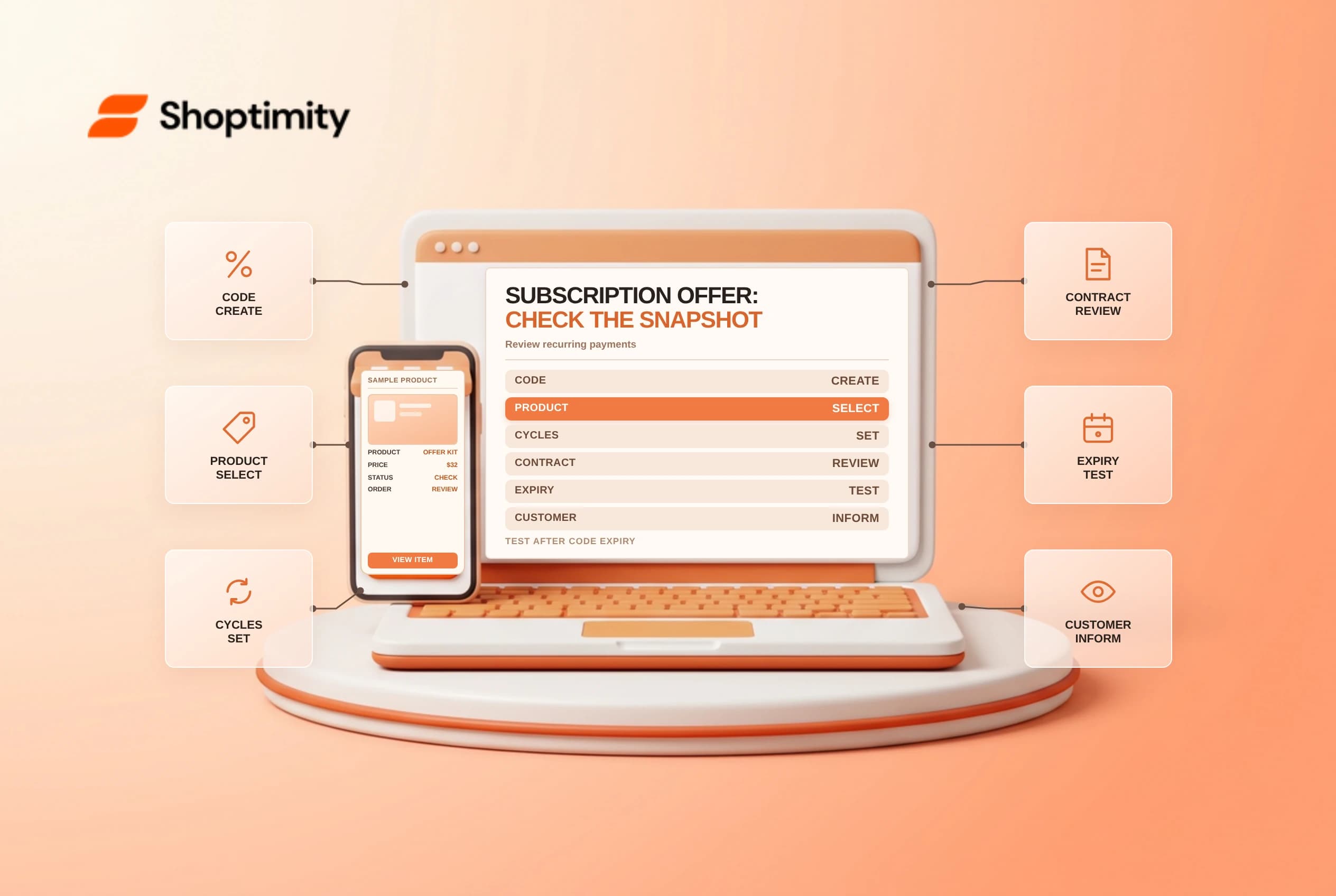
A Shopify subscription discount can continue on an existing subscription after its original discount code is deactivated. The code's lifecycle and the subscription contract's saved discount are separate. Set the intended number of recurring payments before launch and review existing contracts before telling customers that an offer has ended.
Distinguish the code from the contract
Shopify's subscription discounts guide says a snapshot of a discount is saved to the subscription contract when the code is applied. The snapshot is independent of the original code. Expiring or deactivating the code does not remove the discount from existing subscription contracts.
| Control | Effect to review |
|---|---|
| Code active dates | Eligibility for applying the code under its settings |
| Recurring payments setting | How many billing cycles the discount applies to |
| Subscription contract | Saved discount snapshot for the existing subscription |
| Subscription app | Where existing contract discounts are managed |
| Purchase type | One-time, subscription or both, as configured |
| Customer communication | Clear first-order and renewal pricing |
Shopify says the recurring-payments setting is the way to automatically limit the number of billing cycles. To remove a discount from an existing subscription contract, use the subscription app and follow the merchant's policy and applicable contract terms. Deactivating a code alone is not a bulk contract update.
Configure the offer before launch
Choose the discount type, eligible products and purchase type. Decide whether the discount applies to the first payment, a specified number of recurring payments or future payments as offered by the applicable configuration. Check the current interface and the subscription app's own settings. Shopify notes that some apps can apply discounts directly to a subscription plan; distinguish those from a checkout code.
Document the intended price for the first order and later renewals. Get approval for margin, shipping, tax and customer-facing wording. A promotion described as “first delivery only” must be tested against the actual recurring-payment setting, not just the code's end date.
Test a complete contract lifecycle
Use an approved test subscription and test payment environment. Apply the code, inspect the contract and verify the first and subsequent billing expectations. In a separate test, deactivate the original code and inspect the existing contract's discount. Test a new subscription after deactivation as well, without assuming that changing one contract changes all others.
| Test | What to verify |
|---|---|
| First order | Eligible code and initial price |
| Renewal | Discount applies for the intended number of cycles |
| Code deactivated | Existing contract retains its saved terms as documented |
| New customer | Code eligibility follows its current status |
| Contract edit | App-specific behavior and customer notice |
| Mixed cart | Purchase-type and combination rules |
Do not alter live customer contracts just to test. If an existing discount needs correction, confirm authorization, notice requirements and the subscription app's supported process before making the change.
Maintain a promotion handoff
Record the code, launch and end dates, recurring-payment setting, eligible products, owner and support script. After a campaign ends, review both the code status and existing contract population. Explain renewal changes in advance where required; consult legal counsel about applicable consumer and subscription rules.
A deactivated code can stop future application while its contract snapshot continues. That distinction should be visible to marketing, finance and customer service. Related guides: subscription product setup and subscription pause or cancellation.
Ready to build a faster, higher-converting store?
Every Shoptimity theme ships with conversion widgets built in — so you get speed and features without stacking apps.
7-day free trial · all themes included · cancel anytime
Continue Reading
Shopify Flow Collection Deleted: ID-Only Alerts
Create a safe collection-deleted alert in Shopify Flow, understand its ID-only data and plan a manua...
Shopify Flow Discount Created: Choose the Trigger
Compare discount code and automatic discount creation triggers in Shopify Flow and design internal p...
Shopify Flow Inventory Item Deleted: ID-Only Data
Understand the inventory item deleted trigger, its ID-only limitation and how to alert operations wi...