
Shopify Subscription Failed Payments: Retries and Recovery
title: Shopify Subscription Failed Payments: Retries and Recovery slug: shopify-subscription-failed-payments-retry-recovery meta_title: Shopify Subscription Failed Payments and Recovery meta_description: Manage a Shopify subscription failed payment with retry settings, secure customer communication, inventory checks and reconciliation for store teams. primary_keyword: Shopify subscription failed payment secondary_keywords:
- Shopify merchant guide
- ecommerce operations author: The Shoptimity Team date: 2026-11-03 category: Operations schema: BlogPosting, FAQPage
Shopify Subscription Failed Payments: Retries and Recovery
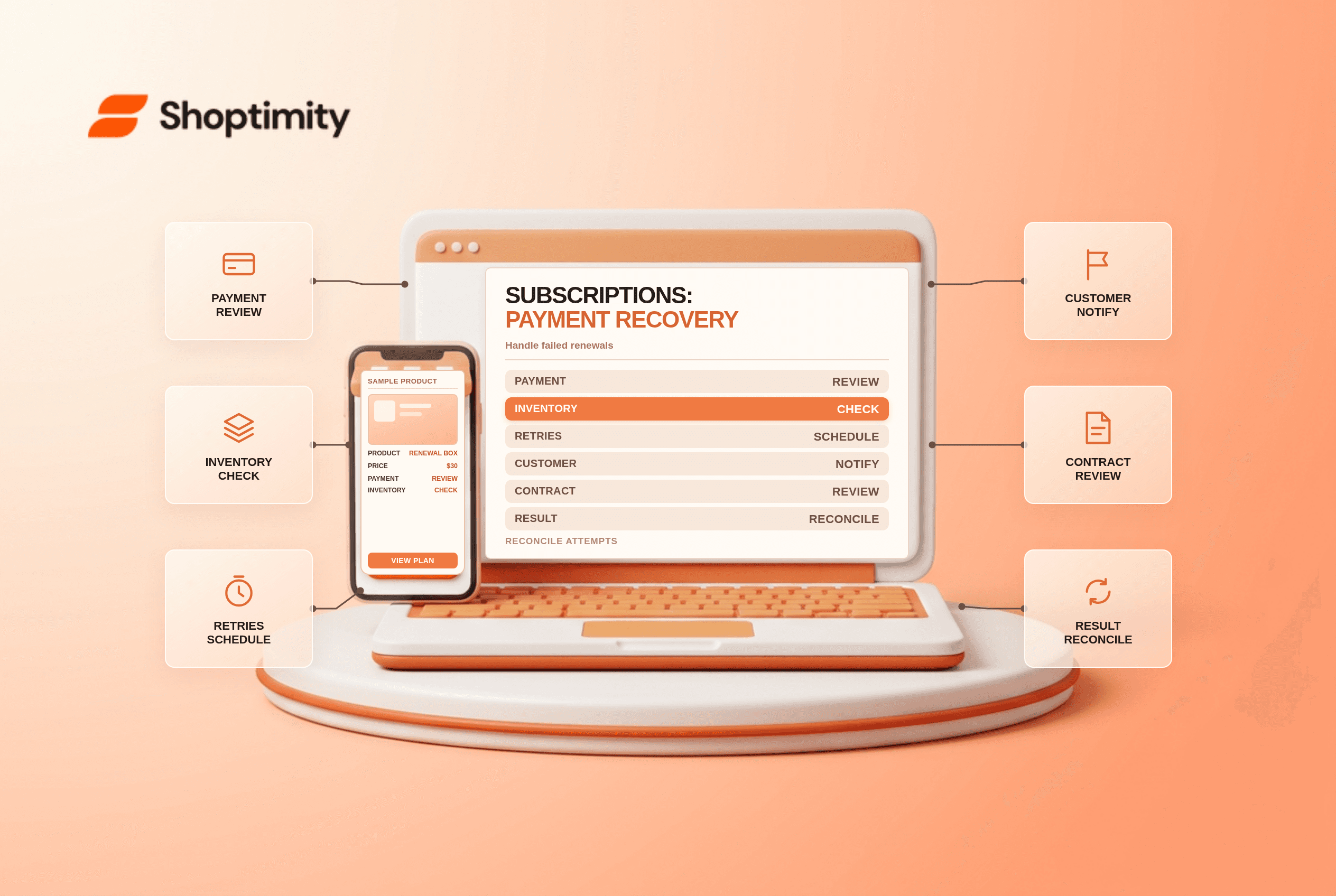
A Shopify subscription failed payment needs a clear recovery process: identify why the attempt failed, communicate the next step and avoid duplicate charges. The native Shopify Subscriptions app lets merchants configure retry settings for payment-method failures and insufficient inventory. Third-party subscription apps may use different controls and terminology.
Separate payment failures from stock problems
| Failure | What to investigate | Customer-facing action |
|---|---|---|
| Payment method declined | Failure reason, payment method and provider guidance | Ask the customer to update payment details securely |
| Insufficient inventory | Available stock, location and tracking settings | Give a realistic restock or alternative timeline |
| Retry attempts exhausted | Configured skip, pause or cancel action | Explain subscription status and next step |
| Unexpected duplicate attempt | Attempt and order history | Stop and reconcile before another charge |
Shopify's Subscriptions settings guide describes separate settings for payment-method failure and insufficient inventory, including number of attempts, interval and the action after attempts fail. Verify the options and defaults in your own app before changing a live program.
Choose retry rules deliberately
More retries can give a customer time to correct a card, but also prolong uncertainty and add support work. Select an interval that aligns with your product cadence and customer expectations. Define what skip, pause or cancel means for future billing, delivery and the customer experience, and test each outcome before changing the settings.
Document who can modify the retry policy and who reviews exceptions. If inventory is the issue, a new payment attempt alone does not replenish the product. Coordinate merchandising, purchasing and support, especially for bundles or items with constrained stock.
Communicate without collecting card details
Explain which subscription is affected, what happened, the next scheduled action if known and where the customer can securely manage payment details. Shopify's app provides a subscription management URL that can be added to appropriate store navigation or notifications. Direct the customer to that authenticated flow; do not ask them to email or message full card numbers.
Shopify says a notification is sent when the chosen action after all retries fails is skip, pause or cancel. Review the actual template and delivery for your setup rather than assuming a particular email was received. Separate transactional recovery messages from promotional campaigns and apply the relevant consent rules.
Reconcile the result
Create a daily exception queue with the contract identifier, attempt date, failure category, next retry, customer contact and owner. Check the payment and order records before taking manual action. If a retry succeeded but an external system still shows failure, investigate the synchronization before requesting another payment.
Illustrative example: 100 renewal attempts produce 8 initial failures. If 5 later succeed, the recovery rate is 5 ÷ 8, or 62.5% of initially failed attempts. It is not a 62.5% lift in overall revenue, and you still need to account for cancellations, refunds and the period measured. Avoid exposing customer information in reports beyond what the team needs.
Test before a policy change
- Record the current settings and customer communications.
- Confirm your payment provider's permitted test process; never use real card details as test data.
- Exercise a payment failure and an inventory shortage separately.
- Verify retries, customer notices and the final subscription state.
- Review duplicate-charge safeguards, support ownership and rollback steps.
For initial setup see Shopify subscription products; for comparing apps see Shopify Subscriptions versus Recharge.
Ready to build a faster, higher-converting store?
Every Shoptimity theme ships with conversion widgets built in — so you get speed and features without stacking apps.
7-day free trial · all themes included · cancel anytime
Continue Reading

Shopify B2B Company Locations: Give Buyers the Right Access
Configure Shopify B2B company locations, verify buyer permissions and test pricing, addresses and pa...

Shopify Checkout Contact Settings: Separate Email From Shipping Phone
Configure Shopify checkout contact settings and test email, phone and shipping address requirements ...

Shopify POS Recent Carts: Share a Sale Without Reserving Stock
Learn how Shopify POS recent carts work across devices, what they do not reserve, and how to hand of...