
Shopify Translate and Adapt: Languages, Limits and QA
title: Shopify Translate and Adapt: Languages, Limits and QA slug: shopify-translate-and-adapt-languages-guide meta_title: Shopify Translate and Adapt: Languages, Limits and QA meta_description: Review Shopify Translate and Adapt language limits, eligibility, translation quality checks and ongoing localization workflows with a practical merchant. primary_keyword: Shopify Translate and Adapt secondary_keywords:
- Shopify merchant guide
- ecommerce operations author: The Shoptimity Team date: 2026-11-03 category: Operations schema: BlogPosting, FAQPage
Shopify Translate and Adapt: Languages, Limits and QA
Shopify Translate and Adapt helps merchants translate and localize store content, but the number of automatically translated languages and the update workflow can depend on store location. Shopify's detailed automatic-translation guide describes up to eight automatic languages with Auto-sync for eligible stores, and two without Auto-sync for other stores.
What the app does
| Task | Approach | Caution |
|---|---|---|
| Product and page text | Manual or eligible automatic translation | Review accuracy before publication |
| Market-specific wording | Localize content by market | Language must be available in the market |
| New or changed content | Auto-sync where available or rerun translation | Workflow differs by store location |
| Legal policies | Review and translate as required | Do not rely on unchecked machine text |
| Third-party widgets | Confirm the app's translation support | Not all app content is covered |
Shopify's broader Translate and Adapt guide also describes a two-language limit. Because its documentation differs in detail, use the more specific current automatic-translation page and verify what your own admin displays before committing to a language plan.
Pick languages with care
Shopify says an automatically translated language counts toward the applicable limit, and removing it does not reset that limit. Prioritize markets where you can support the full customer journey, not just the product description. Manual translation or another compatible app may be appropriate for additional languages.
The specific guide says eligible stores displaying Translate now can use up to eight automatic languages and weekly Auto-sync. For other stores using Auto-translate, the stated limit is two and new or changed content requires another run. Review Shopify's availability table and actual controls because rollout and location rules can change.
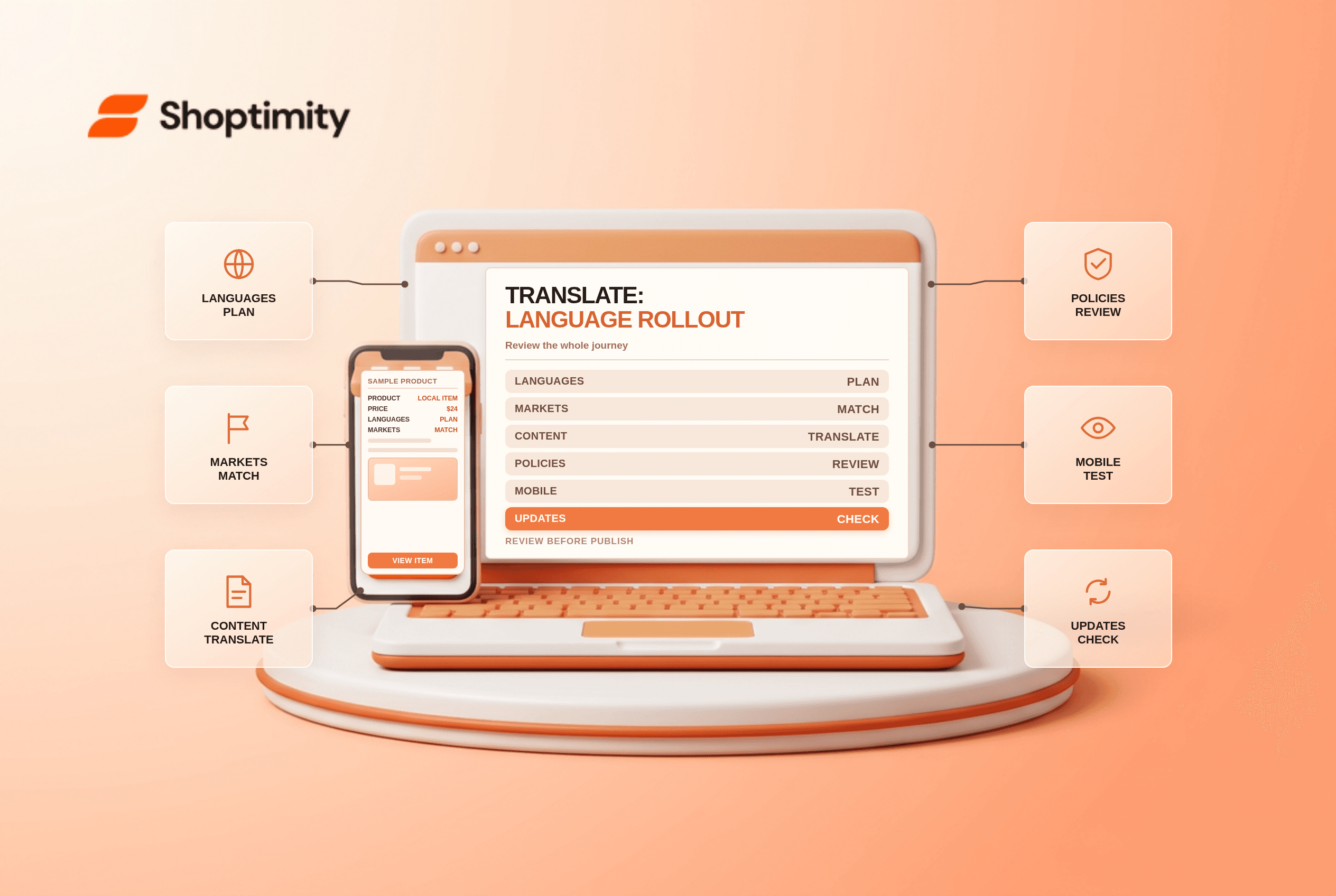
Review the whole journey
Have a fluent reviewer check product claims, materials, sizes, delivery estimates, promotions, navigation and support instructions. Treat legal and policy text as a specialist review task. Shopify notes that policies are not automatically translated in its general app guide; verify the current behavior for each policy and avoid assuming an AI translation is legally sufficient.
Look at a real mobile page in each market. Are buttons clipped? Do currency, units and addresses make sense? Does an app widget remain in the default language? A translated product page that sends the buyer to an unintelligible returns page has not completed localization.
Publish and maintain safely
- Select the market and language, then identify the pages and apps in scope.
- Translate a small set of products and have a fluent reviewer correct it.
- Check the language selector in the theme and preview on mobile.
- Verify localized URLs, hreflang and canonical behaviour using Shopify's international SEO guidance.
- Publish only after product, checkout and support paths are reviewed.
- Assign an owner to revisit translations after promotions or source changes.
The Shopify Markets localization checklist covers the wider setup; email domain authentication is useful when preparing localized customer communication.
Add translation ownership
Keep a shared glossary for product names, units, recurring claims and brand terminology. Log the source version, translator or reviewer, review date and publication status. When the source description changes, flag the corresponding translations for review so a new ingredient, shipping restriction or promotional condition is not left out in another language.
Ready to build a faster, higher-converting store?
Every Shoptimity theme ships with conversion widgets built in — so you get speed and features without stacking apps.
7-day free trial · all themes included · cancel anytime
Continue Reading

Shopify B2B Company Locations: Give Buyers the Right Access
Configure Shopify B2B company locations, verify buyer permissions and test pricing, addresses and pa...

Shopify Checkout Contact Settings: Separate Email From Shipping Phone
Configure Shopify checkout contact settings and test email, phone and shipping address requirements ...

Shopify POS Recent Carts: Share a Sale Without Reserving Stock
Learn how Shopify POS recent carts work across devices, what they do not reserve, and how to hand of...