
Shopify Translate & Adapt: The Limits, and When You Need an App
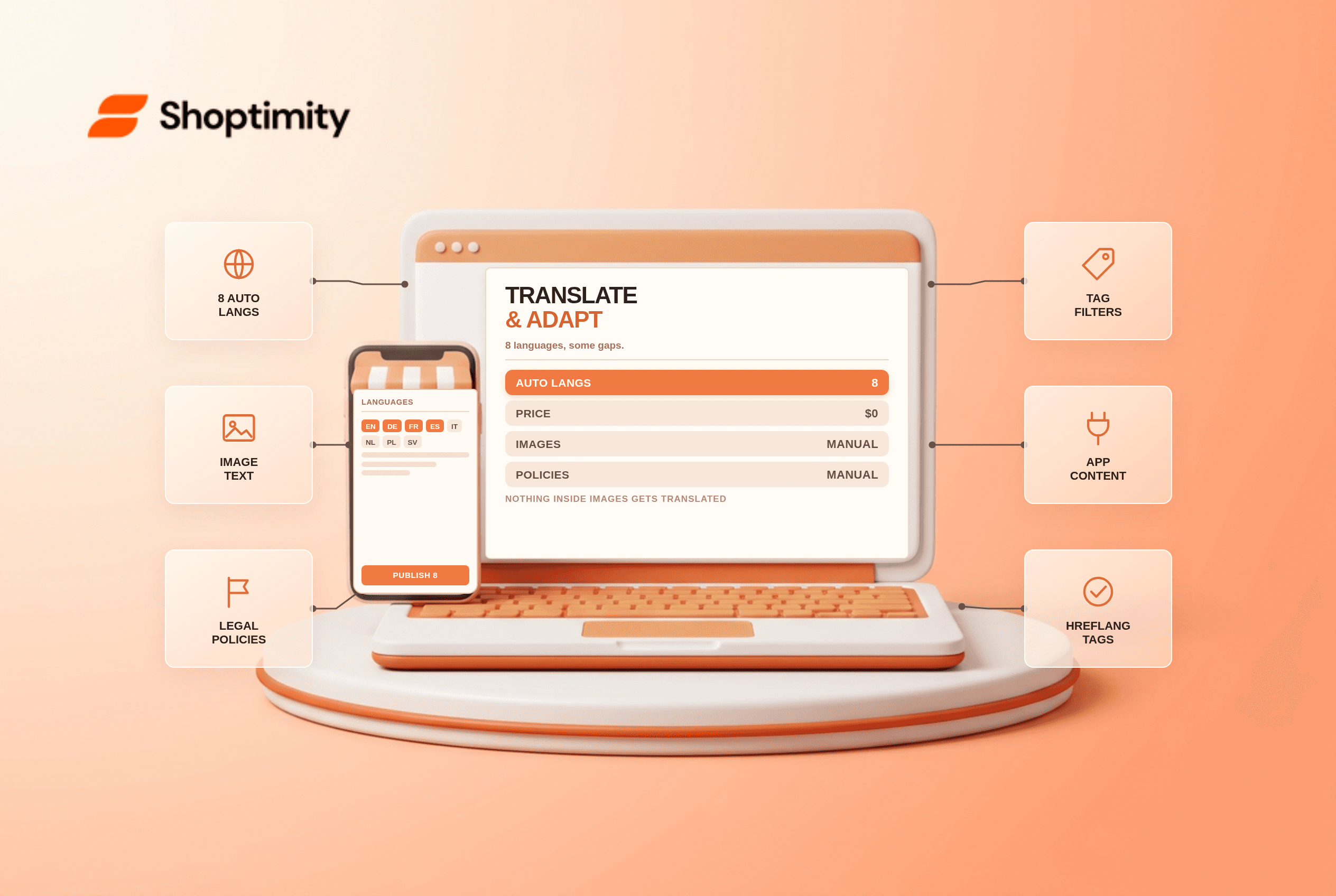
The Shopify Translate & Adapt app is free and now auto-translates up to eight languages beyond your primary one, up from two as of October 2026. That covers most European stores without a paid app. It cannot translate text inside images, does not auto-translate legal policies, and skips third-party app content unless that app supports Shopify's translatable resources.
What changed in October 2026
The two-language limit was the main reason merchants bought a translation app. Shopify raised it to eight automatic languages on 9 October 2026, with weekly synchronisation, and added translation of metadata and URL slugs to the native flow.
Eight languages covers the practical range for a European store. English, German, French, Spanish, Italian, Dutch, Polish and Swedish, for example, is more reach than most brands can support with local content anyway.
According to Shopify's translation documentation, the automatic translation runs on Shopify's own engine, and you can edit any string by hand afterwards.
The five limits that still push stores to an app
Images. Text baked into a product image stays in the original language. There is no detection and no automatic swap. You can upload localised images and assign them per market, which is manual work on every asset.
Legal policies. Policies are not translated automatically. For EU selling, a translated policy that a customer cannot read is a compliance problem rather than a polish issue.
Product tags and filtered collections. Tags used in faceted navigation do not translate, so a German shopper filtering by "Material" may see an English tag list.
Third-party app content. Review widgets, upsell offers and popups only translate if the app declares translatable resources. Many do not.
Volume. There is an annual character cap on automatic translation. A large catalogue with long descriptions can approach it, and the cap does not scale with your plan.
What a paid app adds, and what it costs
| Translate & Adapt | Weglot | Lantis | |
|---|---|---|---|
| Price | Free | About €15/mo for one language | From $3.50/mo per language |
| Automatic languages | 8 | 110+ | Multiple |
| Image translation | Manual only | Yes | Limited |
| Glossary control | No | Yes | Yes |
| URL control | Basic | Full | Partial |
| Third-party app content | Limited | Broader | Broader |
Published prices move, so check each vendor before you budget. The pattern is consistent: apps charge for languages and words, and native charges nothing and stops at the edges listed above.
When eight languages is genuinely enough
If you sell into three or four markets with one language each, native covers you and the app is money for nothing. Add hand-translated policies and a few localised images, and the storefront reads properly to a local buyer.
In our experience, the stores that switch to a paid tool usually do it for one of two reasons: they need image localisation for paid social creative, or they run faceted navigation in three or more languages and the untranslated tags show up in search.
Both are real. Neither is worth an app on day one.
Setting it up without breaking SEO
Publish each language on its own URL through Markets, use subfolders rather than subdomains, and let Shopify emit hreflang. Do not machine-translate product handles unless you plan to redirect the old ones, because a changed URL without a redirect loses whatever equity the page had.
Then check the language switcher on mobile. It is the single most-missed element in store audits, and it is the only way a shopper finds the translated page. The Markets localisation checklist covers the wider setup, and the URL redirect guide covers what to do when handles change.
Our advice: start native, translate the top twenty product pages by hand, and only buy an app when you can name the specific thing it does that you cannot do yourself in an afternoon.
Ready to build a faster, higher-converting store?
Every Shoptimity theme ships with conversion widgets built in — so you get speed and features without stacking apps.
7-day free trial · all themes included · cancel anytime
Continue Reading
Managed Markets vs Running Shopify Markets Yourself
3.5% plus 1.5% conversion against real setup work. The fee math at three revenue levels, what August...
Duties at Checkout in 2026: DDP vs DDU on Shopify Markets
The EU ended its 150 euro duty-free threshold in July 2026. How DDP at checkout works, what setup ne...