
Shopify Unit Pricing: Set the Right Measure for Each Variant
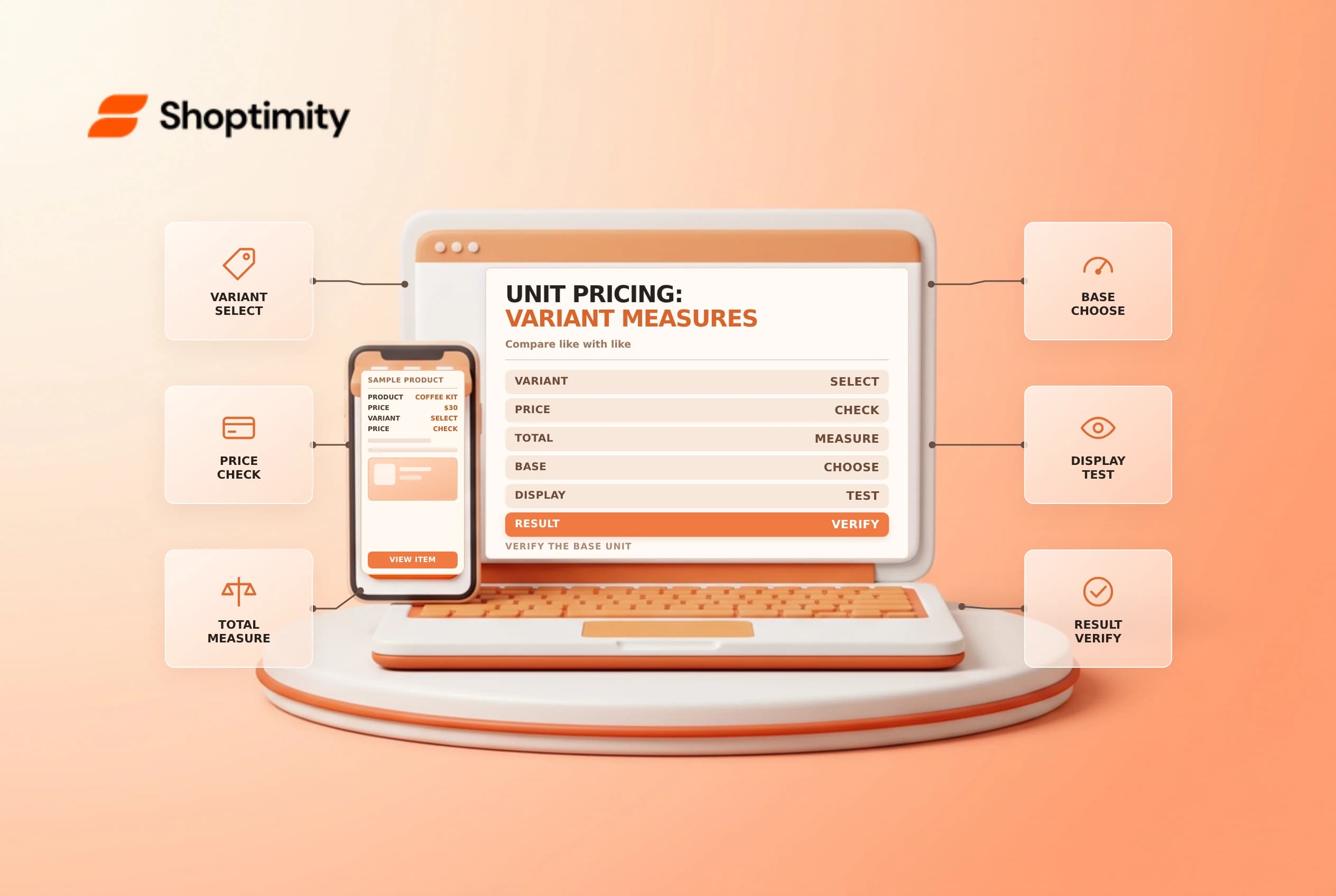
A unit price helps shoppers compare package sizes, but only if the product quantity and base measure are accurate. Shopify can calculate a price per measurement from the product's price and configured measures. The displayed unit price is not a substitute for checking the actual package contents or the rules in each market.
Understand the calculation
Shopify's unit pricing guide describes the relationship: product price divided by the total amount, multiplied by the base measure. For a $30 package containing 600 g, a 1 kg base gives $50 per kg: $30 ÷ 600 × 1,000. A 500 g base would display $25 per 500 g. These are illustrative figures, not recommended prices.
| Input | Example | Why it matters |
|---|---|---|
| Product price | $30 | Changes to price update the calculation |
| Total measurement | 600 g | Must match what the customer receives |
| Base measurement | 1 kg | Determines the comparison unit |
| Result | $50/kg | Verify the value and label on the storefront |
Unit pricing can be legally required in some places; the store must determine its obligations. Shopify says the admin does not automatically require the field for every product category where unit pricing might be needed. Ask a qualified adviser about applicable local presentation and rounding rules.
Configure one variant at a time
In Products, open the product and select a variant where applicable. In Pricing, configure Unit price using the total amount and the desired base measure. Shopify's unit options depend on the store's unit system; the available base units relate to the measurement type. Weight cannot be used as a volume base, for example.
Compare the entered amount with the actual contents, not necessarily the shipping weight. Packaging weight is relevant to shipping but is usually not the quantity a shopper is comparing. For multipacks, confirm whether the entered total represents one item or the entire pack before deciding on a measure. Record the business rule and have another person check unusual items.
Test the customer experience
Check the product page and collection display, then add each representative variant to cart and checkout. Review the price and unit label on mobile and desktop. Test a sale price or a market-specific price where appropriate; verify the live result rather than assuming every theme and integration renders the same way. Shopify says compatible Online Store 2.0 themes support unit pricing, while older or customized themes may need attention.
For example, compare a 300 g and a 600 g variant using the same base measure. If the smaller pack is $18, its unit price is $60/kg; the $30 larger pack is $50/kg. A buyer can compare those figures only if both labels describe the same measurement and currency. Check rounding and avoid manually copying the calculated figure into a static product description.
Plan bulk edits carefully
If you use the bulk editor or product CSV, follow Shopify's current column requirements for total and base measures. Export a backup, test a small set and inspect each variant after importing. A wrong measure can make a correct selling price look misleading. Related reading: bulk editor safety and price per unit.
Keep a short reference sheet for product teams that lists the approved measurement for each relevant product family. When a supplier changes the pack size, review the configured total measure even if the retail price is unchanged. A stale quantity can produce a mathematically correct but misleading unit price. Flag the update for every affected variant and sales channel.
Ready to build a faster, higher-converting store?
Every Shoptimity theme ships with conversion widgets built in — so you get speed and features without stacking apps.
7-day free trial · all themes included · cancel anytime
Continue Reading

Shopify B2B Company Locations: Give Buyers the Right Access
Configure Shopify B2B company locations, verify buyer permissions and test pricing, addresses and pa...

Shopify Checkout Contact Settings: Separate Email From Shipping Phone
Configure Shopify checkout contact settings and test email, phone and shipping address requirements ...

Shopify POS Recent Carts: Share a Sale Without Reserving Stock
Learn how Shopify POS recent carts work across devices, what they do not reserve, and how to hand of...