
Shopify US Product Tax Overrides: Review Scope Before Changing Rates
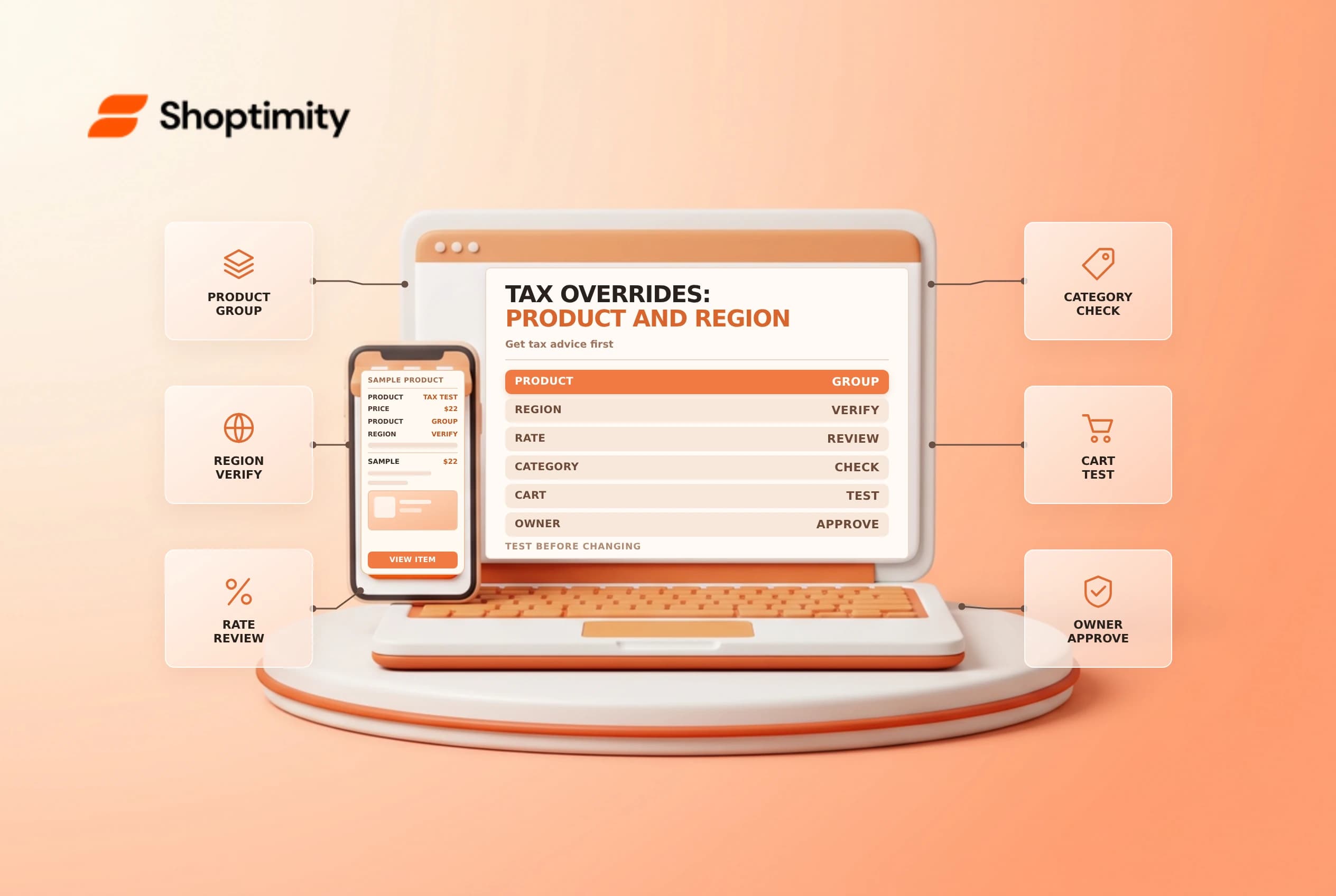
A tax override changes how Shopify calculates tax for selected products or shipping in a defined region. It can be useful when an approved exception applies, but a broad or outdated override can create undercollection or overcollection. This guide is an operational checklist, not tax advice.
Establish the tax decision first
Ask the business's tax adviser which products, jurisdictions and dates need special treatment. Document the legal basis, approved rate and owner. Check your Shopify tax service and whether the relevant settings are available. Shopify's US tax management guide says settings differ when US sales tax is managed by Shopify versus self-directed.
A product category, a product override and a customer exemption are different controls. Shopify says a product override takes precedence over product-category tax calculations. Do not add an override simply because one checkout looks surprising; first inspect the address, tax registration, category, product settings and customer exemption.
| Control | Scope to verify |
|---|---|
| Product category | The classification used for eligible tax calculations |
| Product override | The selected collection, state and configured rate |
| Shipping override | The shipping charge in the selected region |
| Customer exemption | The customer's eligibility and profile settings |
Shopify warns that a US state tax override does not include local taxes, which can cause undercharging where local taxes apply. Never infer the correct rate from this article or reuse an example from another state.
Build a controlled product group
For a US product override, Shopify describes creating a collection containing the relevant products and then selecting that collection, state and rate under Settings > Taxes and duties. Check the collection membership carefully: an incorrect inclusion affects a product that should not be covered, while an omission leaves a qualifying product outside the override.
Keep an independently reviewable list of the intended variants or products and the effective date. Confirm who maintains membership when the catalog changes. Before saving a change, record the existing configuration and agree on a rollback plan. A shipping override is configured separately and should not be assumed to follow the product override.
Test representative checkouts
With an approved tax decision in hand, test an eligible product, a similar ineligible product, a mixed cart and an address outside the intended region. Use realistic but non-sensitive test addresses and document the expected tax components, actual result and explanation for any difference. The goal is to compare against the adviser's expected treatment, not to make a number match by repeatedly changing settings.
Test an exempt customer separately from the product override. Review taxes on shipping, discounts and other items as relevant. Do not complete a live payment merely to test a rate without an approved test plan. If results differ, stop and involve the tax owner before rolling the setting out.
Maintain and retire overrides
Revisit the override when product categories, tax services or rules change. Shopify notes that categories may reduce the need for overrides, but existing overrides should not be removed until you confirm the correct category-based calculation is active. Keep the review decision and effective dates for the accounting team. See customer tax exemptions and collection conditions.
Assign a review date and keep evidence of the tax owner’s approval with the configuration record. When a collection is edited, compare its membership with the approved product list. If the tax service or legislation changes, retest rather than assuming a previous checkout result is still valid.
Ready to build a faster, higher-converting store?
Every Shoptimity theme ships with conversion widgets built in — so you get speed and features without stacking apps.
7-day free trial · all themes included · cancel anytime
Continue Reading

Shopify B2B Company Locations: Give Buyers the Right Access
Configure Shopify B2B company locations, verify buyer permissions and test pricing, addresses and pa...

Shopify Checkout Contact Settings: Separate Email From Shipping Phone
Configure Shopify checkout contact settings and test email, phone and shipping address requirements ...

Shopify POS Recent Carts: Share a Sale Without Reserving Stock
Learn how Shopify POS recent carts work across devices, what they do not reserve, and how to hand of...