
TikTok Shop on Shopify: Orders, Payouts and Fees
title: TikTok Shop on Shopify: Orders, Payouts and Fees slug: tiktok-shop-on-shopify-order-fees-guide meta_title: TikTok Shop on Shopify: Orders, Payouts and Fees meta_description: Learn how TikTok Shop on Shopify handles eligibility, catalogue sync, fulfilment, refunds, payouts and order-level contribution with a practical merchant. primary_keyword: TikTok Shop on Shopify secondary_keywords:
- Shopify merchant guide
- ecommerce operations author: The Shoptimity Team date: 2026-11-03 category: Marketing schema: BlogPosting, FAQPage
TikTok Shop on Shopify: Orders, Payouts and Fees
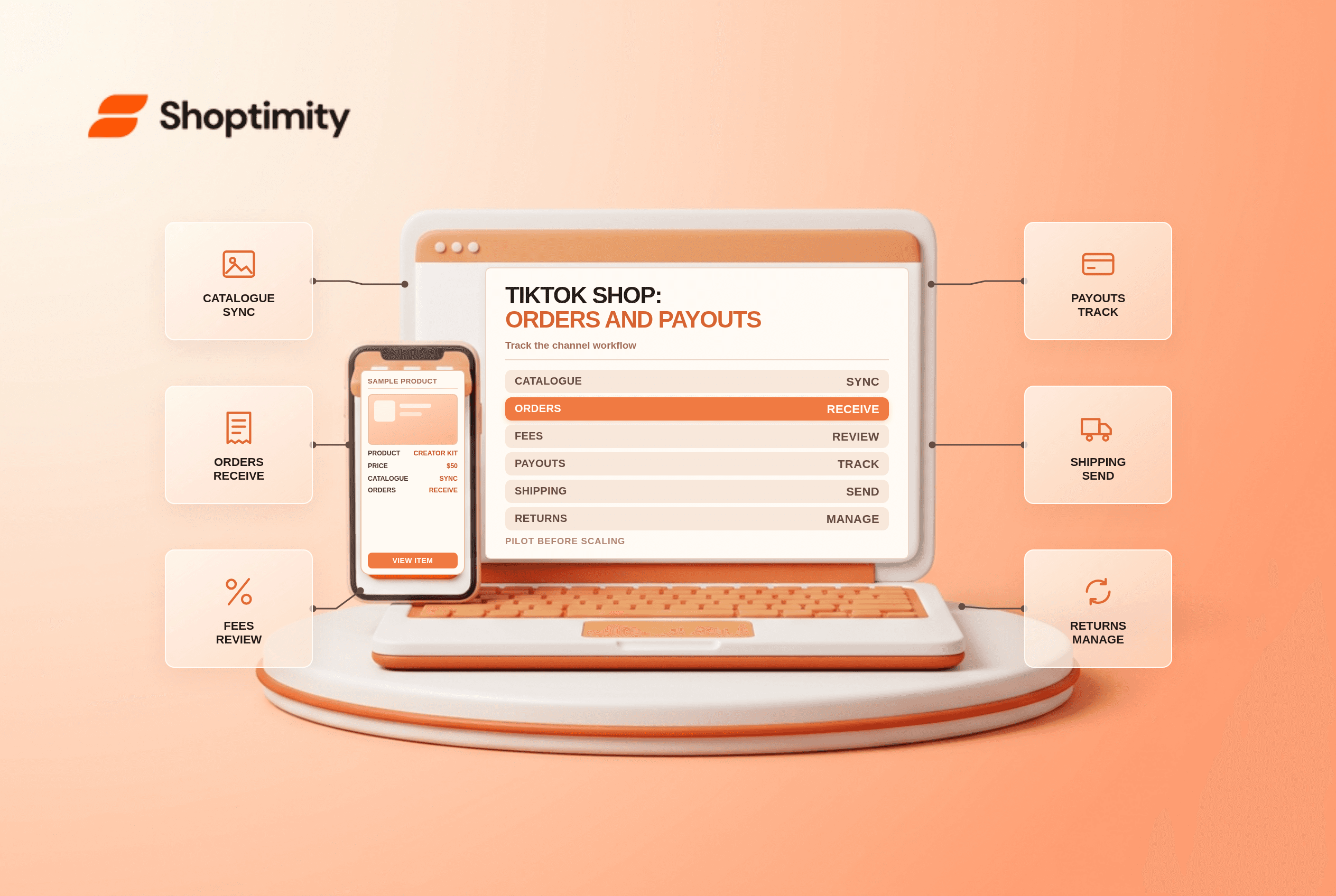
TikTok Shop on Shopify connects a product catalogue, inventory and orders so customers can buy on TikTok while merchants manage fulfilment through Shopify. The operational distinction is important: TikTok processes TikTok Shop checkout and payouts, and refunds and returns are handled in TikTok Seller Center, according to Shopify's order guide.
Check eligibility first
Shopify's setup guide lists supported store locations, a verifiable location address, an online store and a TikTok for Business account among the requirements. Supported countries and product restrictions can change, so check both Shopify and TikTok's local seller policies before investing in a launch. Advertising on TikTok and selling through TikTok Shop are not the same product.
| Step | What to confirm | Risk if missed |
|---|---|---|
| Eligibility | Store country, account and business verification | Connection rejected |
| Catalogue | Permitted products, variants and accurate inventory | Listings rejected or unavailable |
| Price | Channel-specific price and fees | Low or negative margin |
| Fulfilment | Dispatch deadlines and tracking requirements | Late shipments or penalties |
| Payouts | Seller Center bank account and settlement | Unexpected cash-flow delay |
| Support | Returns and cancellation responsibilities | Customer waits while teams investigate |
What happens after a sale
TikTok checks inventory and an eligible order appears in Shopify. Fulfil from Shopify as documented and monitor whether tracking reaches the channel. For refunds and returns, use the TikTok Seller Center workflow rather than assuming the normal storefront process applies. Check the latest regional rules for cancellation deadlines and permitted carriers.
According to Shopify's TikTok payment guide, TikTok processes the payment and pays the bank account connected in Seller Center. Settlement periods and referral fees follow TikTok's own terms. Do not assume that a TikTok sale appears in the same payout cycle as Shopify Payments.
Calculate contribution before turning on ads
Take a hypothetical $50 order: product cost $18, fulfilment $6, marketplace and payment charges $5, creator commission $4 and advertising $8. The remaining $9 is contribution before returns, overhead and tax. These are illustrative inputs, not TikTok's published fee schedule. Replace them with your local rate card and actual order economics.
Check whether channel pricing differs from the online store and whether promotions can stack. Shopify distinguishes order-generating channels from traffic-generating channels in its Markets guidance; channel and market rules govern what can be customized.
Pilot before a big campaign
- Select a small, compliant set of products with reliable stock and clear dispatch times.
- Connect the account and review product mapping, variants, prices and tax settings.
- Place a permitted test order or follow the channel's documented test process.
- Reconcile an order ID, fulfilment event, tracking update, fee and payout.
- Test a return workflow and assign a customer-service owner.
- Scale only after monitoring late dispatches, cancellations, margin and settlement.
Use Shopify contribution margin per order to build the calculation, and inventory across multiple locations to check which location supplies each order.
Keep channel operations visible
A weekly channel review should include rejected products, unfulfilled orders, late shipments, cancellations, returns, commissions and payout status. Record which team owns each exception and set a response deadline. A synchronized order can still require work in more than one admin, so give support staff a simple map of where to act.
Ready to build a faster, higher-converting store?
Every Shoptimity theme ships with conversion widgets built in — so you get speed and features without stacking apps.
7-day free trial · all themes included · cancel anytime
Continue Reading

Shopify B2B Company Locations: Give Buyers the Right Access
Configure Shopify B2B company locations, verify buyer permissions and test pricing, addresses and pa...

Shopify Checkout Contact Settings: Separate Email From Shipping Phone
Configure Shopify checkout contact settings and test email, phone and shipping address requirements ...

Shopify POS Recent Carts: Share a Sale Without Reserving Stock
Learn how Shopify POS recent carts work across devices, what they do not reserve, and how to hand of...