
Built for Shopify: What the Badge Guarantees, and What It Does Not
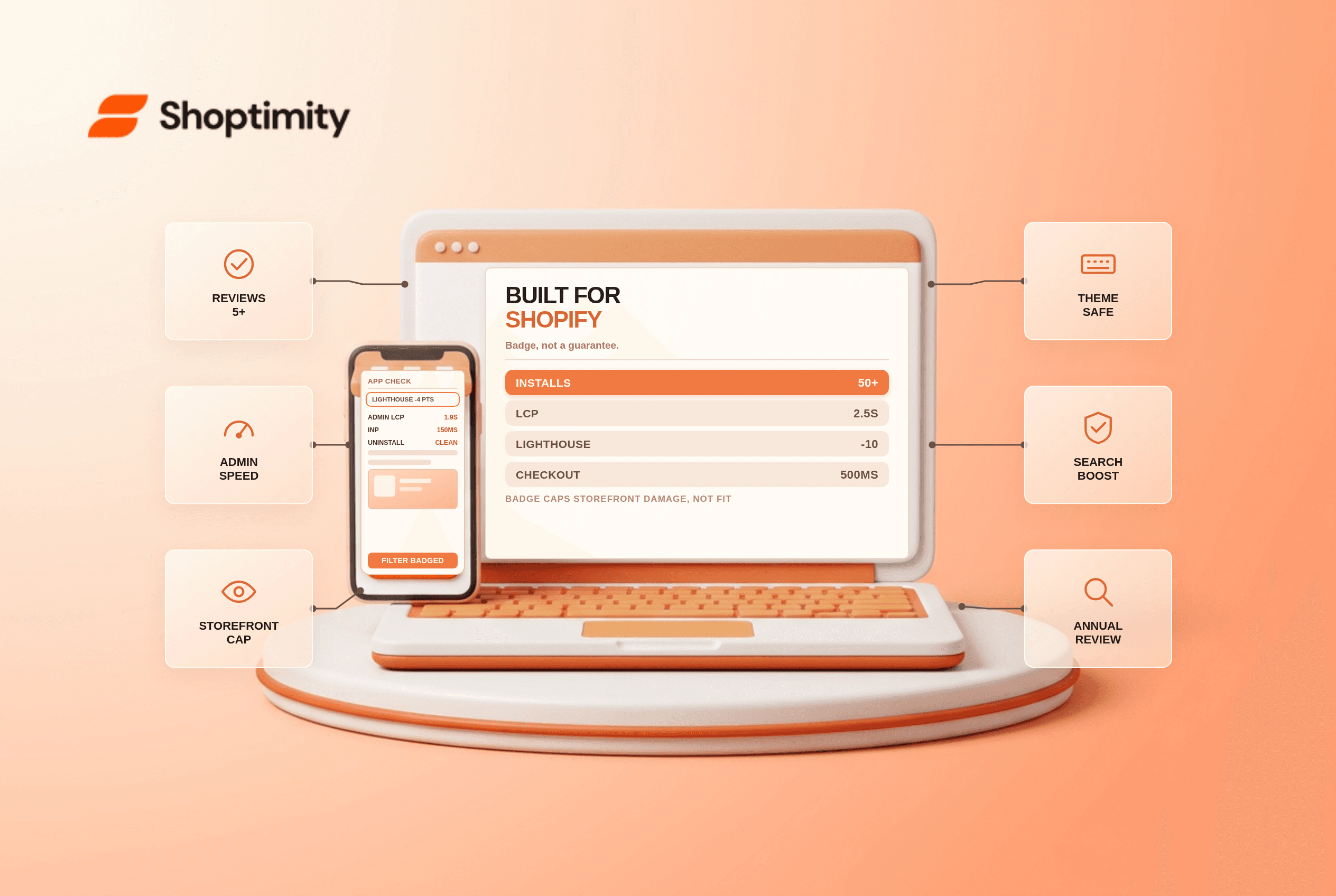
The Built for Shopify badge is Shopify's quality tier for apps. It requires at least 50 net installs from active paid shops, five reviews, admin performance inside Core Web Vitals thresholds, and a cap on how far the app may drag your storefront Lighthouse score, no more than 10 points.
For a merchant, that last requirement is the useful part. It is the closest thing to a guarantee that installing an app will not quietly cost you page speed.
What the badge certifies
According to Shopify's programme requirements, the checks are measurable rather than marketing claims:
- Adoption: 50+ net installs from shops on paid plans, 5+ reviews, a minimum recent rating.
- Admin speed: LCP at 2.5 seconds or less, CLS at 0.1 or less, INP at 200 ms or less, measured across at least 100 calls in a 28-day window.
- Storefront impact: the app must not reduce your Lighthouse score by more than 10 points.
- Checkout impact: p95 of 500 ms or less with a failure rate under 0.1%.
- Integration: embedded in the admin with the current App Bridge, and no editing theme files through the Asset API.
We audited three themes after app uninstalls and leftover theme code appeared in all three, which is the problem this rule targets.
That Asset API rule matters more than it reads. Most leftover-code problems after uninstalling an app come from apps that wrote directly into theme files. A badged app cannot do it.
What it changes in practice
Badged apps get a ranking boost in App Store search and a filter you can apply to results. One 2026 agency analysis reports organic installs rising about 20% to 35% after certification, and another cites an average 49% lift in new installs in the 14 days following the badge, from apps with 50+ active installs. Treat vendor-published lift figures as directional; the ranking preference itself is observable in search results.
Badges also unlock Shopify App Store Ads, which are unavailable to non-badged apps, and shorten review times for updates. That is developer-side value that indirectly benefits merchants, since updates ship faster.
| What you get | Why it matters to a merchant |
|---|---|
| Storefront Lighthouse cap | Predictable speed impact before install |
| No Asset API theme edits | Cleaner uninstall, less leftover code |
| Admin speed thresholds | A dashboard that does not crawl |
| Checkout p95 limit | Checkout stays inside its budget |
| Search ranking and filter | Faster shortlisting of credible apps |
What the badge does not tell you
Whether the app fits your store. A badged app can still be wrong for your catalogue, your market or your stack. The badge answers a narrow question about build quality and says nothing about whether the app solves your problem better than the native tool you already pay for.
What it costs at your volume. Many apps price by orders, contacts or revenue, and the badge says nothing about the bill in year two.
How it behaves when you leave. The Asset API rule removes the worst case, but scripts injected through app blocks and web pixels can still linger.
How to use it in a buying decision
Start with what Shopify already ships: Flow, Search & Discovery, Bundles, Subscriptions, Messaging, Inbox. Then filter App Store results to badged apps when you need third-party software, and price each candidate at next year's volume rather than this month's. Read the most recent reviews, not the average, and check the permissions requested against what the app claims to do.
Two 2026 dates are worth diarising if you depend on apps in specific categories: new badge requirements for subscription apps and for returns and exchanges apps take effect on 1 December 2026, and badged apps must match the new admin visual style by 1 May 2027. An app that fails those reviews loses the badge, which is a signal to re-evaluate rather than panic.
Our verdict: treat the badge as a floor rather than a verdict. It is the cheapest available proxy for "this will not wreck my storefront speed or my theme".
Apply it as the first filter, then decide on fit and total cost separately. The limitation to keep in view is that badge status is reviewed annually with a 60-day fix window, so a badge you saw last year may not be current. If the app in question touches product data, Shopify's structured data guide covers what those apps can and cannot add to your markup. Shopify's programme requirements are at shopify.dev.
Ready to build a faster, higher-converting store?
Every Shoptimity theme ships with conversion widgets built in — so you get speed and features without stacking apps.
7-day free trial · all themes included · cancel anytime
Continue Reading
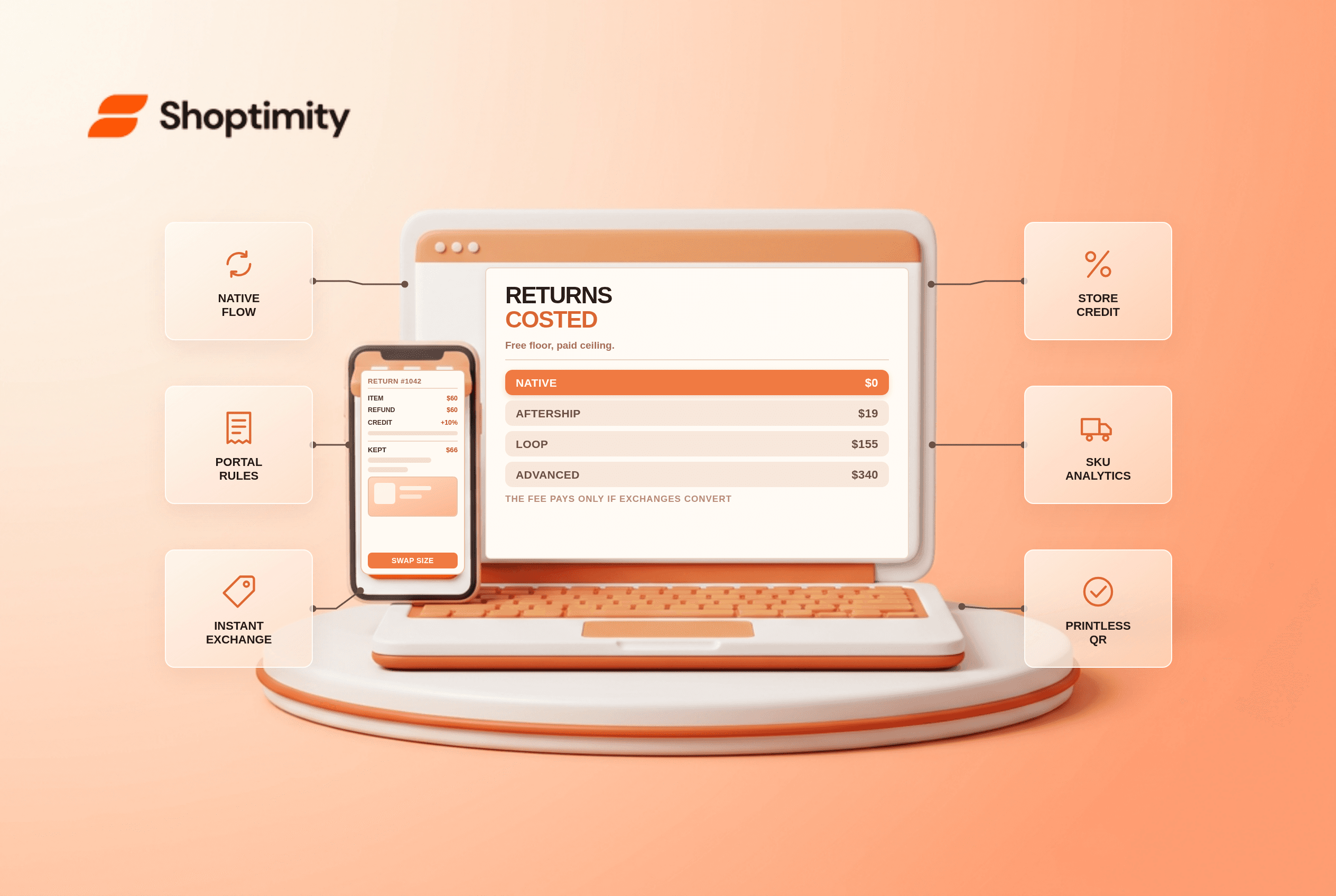
Shopify Returns Apps: What Each Costs and When the Fee Pays
Native returns are free, apps run $19 to $340 a month. The exchange-conversion maths that decides wh...
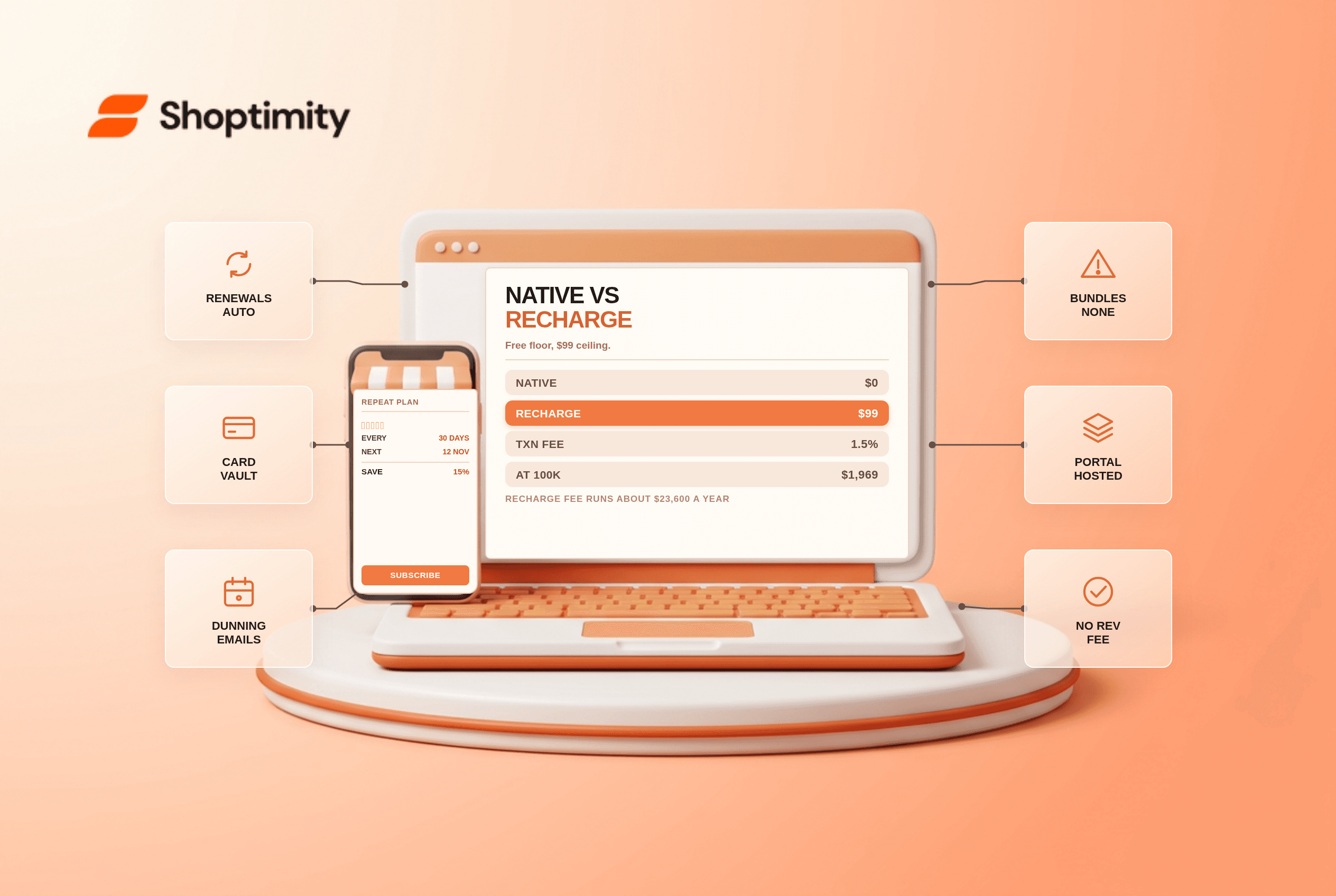
Shopify Subscriptions vs Recharge: The Cost Math for 2026
Native is free with no revenue share. Recharge costs $99 a month plus a percentage. The break-even, ...
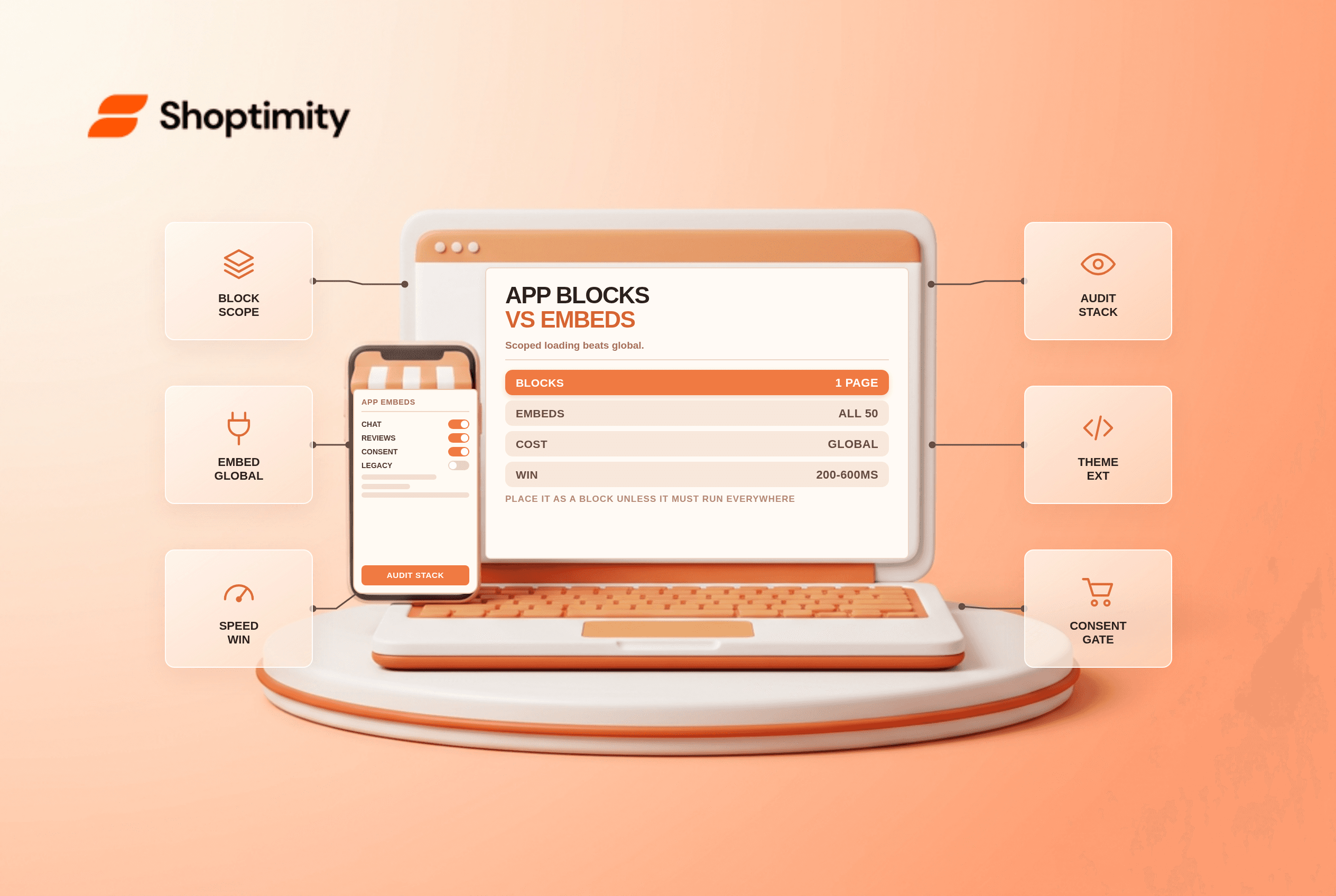
Shopify App Blocks vs App Embeds: Where Each One Belongs
Blocks load where you place them, embeds load everywhere. Why that is usually your biggest speed win...