
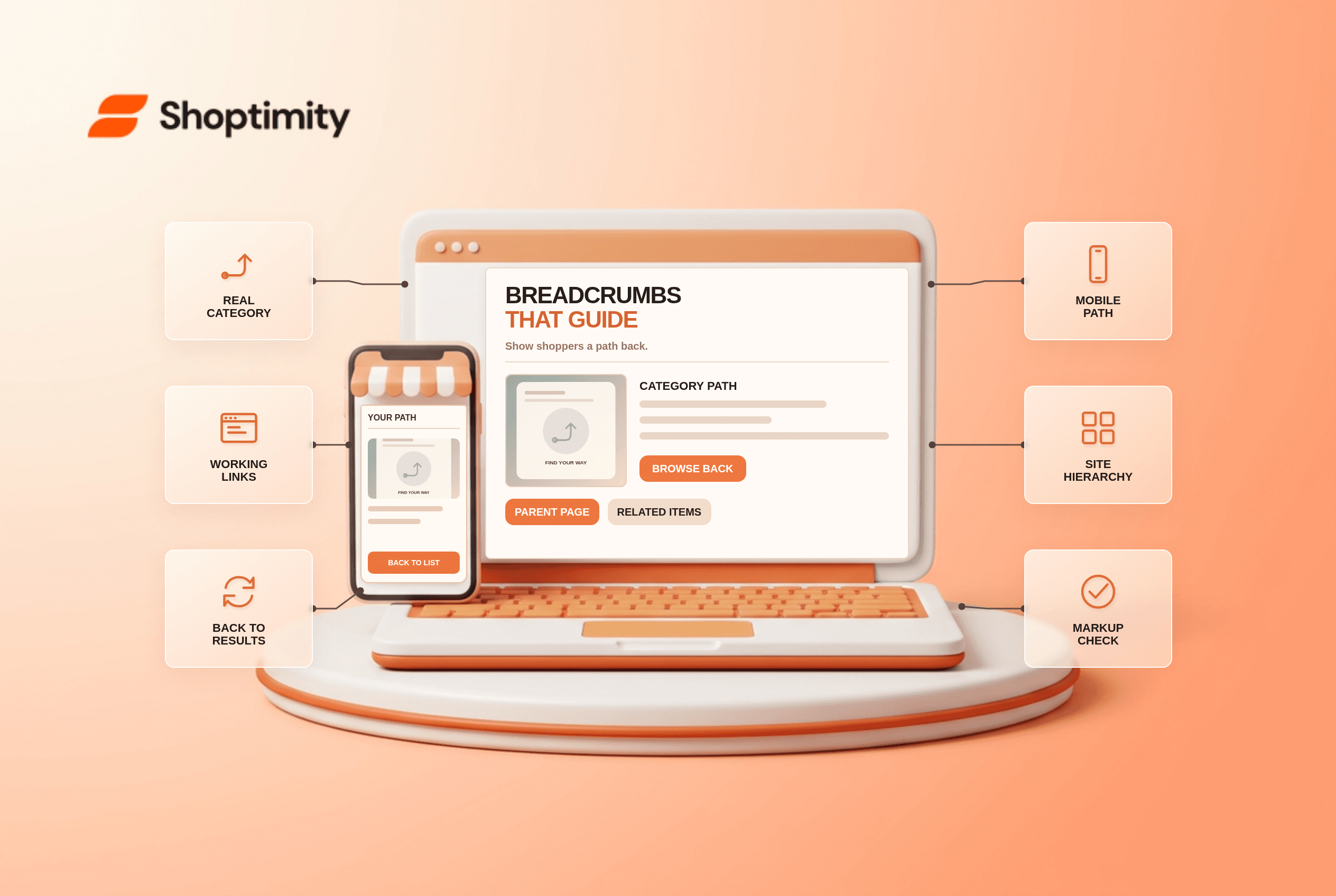
Ecommerce breadcrumb navigation should help shoppers understand where a product sits and return to a relevant category. Use readable category names and real links, not a string copied blindly from the URL. On mobile, keep the useful path visible without crushing it into an unreadable line. Structured data can describe that hierarchy to Google, but the on-page links must still work for people.
What job should a breadcrumb do?
A hierarchy path answers “where am I?” while a return-to-results control answers “where was I browsing?” These are different jobs. A category link can take the shopper back to a broad listing; a history-based link can preserve the previously filtered results. According to Baymard's breadcrumb research, there are distinct hierarchy and history patterns; the research distinguishes the hierarchy and history patterns and warns that a plain category link may discard applied filters.
A product listed in both “Work Bags” and “Travel Bags” does not have to expose every possible hierarchy on one line. Choose a useful canonical category path for the product and give the shopper a separate route back to their prior listing when that state matters. Do not invent a category merely to make the trail longer.
How do you audit ecommerce breadcrumbs?
Follow the links in a real shopping task. We checked Baymard's UX research and Google's BreadcrumbList guidance, not Shoptimity merchant navigation logs. Check these points before adding markup:
- Open a product from a category with filters applied. Record the visible breadcrumb trail and the browser's Back behavior.
- Tap each ancestor link. It should lead to the named live category, not an empty or unrelated page.
- Return to the listing. If the breadcrumb drops a useful filtered state, offer an explicit back-to-results route where feasible.
- Repeat on mobile. Ensure a long path stays usable and the parent category is not hidden behind a tiny control.
- For items in multiple categories, make the displayed path predictable and avoid visibly changing it for no clear reason.
- Compare the visible hierarchy and the structured-data
BreadcrumbListif present. Markup should describe a plausible user path. - Test the generated links after category renames and product moves; stale paths create dead ends.
In Baymard's mobile breadcrumb study, 36% of benchmarked mobile sites that had breadcrumbs omitted a full category hierarchy. Another 65% in its benchmark did not show mobile breadcrumbs at all. Those are historical research findings, not Shoptimity-specific measurements or a promise that adding a trail improves rankings.
Do breadcrumbs require structured data?
No for navigation; optional markup can clarify the path to search engines. Google's BreadcrumbList documentation recommends a typical user path rather than simply mirroring the URL. It says eligible markup defines at least two ListItem elements. Validate any markup against the actual page and do not emit multiple contradictory trails just because a product belongs to several collections.
A caveat for SEO claims: Google announced in 2025 that mobile Search results would display only the domain instead of breadcrumbs, while desktop support remained. So an on-site mobile trail is a navigation aid, not a promise of a mobile breadcrumb snippet. Shoptimity themes can display the path; our mega-menu guide covers the broader category entry points.
What happens if the category changes?
Update the displayed trail and its targets together. A stale category label can mislead users even if the product remains available. Redirect an old category only when the destination matches its intent. Review products with multiple collections after taxonomy changes. Our recommendation is to prioritize working paths over adding more breadcrumb levels.
Ready to build a faster, higher-converting store?
Every Shoptimity theme ships with conversion widgets built in — so you get speed and features without stacking apps.
7-day free trial · all themes included · cancel anytime
Continue Reading
Shopify Apple Pay: Check Wallets, Subscriptions and B2B
Activate Shopify Apple Pay with network tokenization, verify Visa or Mastercard subscription rules, ...
Shopify Order Notes: Capture Cart Instructions Cleanly
Enable Shopify order notes on Online Store 2.0 carts, separate notes from cart attributes and checko...
Shopify Planet: Add Carbon-Neutral Shipping Badges
Set up Shopify Planet carbon-neutral shipping, match Marketing vs $0.50 Engagement badge modes to yo...