
How to Use AI for Shopify Store Personalization
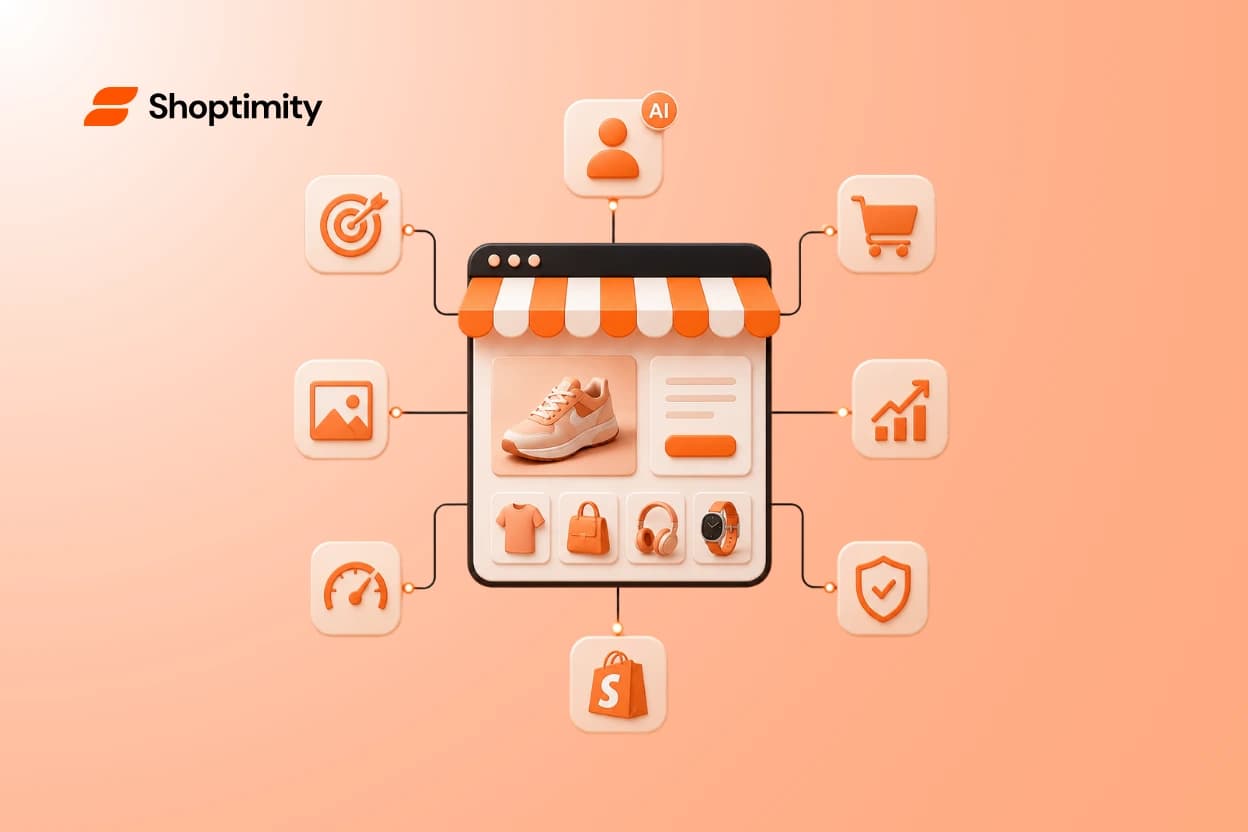
Most retailers still serve the exact same storefront to every single visitor. This one-size-fits-all approach costs you sales. Modern shoppers expect a tailored experience, and brands that adapt see revenue growth of up to 40%. The difference in 2026 is that you no longer need an enterprise engineering budget to pull this off. Mastering Shopify AI personalization gives your store an automated sales assistant that adapts to every click.
Key takeaways:
- AI adapts your storefront in real time based on user behavior rather than static rules.
- Personalized shopping experiences can boost conversions by up to 35%.
- Stacking bloated third-party apps for personalization often hurts page speed and profits.
- Native AI tools and smart themes handle dynamic content better than costly custom scripts.
What Is Shopify AI Personalization?
Shopify AI personalization is the use of machine learning to change what a shopper sees on your store based on their unique behavior, location, or past purchase history.
Basic personalization relies on static "if-then" rules to show a specific banner to users from a certain country. Machine learning goes deeper. It tracks micro-interactions, like how long a user hovers over a product image or which categories they browse most frequently, to automatically curate a unique shopping experience for that exact person.
Think of it as the digital equivalent of a local shop owner who knows your name, remembers your size, and suggests an accessory for the shirt you bought last week. According to Algonomy, true digital experience personalization requires a semantic layer that connects your customer data to your products and inventory in real time.
How AI for Ecommerce Personalization Drives Sales
When you show customers exactly what they want, they buy more.
Predictive product recommendations directly increase average order value. Instead of showing a generic "You May Also Like" carousel, AI analyzes thousands of data points to predict what a specific buyer will add to their cart. If they just bought a high-end espresso machine, the system pitches premium cleaning tablets or specialized coffee beans right before checkout.
Applying Shopify dynamic content takes this a step further. You can automatically adjust headlines, hero images, and promotional banners to match the traffic source. If a user clicks an ad for hiking boots, the homepage instantly swaps its main image from casual sneakers to rugged outdoor gear.
Data from PrettyDamnQuick shows that using AI for tailored experiences can boost conversions by up to 35%. Adding dynamic cart upsells is usually the fastest way to see an immediate lift in revenue.
Common Mistakes When Building Dynamic Storefronts
Many merchants rush to add artificial intelligence to their stores and inadvertently hurt their performance.
The biggest mistake is relying on bloated app stacks. Store owners often install one app for product recommendations, another for dynamic banners, and a third for cart upsells. This inflates your monthly software bill. Worse, these scripts conflict with each other and destroy your page speed. A slow site kills conversion rates faster than personalization can improve them. You can read more about avoiding this trap in our guide on The Hidden Cost of Shopify Apps: Stop Overpaying.
Another common error is falling for fake AI. Many tools marketed as artificial intelligence are just basic rules engines with a clever marketing rebrand. If you have to manually configure every single trigger and condition, the tool is not learning or adapting.
How to Implement True Personalization on Your Store
Start by centralizing your data. The most effective personalized experiences happen natively within your theme architecture, which avoids loading external scripts.
Use smart mobile-first design elements to present tailored offers smoothly. Instead of forcing visitors through disjointed pop-ups, integrate dynamic content directly into the buying journey. Sticky carts that update with predictive cross-sells perform exceptionally well.
You do not need to hire a developer to build these intelligent storefronts. Modern platforms allow you to generate and customize intelligent theme sections natively. By using themes built specifically for Online Store 2.0, you get ongoing access to built-in conversion tools. This provides high-end personalization features, like quantity breaks and dynamic upsells, without installing a single heavy third-party app.
If you want to adjust how your store reacts to customer data, you can Customize Your Shopify Theme Without Code or Developers using these native tools.
Ready to build a faster, higher-converting store?
Every Shoptimity theme ships with conversion widgets built in — so you get speed and features without stacking apps.
7-day free trial · all themes included · cancel anytime
Continue Reading
The Right Dropshipping Shopify Theme Saves You Thousands in Wasted Ad Spend
When a cold visitor lands on your dropshipping store, they have seconds to decide if you're legitima...
Drag-and-Drop Customization for High-Ticket Dropshipping: Build Premium Stores Without Code
Building a high-ticket dropshipping store used to demand developers, code reviews, and weeks of wait...
Mobile First Design for E-Commerce: Why Your Shopify Store's Conversion Rate Depends On It
This approach isn't a nice-to-have in 2026, it's the difference between a store that sells and one t...