
Shopify Flow Cancel Order: Refunds and Labels
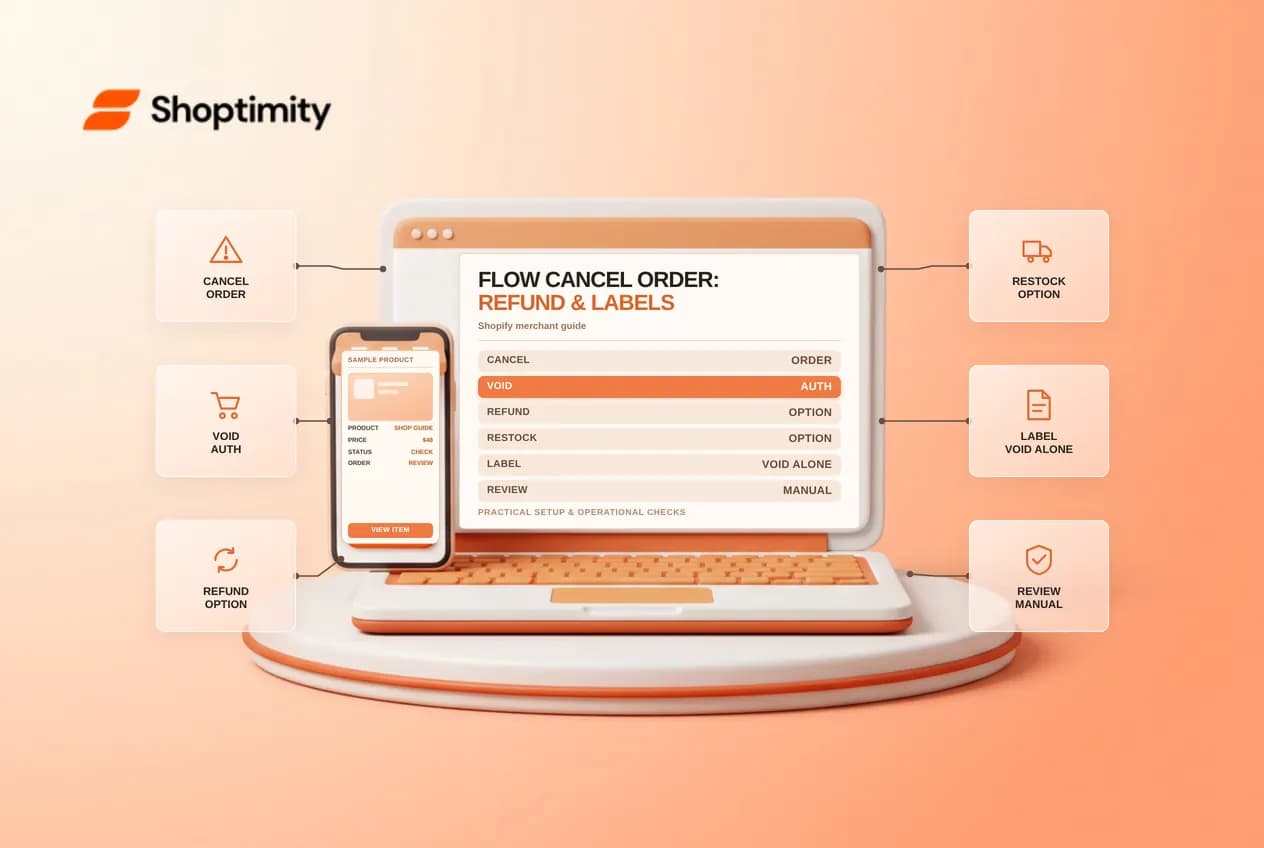
Shopify Flow Cancel Order is a consequential automation: it can cancel an order, void its authorization and, depending on the selected options, refund and restock. A purchased shipping label is a separate obligation and is not automatically voided by this action.
Understand the feature and its limits
Shopify documents a current Cancel order action and a separate deprecated action. The current action voids authorization; the deprecated version does not. The action's Refund setting includes product, duties and shipping amounts, while Restock items and the customer notification are separate choices. Review the actual action and settings in your store instead of assuming an old template behaves identically. Read Shopify’s primary documentation and related Shopify guidance before changing live settings.
Set up a review-first process
Choose a trigger that supplies the order, add narrowly defined conditions, and review the required cancellation reason. Inspect the refund, restock, staff note and customer-notification settings before activation. Begin with a notification-only version of the business rule so staff can review matches before any orders are canceled automatically. Secure approval from operations and finance before moving to a destructive action.
Example: apply the rule carefully
Suppose a high-risk order has an unused label and the rule matches it. After the workflow cancels the order, review the timeline, payment and inventory. If the label is unused and eligible, follow the carrier and Shopify process to void it separately; cancellation alone does not void the label. Confirm customer communications and manually investigate exceptions rather than assuming every downstream system updated.
Plan customer and inventory exceptions
Choose who can approve automated cancellation and establish how a customer can resolve a mistaken decision. Confirm whether the order is authorized, paid or already in fulfillment before applying a rule, because the money and logistics follow-up can differ. Reconcile inventory after the run rather than interpreting the Restock checkbox as evidence that every warehouse system received the change. Keep the order reference, reason and outcome in a restricted operations log.
Test before going live
Test a matching and a nonmatching order first. For a paid test order, inspect the refund amount and the original payment method; for an authorized order, inspect the authorization status. Where a label exists, review it separately. Check the wording and delivery of the customer notification. If anything behaves unexpectedly, disable the workflow and resolve the affected order manually before repeating a test.
Operational limitations
Automatic cancellation can affect legitimate customers, money and stock. Define an owner, escalation process, acceptable false-positive rate and a way to turn the workflow off. Shopify recommends manually checking orders after the high-risk cancellation template. A test in a development store should include a nonmatching order, an authorized order, a paid order and an order with a purchased label, where safely possible.
Review fulfillment before canceling
A cancellation rule should take warehouse timing into account. A fulfillment provider might already have picked an item or accepted a request, and canceling in Shopify may not instantly reverse work in that external system. Agree on a handoff with the provider and review open shipments. The staff note can explain why the rule matched, but should not contain sensitive payment details. Reconcile the refund and inventory through the normal finance and stock processes.
Ready to build a faster, higher-converting store?
Every Shoptimity theme ships with conversion widgets built in — so you get speed and features without stacking apps.
7-day free trial · all themes included · cancel anytime
Continue Reading
Shopify Flow Collection Deleted: ID-Only Alerts
Create a safe collection-deleted alert in Shopify Flow, understand its ID-only data and plan a manua...
Shopify Flow Discount Created: Choose the Trigger
Compare discount code and automatic discount creation triggers in Shopify Flow and design internal p...
Shopify Flow Inventory Item Deleted: ID-Only Data
Understand the inventory item deleted trigger, its ID-only limitation and how to alert operations wi...