
Shopify Flow Move Fulfillment: Route by Location
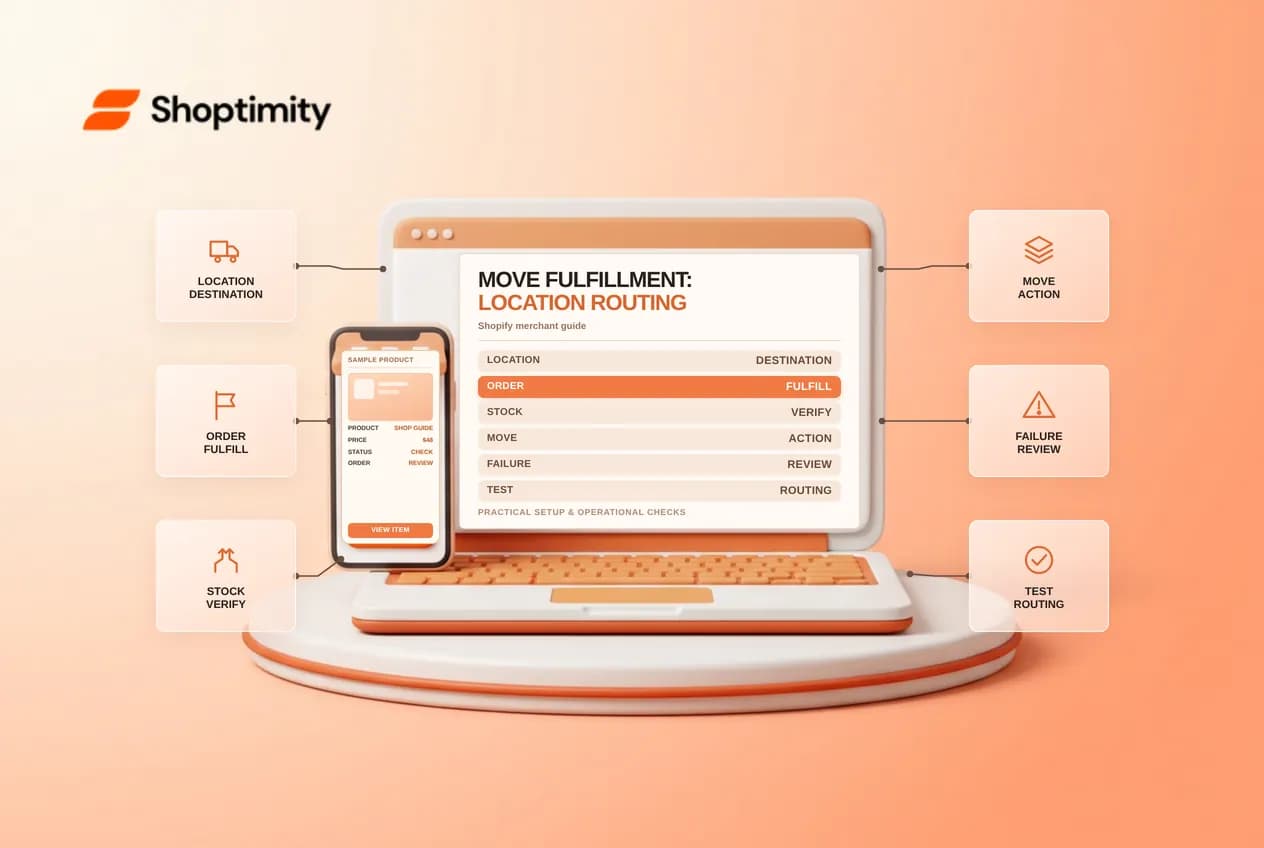
Shopify Flow Move fulfillment order changes the assigned location of a fulfillment order. That can support routing between warehouses, but it should not be treated as a substitute for accurate inventory or a fulfillment partner's acceptance process.
Check the assignment and destination first
The Move fulfillment order action operates on a fulfillment order and requires a destination location ID. Shopify provides the fulfillment order ID from the trigger or the item being processed. A workflow can fail when a fulfillment order cannot be moved or when line items cannot be assigned at the new location.
Before automating, document which locations may fulfill each product, their inventory, service ownership and any routing rules. A location name alone is not a reliable substitute for selecting the correct destination ID in Flow. Verify eligibility and stock in the actual store.
Build a controlled routing workflow
- Start from a trigger that provides a fulfillment order, or retrieve and iterate through fulfillment orders where appropriate.
- Add conditions that identify only the assignments your business intends to move.
- Select Move fulfillment order and configure the destination location ID.
- Start with a small, controlled test and verify the assigned location in the order after the run.
- Review failed runs and create a manual exception process for orders that can't move.
Avoid running the action indiscriminately against every new order. Check whether another app manages fulfillment assignments and agree which system is responsible for routing. Moving an assignment doesn't mean a warehouse has physically picked or shipped the items.
Test success and failure paths
Use test cases for a fully stocked destination, insufficient inventory, an assignment that is not movable, and orders already being processed by a fulfillment service. Inspect the workflow run and order timeline for each case. Notify a person on failure rather than silently treating a failed move as a successful handoff.
Separate the Move fulfillment order action from the Fulfillment order moved trigger. Shopify's moved trigger reference says its test behavior applies to third-party fulfillments rather than manual fulfillment events. Test the exact trigger and integration you plan to use.
Example: routing a large assignment
Shopify provides a template for moving large fulfillment orders to another location. Before using it, define what large means for your operation and check whether the destination handles every affected item. Run one test that meets the condition and another that does not. Inspect both the Flow history and the order’s current assignment, then test an unavailable destination and confirm that someone receives the exception. If your fulfillment provider has already accepted the work, check its cancellation or transfer procedure instead of assuming a move alone updates every external system.
Establish a rollback plan
Before enabling routing at scale, decide who owns an assignment if a move fails and how that person will review inventory and location eligibility. Record the original and destination locations in your operational notes. A reverse move may also be subject to availability and fulfillment state, so verify it rather than promising an automatic rollback. Notify the relevant warehouse when the assignment changes and check for duplicate picking tasks. Re-run your test suite after changes to inventory, location configuration or a fulfillment integration.
Ready to build a faster, higher-converting store?
Every Shoptimity theme ships with conversion widgets built in — so you get speed and features without stacking apps.
7-day free trial · all themes included · cancel anytime
Continue Reading
Shopify Flow Collection Deleted: ID-Only Alerts
Create a safe collection-deleted alert in Shopify Flow, understand its ID-only data and plan a manua...
Shopify Flow Discount Created: Choose the Trigger
Compare discount code and automatic discount creation triggers in Shopify Flow and design internal p...
Shopify Flow Inventory Item Deleted: ID-Only Data
Understand the inventory item deleted trigger, its ID-only limitation and how to alert operations wi...