
Shopify Flow Order Deleted vs Canceled: Key Limits
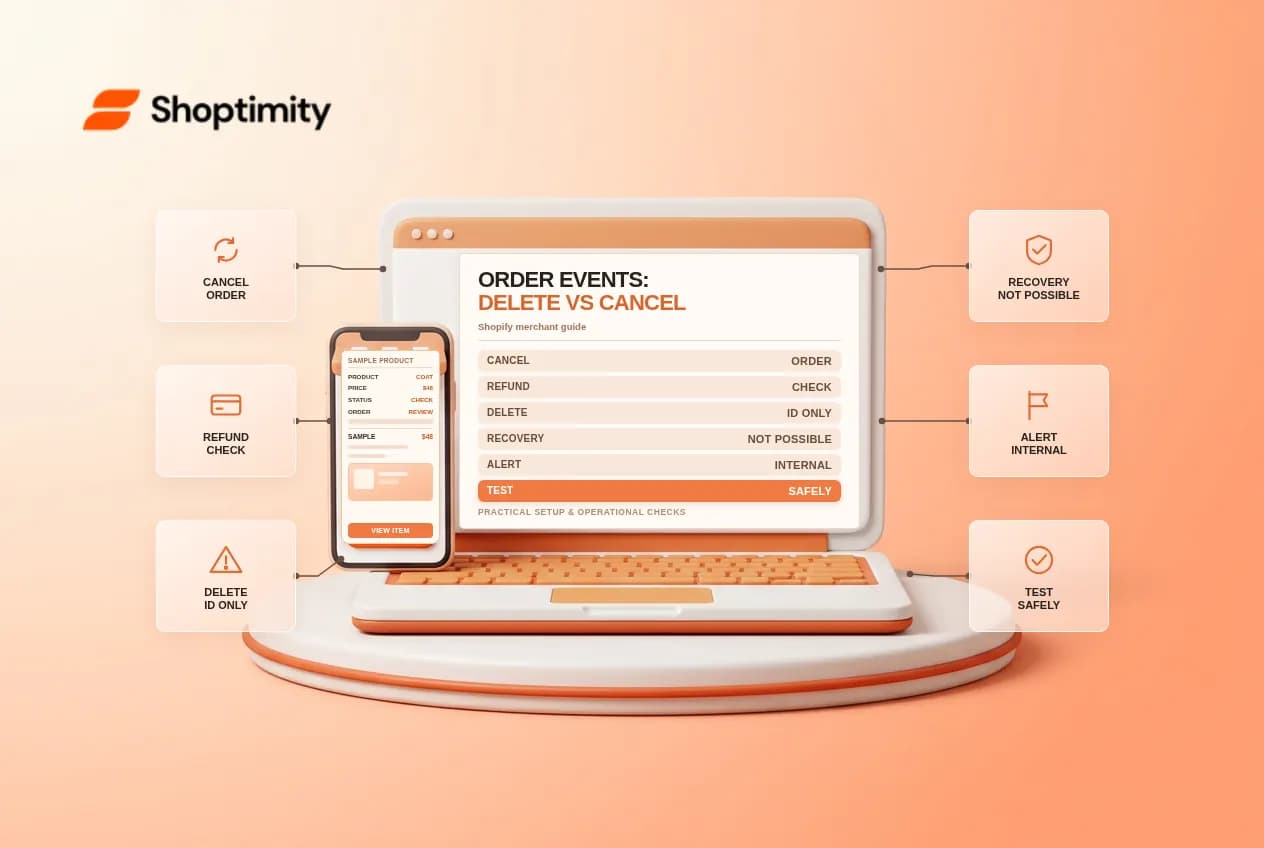
Canceling an order and deleting an order are not interchangeable. Shopify Flow has separate triggers for each, and the information available after deletion is much more limited. Build your operations alerts around the correct event, and never delete a real order solely to test a workflow.
Understand the two triggers
The Order canceled trigger starts when a user or third-party app cancels an unfulfilled order. Shopify describes cancellation as stopping an order in progress; it does not delete the order. Depending on refund and restocking settings, cancellation can also create conditions that start other workflows.
The Order deleted trigger starts when a user or app deletes an order. Shopify says deleted orders cannot be recovered. Since the order is deleted before this trigger occurs, it cannot be used with actions requiring the order. Shopify further says the order ID is the only detail available from the deleted object; other order data cannot be fetched from it.
An internal deletion alert is therefore a signal to investigate, not a substitute for an order archive or backup. Do not promise that Flow can retrieve the customer's name, item list or payment details after deletion. Any separate retention process must follow your privacy policy and applicable recordkeeping requirements.
Set up separate alerts
- In Shopify Flow, create one workflow with Order canceled and another with Order deleted.
- Review the available resource and supported actions in each editor. The canceled trigger provides an order; the deleted trigger has a narrower action set.
- Send the responsible team a clear internal event label and an appropriate reference. For deletion, plan around the documented ID-only limitation.
- Test on controlled records and document who owns each queue before activating the workflows.
Keep personal and payment data out of broad channels. Shopify lists actions such as HTTP requests and internal email for the deleted trigger, but availability does not guarantee that a downstream system can reconstruct the missing order. If an external integration needs prior data, design and authorize its retention separately before any deletion occurs.
Account for linked effects
Cancellation can interact with refund and inventory workflows. If a canceled order is also refunded, two different alerts may be generated; the team should be able to identify the event and inspect its source. Do not treat both messages as evidence of two customer orders or issue a second refund because a notification arrived.
For example, a support agent cancels a controlled unfulfilled order under the store's policy. The cancellation workflow alerts operations. A separate refund event may also occur depending on the process and settings. The team checks the order timeline, payment status and inventory rather than inferring all three from one message. Deleting the order would be a different, irreversible action.
Test safely and reconcile
Shopify explicitly recommends using a test order rather than deleting a real one. In a safe test store, compare a cancellation with deletion of a separate test order. Inspect the workflow runs and actual fields available. Verify that the deletion alert remains useful with only the ID, and that no action tries to modify the deleted order.
Assign an owner for failed notifications and document any external record that must be checked. Before retrying a failed integration, inspect which earlier actions succeeded. A Flow run can fail after a downstream system has already accepted a request, so a repeat without reconciliation can produce duplicates.
Ready to build a faster, higher-converting store?
Every Shoptimity theme ships with conversion widgets built in — so you get speed and features without stacking apps.
7-day free trial · all themes included · cancel anytime
Continue Reading
Shopify Flow Collection Deleted: ID-Only Alerts
Create a safe collection-deleted alert in Shopify Flow, understand its ID-only data and plan a manua...
Shopify Flow Discount Created: Choose the Trigger
Compare discount code and automatic discount creation triggers in Shopify Flow and design internal p...
Shopify Flow Inventory Item Deleted: ID-Only Data
Understand the inventory item deleted trigger, its ID-only limitation and how to alert operations wi...