
Shopify Flow Refund Created: Track Partial Refunds
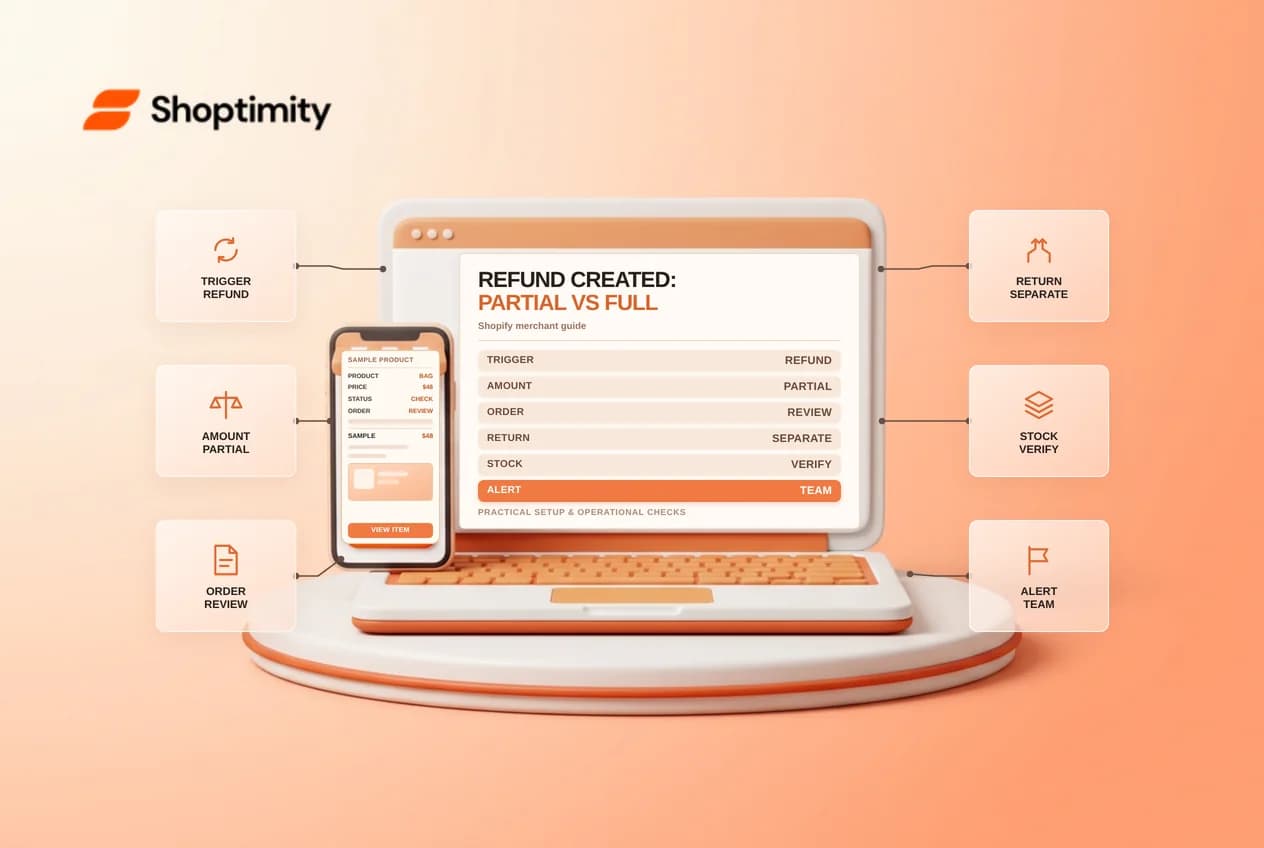
A refund can be full or partial and can be initiated by staff or an app. Shopify Flow's Refund created trigger helps a team notice the event, but the event does not necessarily mean a return has been received, a refund has reached the customer, or inventory has been restocked. Treat each as a separate check.
Understand the trigger
According to Shopify's Refund created reference, it starts when a user or third-party app partially or completely refunds an order. It provides order context for supported actions. Shopify also warns that returns cannot be created after an order is refunded, so an action attempting to create a return in a workflow starting with this trigger will fail.
A return, a refund and restocking represent different operations. For example, a customer might receive a $20 partial refund on a $100 order without returning every item. The finance team should inspect the refund record and payment status; the warehouse should check whether anything was actually returned and whether stock should be made available.
Start with an internal alert
- In Shopify Flow, create a workflow with Refund created as the trigger.
- Review the available order and refund context in the editor. Only add filters whose fields and behavior you have verified.
- Send an internal message to a restricted finance or support queue with an order reference and a link to the record.
- Save, test and document who reviews the message before enabling the workflow.
Keep account and card details out of the message. Avoid automatically marking an order paid, canceling it or issuing another refund just because a refund event occurred. Those are consequential actions that require a separate decision, appropriate permissions and careful testing.
Plan for partial refunds and repeat events
An order may have more than one refund. If the team uses an order-level tag such as “refunded,” define whether it means any refund or the entire payment has been returned. An order-level label can hide partial amounts, so link reviewers to the detailed refund and transaction records. Ask how an app-originated refund reaches the same queue and whether your reporting reconciles it.
Shopify notes that depending on refund and restocking settings, refunding can create conditions that start other workflows, such as order-cancellation or inventory-related workflows. Map those dependencies before turning on additional automation. One event can lead to multiple operational consequences; one notification should not be treated as proof that all of them succeeded.
Test and reconcile
Use a controlled test order and follow Shopify's trigger-testing guidance. Test a partial refund and a complete refund, then compare the Flow run, order timeline, payment record and any inventory change. If a third-party app issues refunds in your business, coordinate an app-specific test. Confirm that the notification contains enough information to find the correct refund but not sensitive payment data.
Assign an owner for failed runs and delayed refunds. A workflow may execute successfully while a payment provider still needs time to process money. Consult the Shopify refund documentation and the relevant provider before communicating timing to the customer.
Compare the refund amount with the specific transactions and any prior refunds before closing the internal case. If a discrepancy remains, give finance an owner and a follow-up date rather than editing payment records to make a report match.
Ready to build a faster, higher-converting store?
Every Shoptimity theme ships with conversion widgets built in — so you get speed and features without stacking apps.
7-day free trial · all themes included · cancel anytime
Continue Reading
Shopify Flow Collection Deleted: ID-Only Alerts
Create a safe collection-deleted alert in Shopify Flow, understand its ID-only data and plan a manua...
Shopify Flow Discount Created: Choose the Trigger
Compare discount code and automatic discount creation triggers in Shopify Flow and design internal p...
Shopify Flow Inventory Item Deleted: ID-Only Data
Understand the inventory item deleted trigger, its ID-only limitation and how to alert operations wi...