
Shopify Flow Variant Added vs Deleted: Safe Alerts
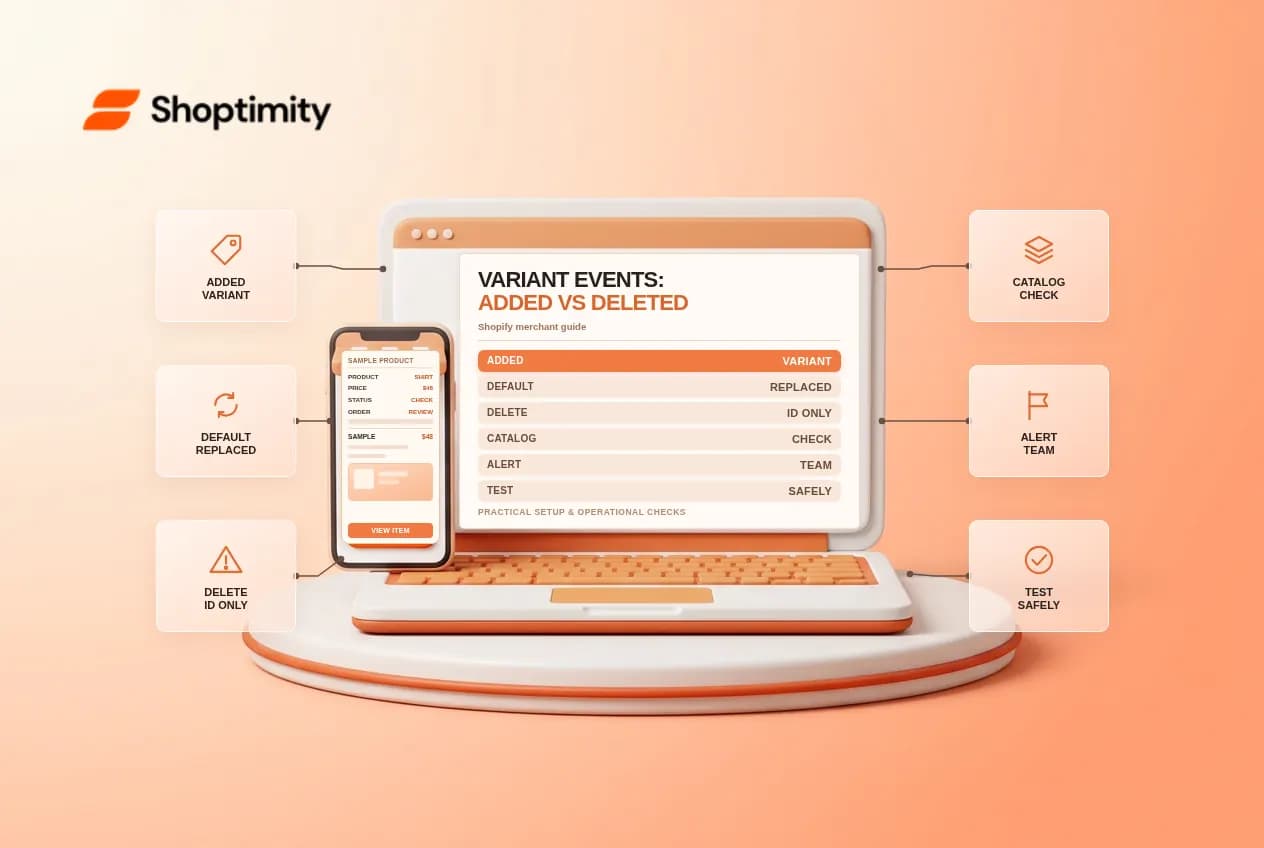
Adding and deleting product variants can start Shopify Flow workflows, but the two events do not provide the same information. A newly added variant can be inspected as an existing resource. Once a variant is deleted, Shopify says only its ID is available to the deletion trigger. Design alerts with that distinction in mind, especially if a product feed or inventory integration depends on variant data.
Choose the correct trigger
The Product variant added trigger runs when a user or app adds a variant to an existing product. Shopify also says it runs when a new product creates its single default variant. Duplicating variants and bulk operations can also produce events, so an alert is not necessarily evidence that a new product line was manually launched.
The Product variant deleted trigger runs when a variant is deleted by a user or app, including deletion through product or bulk actions. Deleted objects cannot be fetched from the API; Shopify documents the variant ID as the only available detail. An alert cannot reliably reconstruct the deleted SKU or title from that event alone.
Watch for the default-variant exception
Shopify says creating variants for an existing product deletes the product's single default variant. Consequently, the deletion workflow can run during the normal transition from a product without explicit variants to one with variants. Do not label every deleted-variant notification as an accidental product removal. Ask the catalog owner to inspect the surrounding change before escalating.
For example, a merchant adds size options to a previously single-variant shirt. The default variant may be deleted while new variants are created. If one automation interprets the deletion as an emergency and another interprets each addition as a new product launch, the team can receive conflicting messages. Distinguish individual event types and review the product's current state.
Create notification-first workflows
- In Shopify Flow, create one workflow using Product variant added and a separate workflow using Product variant deleted.
- Examine the variables and supported actions exposed by each trigger in the editor. Use only fields documented and actually available for that event.
- For the added event, send an internal catalog alert with an appropriate product or variant reference. For the deleted event, use the available variant ID and a clear instruction to investigate.
- Route messages to a restricted owner and test before enabling them for production.
Shopify lists product and variant actions for the added event and a narrower set of actions for the deleted event. Do not build a destructive workflow that unpublishes a whole product merely because one variant was removed. A redirect also requires a valid old path and useful destination; a variant ID alone does not provide those details.
Maintain a separate audit trail
If the business needs the former SKU, price or supplier mapping after deletion, agree on an appropriate pre-deletion record or integration with the catalog owner. The deletion trigger cannot retrieve details Shopify no longer exposes. Protect that record and retain it only as long as needed; an internal alert should not become an uncontrolled export of customer or supplier information.
Map other workflows and product feeds that react to variant changes. Bulk imports may generate multiple events in a short period, so decide how the team will group notifications and investigate repeated or missing records. Check the actual run history before assuming an event was missed.
Test without risking live inventory
Use a controlled test product in a safe test store. Compare adding a product with a default variant, adding options to an existing single-variant product, adding another variant and deleting a test variant. Review the Flow run and message for each event. Deletion changes real catalog data, so never use a production product merely to test an alert.
Have a catalog owner verify the current product, sales-channel availability and downstream feed after each test. If the expected context is missing, revise the notification rather than guessing. Keep a manual review route for failed runs and consult Shopify's trigger overview when the app changes.
Ready to build a faster, higher-converting store?
Every Shoptimity theme ships with conversion widgets built in — so you get speed and features without stacking apps.
7-day free trial · all themes included · cancel anytime
Continue Reading
Shopify Flow Collection Deleted: ID-Only Alerts
Create a safe collection-deleted alert in Shopify Flow, understand its ID-only data and plan a manua...
Shopify Flow Discount Created: Choose the Trigger
Compare discount code and automatic discount creation triggers in Shopify Flow and design internal p...
Shopify Flow Inventory Item Deleted: ID-Only Data
Understand the inventory item deleted trigger, its ID-only limitation and how to alert operations wi...