
Shopify Label Printers: Set Up 4x6 Thermal Hardware
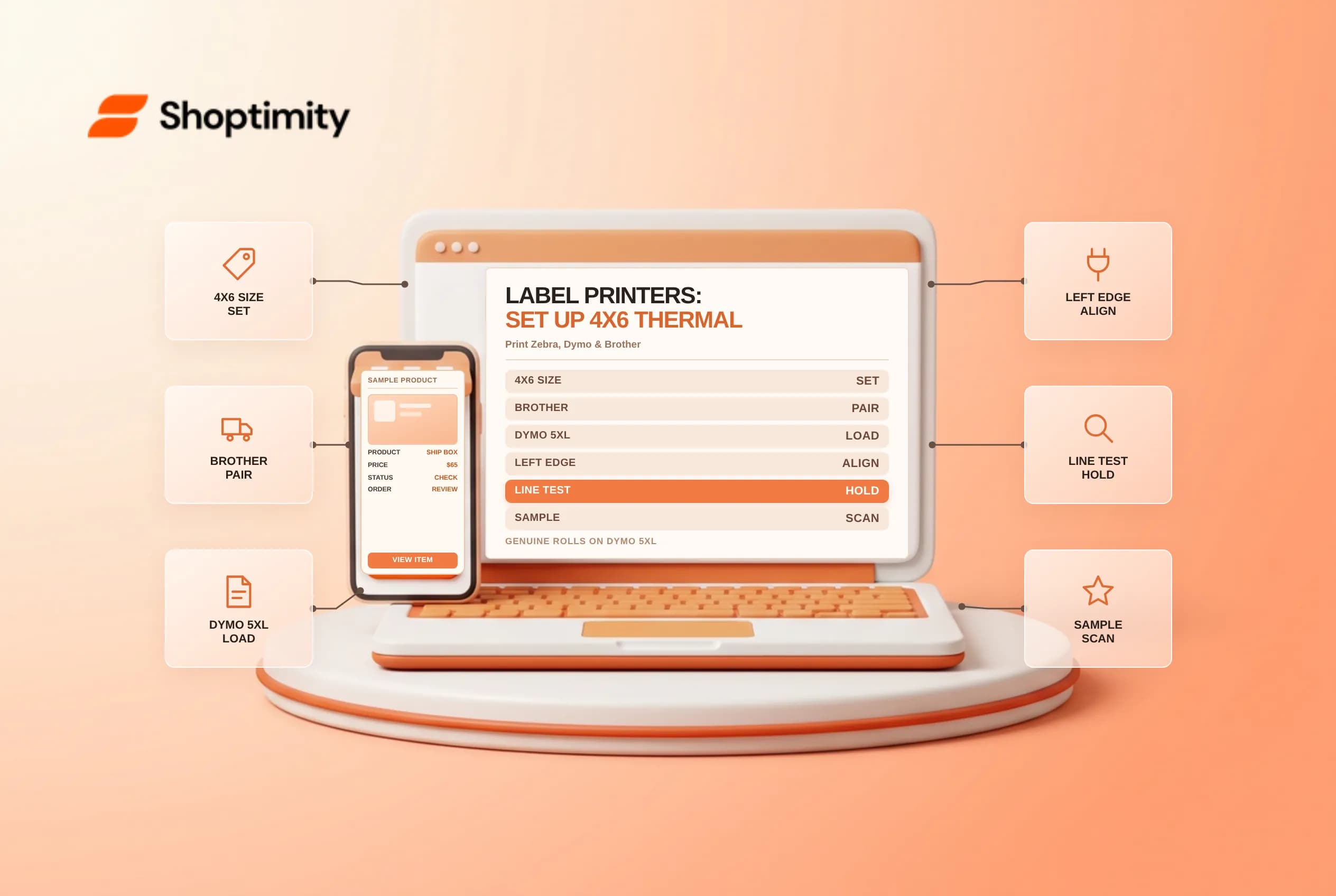
Shopify label printers let warehouses and retail backrooms print peel-and-stick 4 x 6 inch carrier shipping labels and product barcode tags without toner, ink or sheet trimming. Buying the wrong printer model for mobile iPad fulfillment or loading third-party rolls into RFID-locked Dymo hardware stalls daily dispatch queues. Check OS compatibility, 4 x 6 paper settings and Dymo label-sensor requirements before ordering rolls.
Match Zebra, Brother and DYMO models to desktop vs POS workflows
In Shopify's supported shipping label printers guide and supported hardware overview, most thermal printers work with Windows and Mac computers, while in-app mobile POS label printing requires specific wireless hardware:
| Printer model | Connection type | Supported operating systems & key workflow |
|---|---|---|
Brother QL-1110NWB | Wireless | Windows, Mac, iOS and Android (supported directly for POS Ship from store mobile printing in US, CA and AU) |
Zebra ZD421 / ZD420 | Wireless / Bluetooth / USB | Windows and Mac shipping & retail barcode labels (check exact regional model SKU in Europe vs North America) |
Zebra ZD220 | Wired USB | Windows and Mac workhorse for 4 x 6 shipping labels and Zebra hangtag/sticker stock |
DYMO LabelWriter 5XL (2112554) | USB + Ethernet LAN | Windows and Mac 4 x 6 shipping labels (DYMO 550 base model is USB-only and cannot connect to LAN) |
| Standard desktop inkjet / laser | USB / Wi-Fi | Prints labels on 8.5 x 11 inch paper sheets when dedicated thermal hardware is unavailable |
Brother QL-1110NWBZebra ZD421 / ZD420Zebra ZD2204 x 6 shipping labels and Zebra hangtag/sticker stockDYMO LabelWriter 5XL (2112554)4 x 6 shipping labels (DYMO 550 base model is USB-only and cannot connect to LAN)8.5 x 11 inch paper sheets when dedicated thermal hardware is unavailableSwitch label format to 4x6 and avoid DYMO 550/5XL roll locks
Two setup details in Shopify's label printers documentation and DYMO 550/5XL setup guide prevent miniaturized prints and skipped labels:
- Change label format from
8.5 x 11to4 x 6 inch: Before printing your first thermal carrier label inSettings > Shipping and delivery(or on the label purchase screen), switch paper size from standard desktop8.5 x 11 inchto4 x 6 inchfor label printers so barcodes print at scannable carrier density. - Use genuine DYMO-branded rolls in
550and5XLprinters: Unlike olderDYMO 4XLunits,DYMO LabelWriter 550and5XLprinters rely on Dymo-branded roll recognition and perforation holes; Shopify notes that perforations on third-party rolls are frequently undetectable, causing misfeeds and blank advancements. - Load rolls from underneath, flush left: Place the roll on the spindle feeding from underneath with the left edge pressed firmly against the spool side, align the label's left edge with the exit slot and slide the right-hand guide snug against the roll.
Run a form-feed test pattern and batch-print cleanly
Verify hardware health before peak Monday fulfillment runs:
- Run the 5-to-10-second
FORM-FEEDprinthead check: On DYMO550/5XLunits, hold the front FORM-FEED button for5 to 10 secondsto print vertical test lines; any white vertical gap across the pattern signals dust or adhesive buildup on the thermal head that could break carrier barcode scans. - Pair thermal printers with order batches and collated pick lists, POS Pro Ship from store fulfillment and Retail Barcode Labels variant printing.
- Match exact label stock model numbers before ordering bulk cartons for retail hangtags or warehouse shelves. Shopify's hardware reference lists specific supported Dymo barcode rolls (
30332small,30336medium,30252large,30299butterfly and1744907for4 x 6shipping) alongside Zebra label SKUs (10010037through10010044). Printing one physical sample and scanning it with your POS scanner before running a 500-label batch prevents misaligned SKU barcodes across an entire seasonal drop. Store unused thermal rolls away from direct window sunlight and space heaters so heat-sensitive label coatings never darken inside the supply closet before printing.
Ready to build a faster, higher-converting store?
Every Shoptimity theme ships with conversion widgets built in — so you get speed and features without stacking apps.
7-day free trial · all themes included · cancel anytime
Continue Reading
Shopify Flow Collection Deleted: ID-Only Alerts
Create a safe collection-deleted alert in Shopify Flow, understand its ID-only data and plan a manua...
Shopify Flow Discount Created: Choose the Trigger
Compare discount code and automatic discount creation triggers in Shopify Flow and design internal p...
Shopify Flow Inventory Item Deleted: ID-Only Data
Understand the inventory item deleted trigger, its ID-only limitation and how to alert operations wi...