
Shopify Return Exchanges: Manage Stock, Balances and Shipping
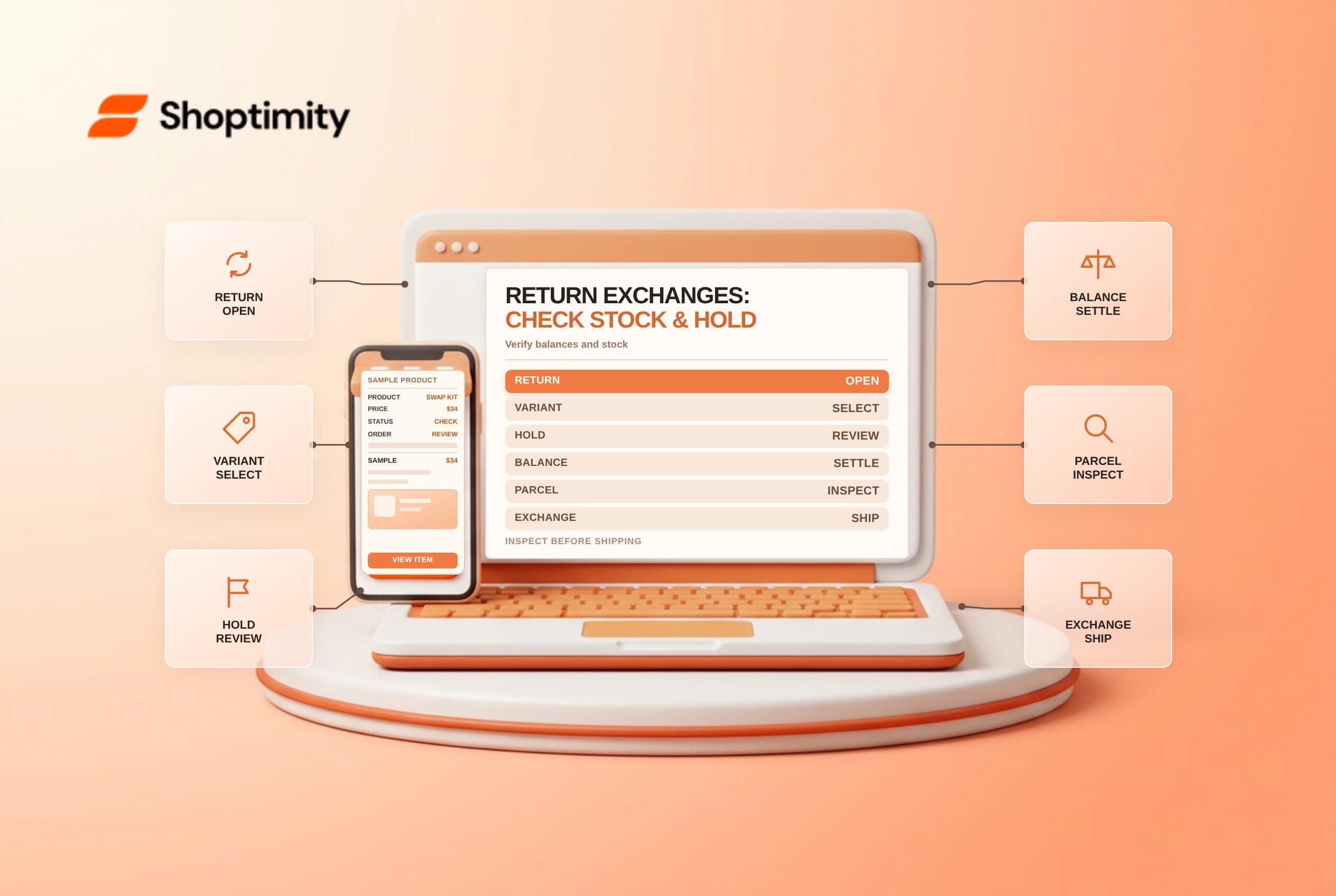
Shopify return exchanges let operations teams add replacement variants directly inside an online return instead of canceling and rebuilding an order. That keeps the return history, fee calculation and fulfillment trail on one order record. Check stock reservations, system holds and price differences before promising an immediate replacement shipment.
Check eligibility and stock timing
Shopify's creating returns and exchanges guide notes that you can open a return only for fulfilled items that have not already been refunded. Catalog variants can be selected as exchange items, while custom line items cannot be added as exchange replacements. Confirm the exact size, color or SKU with the buyer before saving the return.
One inventory detail catches warehouses off guard: Shopify states that exchange item inventory is not reserved when you first create the return. Stock is reserved when you process the return. If a replacement variant has only one or two sellable units left, another online buyer can purchase that stock while the return parcel is still in transit.
| Return exchange stage | What changes on the order | Risk to check |
|---|---|---|
| Return created with exchange item | Estimated refund or balance is calculated | Replacement stock is not reserved yet |
| System fulfillment hold applied | Exchange item sits under Awaiting return items | Premature release ships before inspection |
| Return received and processed | Return fees, stock and net balance finalize | Restocking and shipping fees affect net total |
| Balance settled and hold released | Warehouse fulfills the replacement item | Verify address before buying the new label |
Review the fulfillment hold before shipping
Shopify's fulfillment holds documentation explains that exchange items created inside a return receive an automatic system hold labeled Awaiting return items. That hold blocks fulfillment until staff release it manually after receiving and inspecting the returned merchandise.
Releasing the hold early turns a standard exchange into an instant replacement. Only release Awaiting return items ahead of inspection when store policy explicitly permits advance exchanges and your team accepts the loss risk if the original parcel never arrives or comes back damaged. When approving customer requests through self-serve return management, apply any agreed item discount before finalizing the approval email so the buyer sees an accurate estimate.
Settle uneven balances and fees accurately
Exchange financials fall into three outcomes once return shipping fees, restocking fees and taxes are included:
- Even exchange: The replacement item matches the returned value, so the original payment covers the exchange item once the return is processed.
- Refund due to customer: The replacement item costs less than the returned item after fees, so staff process the return and issue the remaining refund.
- Payment due from customer: The replacement item plus any return fees exceeds the returned item value, leaving an unpaid balance to collect.
When the buyer owes a difference, send an invoice during return processing or capture payment after processing before releasing fulfillment. Note that Shopify lets staff edit restocking fees per item or per return, whereas the return shipping fee applies at the return level. Keep fee edits consistent with your published policy so support agents can explain every dollar on the order timeline.
Close both sides of the warehouse loop
Inspect the returned item, choose whether damaged units belong in sellable stock, settle any open refund or invoice and confirm the shipping address before fulfilling the replacement. Buyers who moved after placing the original order often forget that an exchange defaults to the order delivery address unless support updates it before label purchase.
Related guides: partial return processing, fulfillment holds review and return rules setup.
Ready to build a faster, higher-converting store?
Every Shoptimity theme ships with conversion widgets built in — so you get speed and features without stacking apps.
7-day free trial · all themes included · cancel anytime
Continue Reading
Shopify Flow Collection Deleted: ID-Only Alerts
Create a safe collection-deleted alert in Shopify Flow, understand its ID-only data and plan a manua...
Shopify Flow Discount Created: Choose the Trigger
Compare discount code and automatic discount creation triggers in Shopify Flow and design internal p...
Shopify Flow Inventory Item Deleted: ID-Only Data
Understand the inventory item deleted trigger, its ID-only limitation and how to alert operations wi...