
Startup Shopify Theme Review 2026: Best for One Product?
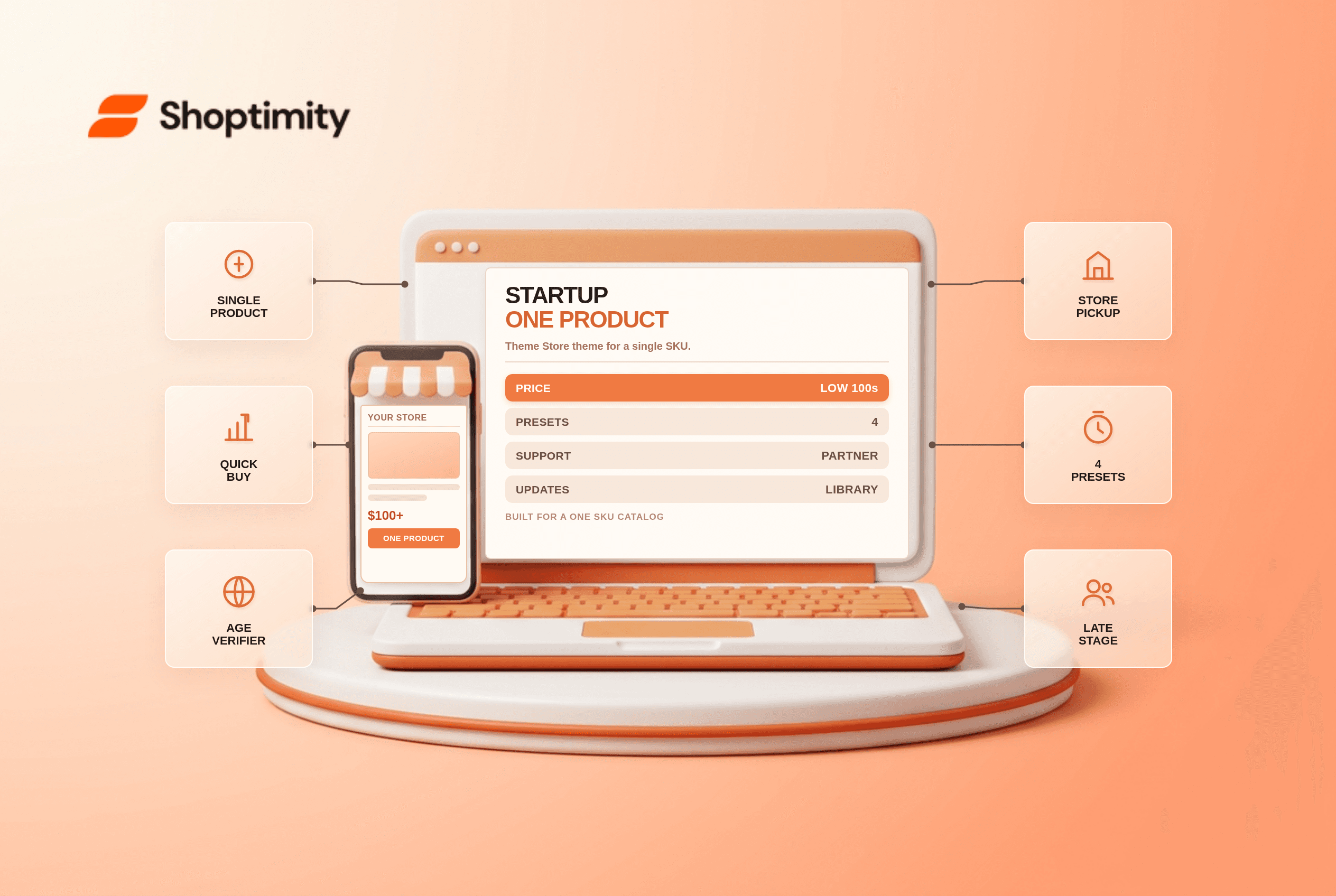
The Startup Shopify theme is a paid theme built for small catalogs and single-product stores. It is sold through the Shopify Theme Store, which means Shopify reviews the code, updates arrive in your theme library, and support obligations are set by the partner program. For a store selling one hero product, the layout decisions are already made for you.
What the Startup theme is built for
Startup is one of the older themes in the Shopify Theme Store, and its job has not changed. It gives a single product room at the top of the page, then stacks proof and explanation underneath. Four presets ship with it, aimed at tech, home, clothing and travel products.
That focus is the theme's advantage. Multipurpose themes ask you to delete half the page before your product looks right. Startup asks you to add content to a page that already has the right shape.
What Startup costs
Expect a one-time price in the low hundreds. Sources disagree on the exact figure: some roundups quote $100, others $240, and the difference usually reflects which license tier or regional listing the author checked. Confirm the current price on the Shopify Theme Store listing before you budget.
According to the theme's Theme Store listing, one payment covers one store. There is no monthly fee, and no revenue share. Compared with a theme that bundles thirty apps, Startup is cheap. Compared with a free theme plus a page builder, it is not free.
| Cost line | Startup | Free theme plus builder |
|---|---|---|
| Upfront | Low hundreds, one time | $0 to $30 a month |
| Updates | Theme library | Theme library |
| Support | Partner obligations | Community only |
| Layout decisions | Pre-made | Yours to make |
| Best fit | One product, small catalog | Anything with patience |
The single-product layout, and why it matters
A single-product store has one job on the homepage: get a shopper to the buy button with enough trust to press it. Startup places product media, a short benefit stack and social proof in that order. Reviews, testimonials and FAQ sections sit directly beneath, which is the order that survives a cold traffic test.
In our experience, the difference between a single-product store that converts and one that does not is rarely the hero image. It is whether the page answers three questions before the scroll: what is it, who is it for, and what happens after I pay. Startup gives you slots for all three.
The theme also covers the small operational details that single-product stores need: cart notes, in-store pickup, quick buy, an age verifier and a store locator. Those are the features that stop a launch from sliding into app purchases.
Where Startup runs out of room
Startup was designed for a narrow catalog. As the catalog widens, the theme's assumptions start working against you. Collection pages do not carry the merchandising depth that a fifty-SKU store needs, and the homepage structure wants to keep promoting one product.
Speed is decent, not exceptional. The theme is lighter than the bundled-feature themes, and heavier than the leanest premium fashion themes. On paid traffic, that difference shows up in cost per click, not in the design.
The bigger risk is template staleness. Older Theme Store themes receive maintenance updates, but they do not always adopt new Shopify features at the same pace as the newest themes in the store. Before you commit, check the changelog date on the listing.
Startup vs a single-product page builder
Plenty of stores skip the theme decision and build a landing page with an app instead. That works, and it is often cheaper for a first test. The catch is that you own the maintenance, and page builders add weight to the exact page that needs to be fastest.
If the product is validated and you intend to keep selling it, a theme built for that shape is the better long-term home. If you are testing three offers this month, a builder wins on flexibility. Read how paid themes compare with app-heavy stacks before you decide the app route is cheaper.
For stores that will grow past one product, look at the buyer's guide to Shopify themes in 2026 instead. Startup is a specialist, and specialists are a poor fit for a catalog that keeps adding categories.
Who should buy Startup
Startup suits a founder launching one physical product with a clear offer, a budget under $300, and no design team. It also suits dropshippers testing a single winning product before scaling into a broader catalog.
Skip it if you already sell five or more distinct product lines, if you need editorial collection pages, or if you plan to run a content-led SEO strategy with heavily structured landing pages. Those stores need a theme with more layout depth.
Ready to build a faster, higher-converting store?
Every Shoptimity theme ships with conversion widgets built in — so you get speed and features without stacking apps.
7-day free trial · all themes included · cancel anytime
Continue Reading
Shopify Dawn vs Horizon: Which Free Theme to Start With in 2026
Both free, very different builds. Horizon gives 28 sections and deep nesting, Dawn gives stability. ...
Shopify Horizon Theme Review 2026: The Best Free Theme, With a Catch
Horizon is free, block-based and AI-assisted, with a 35% merchant rating. What it does better than D...
Shopify Theme Store vs ThemeForest: Where to Buy in 2026
Code review, support terms and update paths compared, plus the total cost of ownership that neither ...